

Yealink Connect & Jabra Direct: Update Firmware & Customize Your Headset
Posted by Global Teck Worldwide Staff on 23rd Feb 2026
Yealink Connect & Jabra Direct: Update Firmware & Customize Your Headset
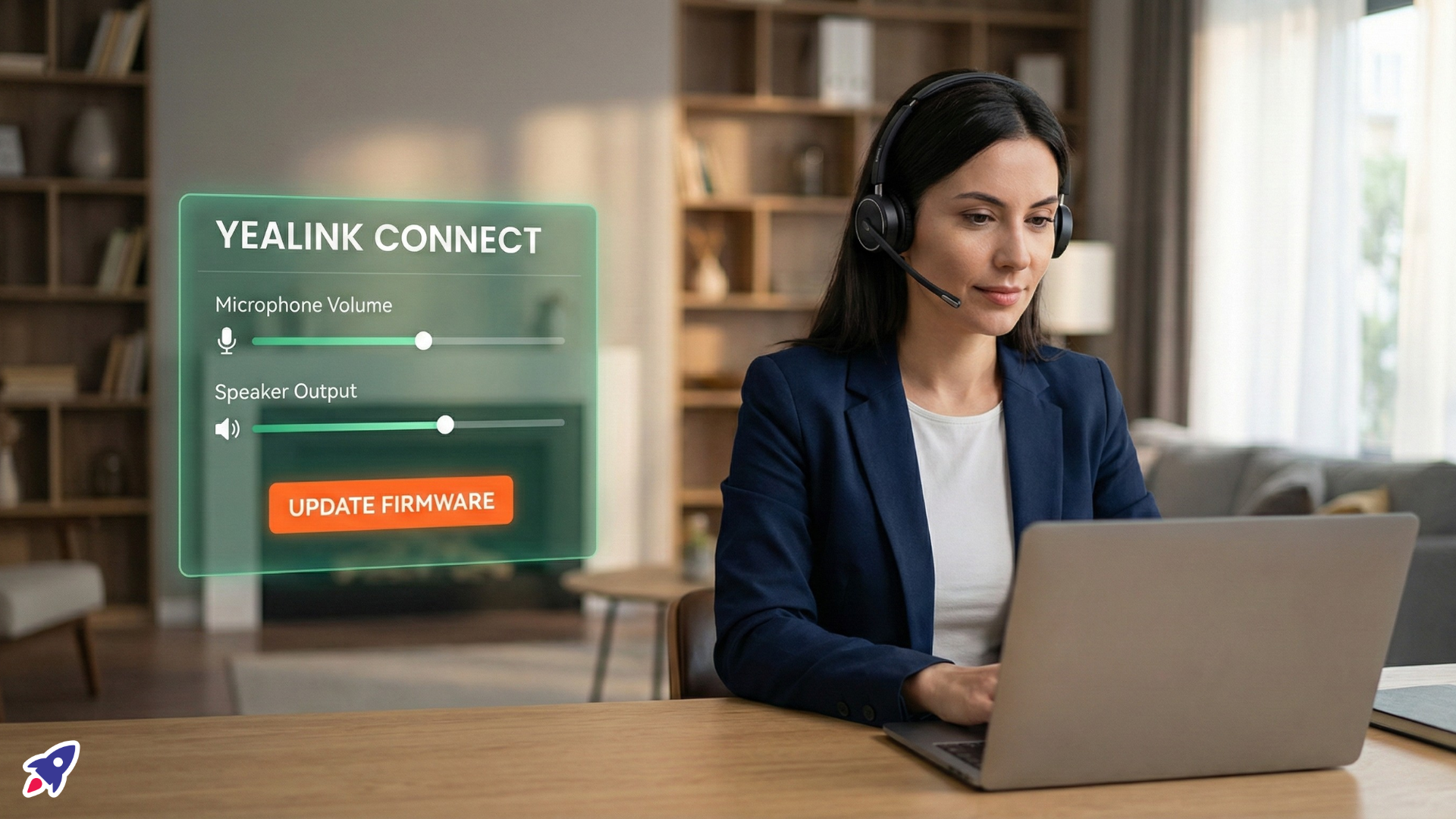
The Software Advantage: Customizing Audio with Jabra Direct & Yealink Connect
Ever have one of those calls? You’re mid-sentence, trying to explain something critical, and suddenly your audio drops out, or a weird buzzing starts. Maybe your mic sounds like you’re calling from the bottom of a well, or your headset volume is stuck in "library whisper" mode, even when you're in a busy office.
It’s frustrating, right? These little tech hiccups aren't just annoying; they chip away at your professionalism, make you look less reliable, and frankly, waste precious minutes trying to troubleshoot when you should be getting things done. It feels like your premium headset isn’t quite living up to its promise, and you're left wondering if you bought the wrong gear.
Good news: often, it’s not the headset itself that’s the problem. It’s a matter of getting it dialed in, up-to-date, and personalized for your specific needs. That’s where the unsung heroes of professional audio come in: software like Jabra Direct and Yealink Connect. These aren’t just dusty utilities; they’re your personal audio engineers, ready to transform your headset from "meh" to "magnificent."
Who This Is For
While anyone with a compatible headset can benefit, this dive into software customization truly shines for a few key folks:
- The IT Admin Who Manages Headsets: You’re the one who gets the calls when things go sideways. You need centralized control, easy updates, and consistent performance across the team. Less troubleshooting for you, more productivity for everyone else.
- The Remote or Hybrid Worker: Your office is wherever you are, and your audio needs to adapt. From quiet home office to bustling coffee shop (or even just sharing a desk), you need to fine-tune your sound for crystal-clear communication, every time.
- The Power User Who Demands Perfection: You know your audio. You want to tweak every setting, ensure your mic is perfectly balanced, and that your headset is always running the latest and greatest software for peak performance.
- Small Business Owners & Call Center Managers: Your team's voice is your business. Ensuring reliable, high-quality audio means happier clients, more successful interactions, and fewer dropped calls due to tech issues.
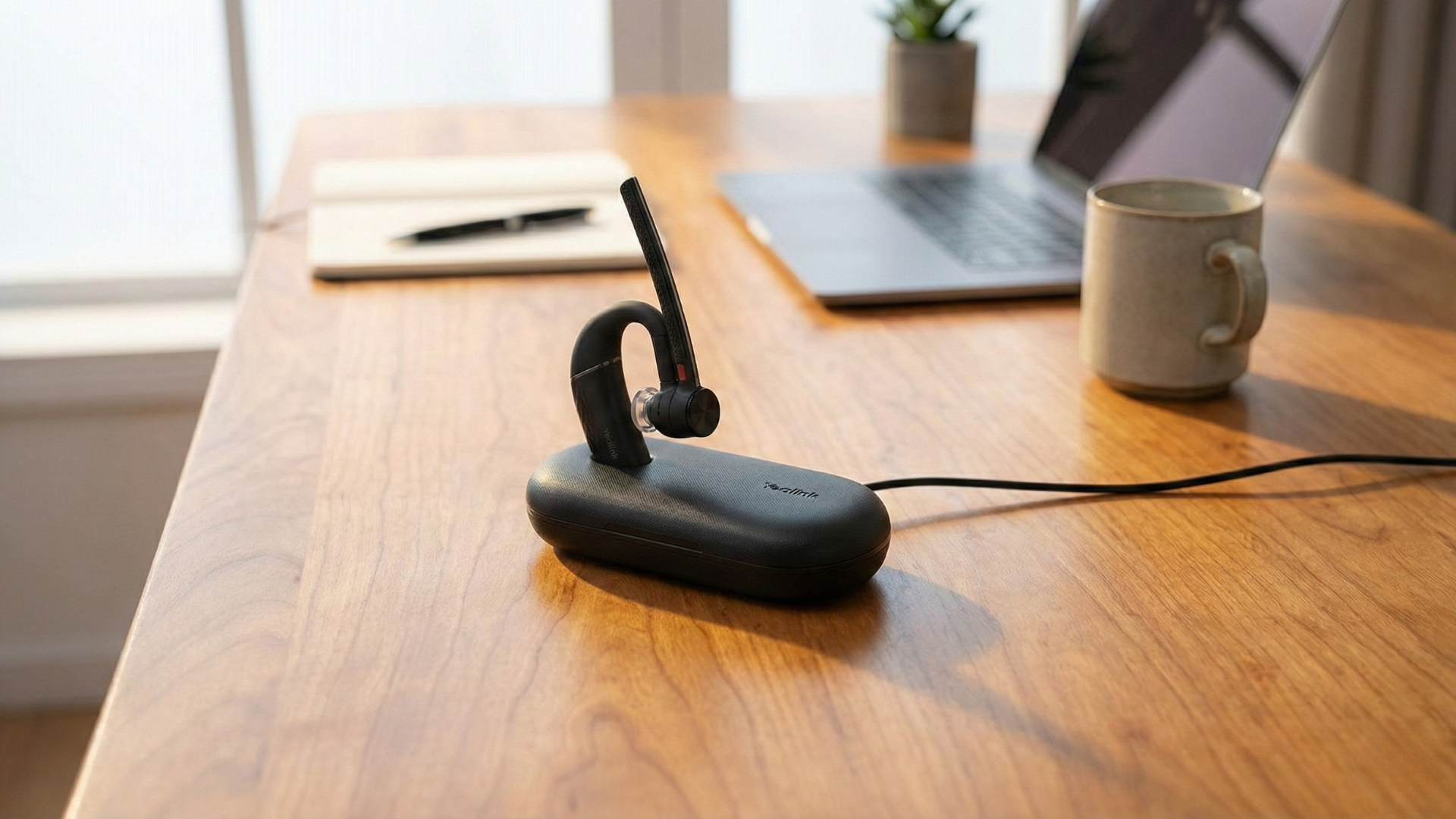
Keep Your Gear Sharp: Why Firmware Updates Matter
Think of your headset’s firmware like the operating system for your computer. It’s the core software that tells it how to function. Just like your phone or laptop needs regular updates, so does your professional headset.
Ignoring firmware updates is like driving a sports car on bald tires – it might work for a bit, but you’re missing out on performance and risking a flat. Jabra Direct and Yealink Connect make keeping your headset up-to-snuff incredibly simple, bringing a host of crucial benefits:
- Bug Annihilation: Ever notice a quirky audio glitch or an inconsistent connection? Firmware updates often squash those pesky bugs, improving stability and reliability, so your calls actually just... work.
- Feature Unlocks: Headset manufacturers are always innovating. Updates can bring exciting new functionalities to your existing hardware, like enhanced noise cancellation, new audio profiles, or improved button controls.
- Compatibility Boosts: Software platforms (Zoom, Teams, etc.) are always evolving. Firmware updates ensure your headset stays perfectly in sync, preventing compatibility headaches and ensuring seamless integration with your essential communication tools.
- Security Fortification: In an increasingly connected world, even your headset can be a point of vulnerability. Updates often include critical security patches, keeping your communications private and protected.
Your Sound, Your Rules: Personalize Your Audio Experience
One size rarely fits all, especially when it comes to how you hear and how you’re heard. What sounds perfect to one person might be muffled or too loud for another. This is where the real magic of headset management software shines: giving you the reins to sculpt your personal audio environment.
Instead of just accepting default settings, you get to be the DJ of your own communication, ensuring every call is tuned precisely to your preference and environment:
- Equalizer (EQ) Adjustments: Tweak bass, mid-range, and treble levels to make voices sound richer, clearer, or just how you like them. No more tinny calls or booming voices – get that perfect balance.
- Sidetone Control: Ever feel like you’re shouting because you can’t hear your own voice in your headset? Sidetone lets you adjust how much of your own voice you hear through the earpieces, preventing vocal fatigue and making conversations feel more natural.
- Microphone Sensitivity & Noise Suppression: Fine-tune how your mic picks up your voice and, more importantly, how it filters out background distractions. Translation: your clients don't hear your dog losing its mind two rooms away, or the barista grinding beans.
- Ringtone & Notification Customization: Set distinct ringtones for incoming calls or notifications, helping you differentiate between important alerts and less urgent pings, all without fumbling with your phone.
- Busylight Management: For headsets with integrated "busylights," these apps let you control when they activate, signaling to colleagues that you're on a call and shouldn't be disturbed – a silent, powerful productivity tool.
Why It Matters: Beyond Just "Good" Audio
So, why go through the (minimal) effort of using these software tools? Because it’s about more than just hearing better. It's about tangible outcomes for your work and your peace of mind.
When your headset is perfectly optimized, you’ll spend less time troubleshooting and more time connecting. You'll sound consistently professional, making better impressions on clients and colleagues. You'll reduce miscommunications and the awkward "Can you repeat that?" moments. Ultimately, you'll save mental energy, avoid tech headaches, and simply make your work life smoother and more productive. It’s the difference between merely making a call and having a truly effective conversation.
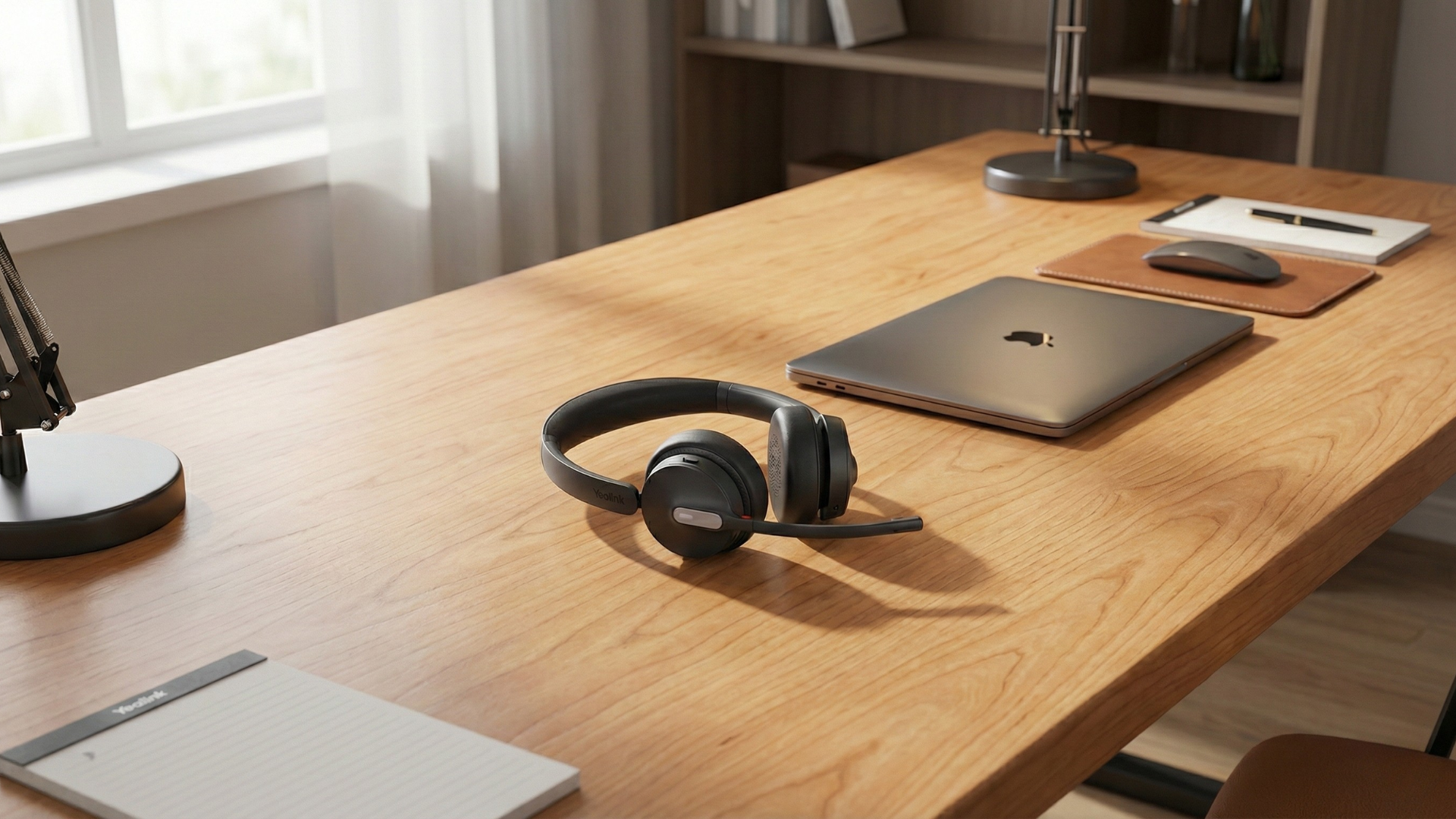
Ready to Take Control? Shop the Gear That Plays Nicely
The beauty of Jabra Direct and Yealink Connect is that they empower you to get the absolute most out of your compatible professional headsets. If you’re looking to upgrade or outfit your team with gear that truly works for them, these are the kinds of features that unlock peak performance.
- Jabra Evolve2 Headsets: Engineered for concentration and collaboration, these headsets, like the Jabra Evolve2 65 Flex, integrate seamlessly with Jabra Direct for firmware updates and deep customization, ensuring premium audio quality and robust feature sets.
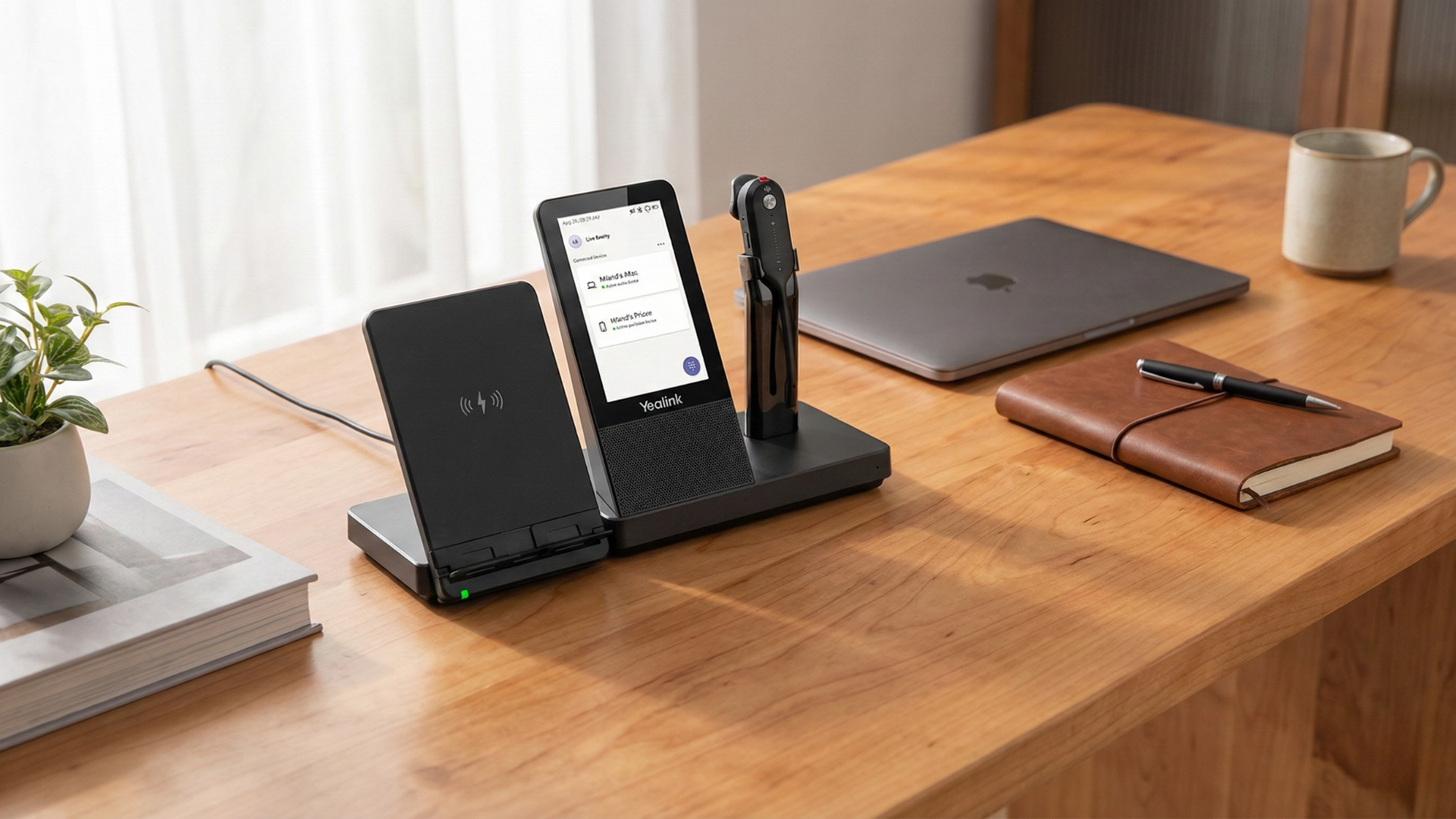
- Yealink UC Headsets: Designed for unified communication environments, Yealink's professional headsets pair with Yealink Connect to offer IT managers and individual users comprehensive control over settings and updates, guaranteeing consistent, high-quality experiences.
- Discover All Compatible Headsets: Explore our full range of professional Jabra and Yealink headsets, all designed to leverage the power of their respective software for an optimized communication experience.
Need a Helping Hand? We're Here to Guide You
Navigating the world of professional headsets and their accompanying software can feel a bit like learning a new language. If you're scratching your head about which model is right for your specific needs, or how to best optimize your current setup, don't sweat it! Our team of experts at Global Teck Worldwide is here to provide personalized advice. Drop us a line through our contact form or give us a call – we’re ready to help you find your perfect audio match.
Technical Clarification
Note: Jabra Direct optimizes Jabra headsets (firmware updates, EQ, sidetone) via its desktop app. Yealink Connect (mobile) and USB Connect (desktop) handle Yealink headsets similarly for settings and updates. Both brands integrate via EHS adapters or dongles—no cross-app functionality between them.
Video Overview
If the embedded video doesn’t load, watch it here.
Need help picking the right headset or speakerphone?
Contact Global Teck Worldwide