
Work From Home Office Setup Made Simple
Posted by Quentin Vernon on 10th Apr 2026
Work From Home Office Setup Made Simple
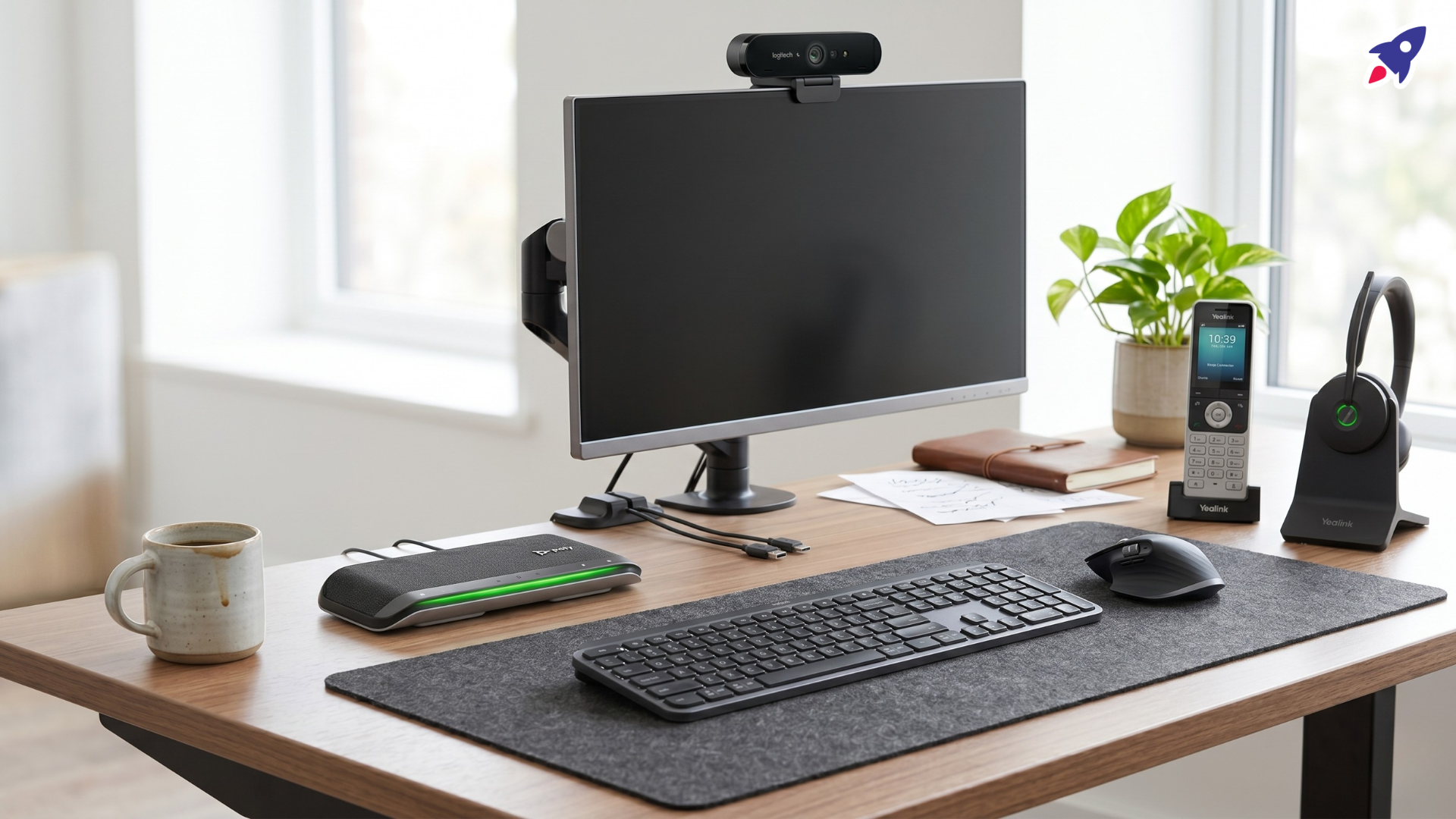
The best work from home office setup usually includes a quality headset, a dependable webcam, and a speakerphone only if you need hands-free or shared-room calls. For most remote professionals, the headset matters most because audio quality has the biggest impact on call clarity, focus, and day-to-day meeting comfort.
If you are building or upgrading a hybrid work setup, start with the device that solves your biggest problem first: poor audio, weak video, or awkward collaboration. Then add the other pieces around that need instead of buying every accessory at once.
- Choose a headset if you want privacy, better mic pickup, and fewer background distractions.
- Choose a webcam if you need a more professional video presence than your laptop camera provides.
- Choose a speakerphone if you take hands-free calls or occasionally have another person join from the same room.
That matters because hybrid work is still shaping how people communicate. Microsoft reported in its 2022 Work Trend Index that hybrid work was up to 38% year over year, and the study covered 31,000 people across 31 countries. In practical terms, reliable meeting gear is no longer optional for many teams.
Who Is This Work From Home Office Setup Guide For?
This guide is for professionals who need clearer calls, better video, and fewer meeting frustrations at home. It is especially useful if your current setup relies on a laptop mic, a built-in camera, or consumer gear that is fine for casual use but weak during client or team meetings.
- Remote workers who spend hours each week on Zoom, Microsoft Teams, or Google Meet
- Hybrid employees upgrading a home office for more consistent meeting quality
- Small business owners and client-facing professionals who need a more polished setup
- Office managers or operations leads standardizing equipment for distributed teams
- Anyone comparing a headset, webcam, and speakerphone for home office use
Should You Choose a Headset, Webcam, or Speakerphone?
Choose based on the communication problem you need to solve first. A headset improves audio and privacy, a webcam improves how you look on calls, and a speakerphone improves hands-free collaboration.
| Device | Best For | Main Strength | Main Tradeoff |
|---|---|---|---|
| Professional headset | Daily calls, focus work, private conversations | Best voice clarity and background-noise control | Can feel isolating during long days |
| Dedicated webcam | Video-first meetings, presentations, client calls | Sharper image, better framing, better low-light performance | Does not solve your audio problem by itself |
| Speakerphone | Hands-free calls, casual collaboration, shared desks | Natural room audio without wearing anything | Less privacy and weaker noise isolation than a headset |
Microsoft’s Teams certification guidance also reinforces why compatibility matters: certified headsets, speakerphones, and webcams are tested for audio or video quality and plug-and-play use, which can reduce setup friction in real-world hybrid environments.
What Should You Look For in a Home Office Communication Setup?
The right features depend on your work style, but call clarity, comfort, compatibility, and ease of setup should come first. Fancy features are only worth paying for when they solve a real work problem.
1. Call quality and microphone performance
Prioritize clear voice pickup over marketing language. If people often ask you to repeat yourself, your microphone is a bigger problem than your camera.
2. Platform compatibility
Check whether the device works well with your meeting platform. If your team lives in Microsoft Teams or Zoom, platform-certified accessories can be easier to deploy and manage.
3. Comfort for long meetings
If you wear a headset for hours, weight, clamp force, ear cushion material, and adjustability matter more than you may expect.
4. Noise control
In a busy home, a strong mic with noise reduction is often the highest-value upgrade. For your own focus, active noise cancellation can also help during back-to-back meetings.
5. Video quality and framing
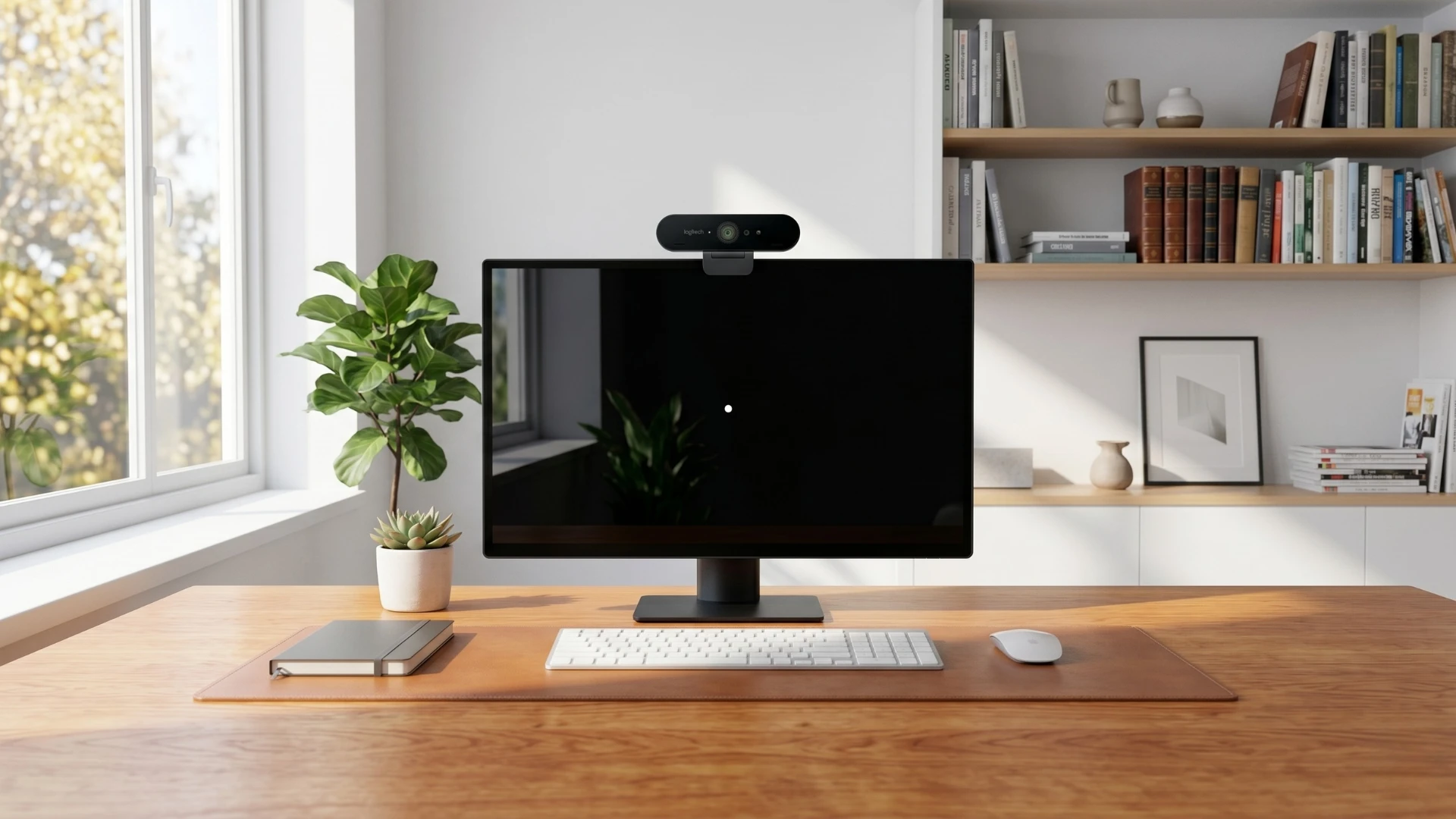
If you are upgrading from a laptop camera, a dedicated webcam can noticeably improve sharpness, lighting, and composition. Logitech’s webcam lineup, for example, spans 720p, 1080p, and 4K models, which is a useful reminder that not every user needs the same level of video quality.
6. Wired versus wireless
Wireless is more flexible, but wired devices are simpler and eliminate battery anxiety. If you pace during calls or move between rooms, wireless can be worth the trade.
7. Durability and support
Replaceable ear pads, dependable firmware updates, and a clear warranty policy make a real difference over time, especially for everyday business use.
Which Device Is Best for Your Work Style?
Most people do not need every accessory at once. The best work from home office setup is the one that fits how you actually spend your day.
Best for people who are always on calls
A noise-canceling headset is usually the best first purchase. It gives you clearer audio, more privacy, and better focus during long meeting blocks.
Best for client-facing professionals
A headset plus a dedicated webcam is usually the strongest combination. You sound professional and look more polished without overcomplicating the setup.
Best for shared or hands-free conversations
A speakerphone works well when you want a more natural, open conversation style or need another person to join from the same room.
Best for noisy home environments
Start with a headset that has a strong microphone and reliable noise handling. This is usually a more meaningful upgrade than buying a better webcam first.
Best for video-heavy meetings and presentations
If visual presence affects trust or client confidence, upgrade your webcam early. Better light correction and framing can make remote meetings feel more polished and less improvised.
What Mistakes Do People Make When Building a Home Office Setup?
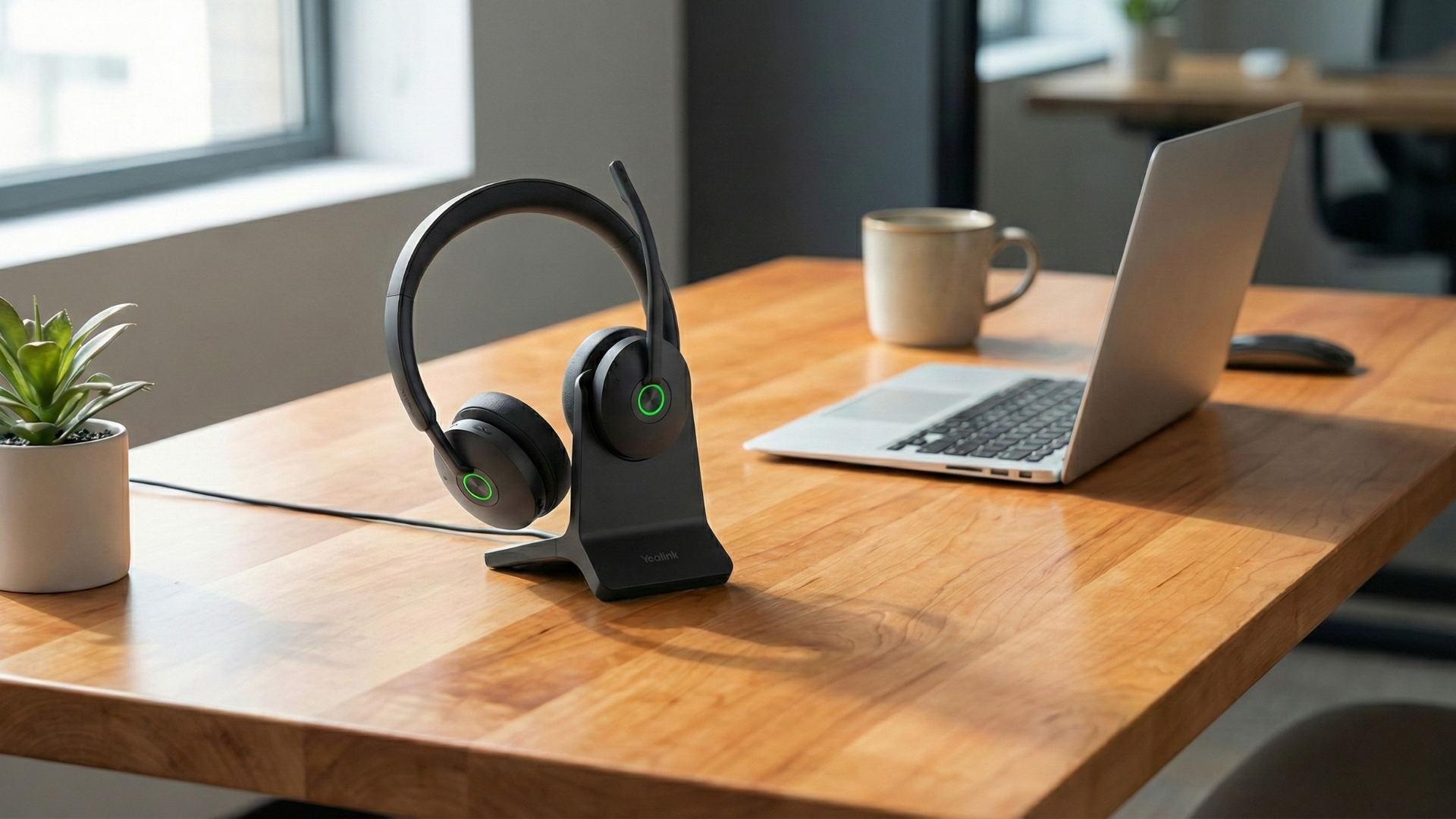
The biggest mistake is solving the wrong problem first. Many buyers chase image quality when their real issue is unclear audio, background noise, or meeting fatigue.
- Overvaluing video and undervaluing audio: People will tolerate average video longer than they will tolerate muffled or echo-heavy sound.
- Assuming all devices work the same on every platform: Compatibility and certification can affect controls, updates, and day-to-day reliability.
- Buying an uncomfortable headset: If you wear it for hours, comfort is part of performance.
- Ignoring room noise: Built-in laptop mics often struggle in homes with family noise, traffic, fans, or hard surfaces.
- Paying for features you will never use: Premium range, 4K video, or advanced controls are not always worth it for occasional meetings.
When Is Premium Home Office Gear Worth It?
Premium gear makes sense when communication quality directly affects your productivity, credibility, or client experience. If meetings are central to your job, better hardware is often easier to justify than people expect.
- Pay more for a headset if you work in a noisy space, stay on calls for long stretches, or need dependable mic quality every day.
- Pay more for a webcam if you present often, meet with clients, or need stronger low-light performance and framing.
- Pay more for a speakerphone if you regularly host shared-room or hands-free conversations.
- Save money if your meetings are infrequent, your room is already quiet and well lit, or your current setup is only missing one specific piece.
What Is the Best Work From Home Office Setup for Most People?
For most people, the best work from home office setup is a comfortable headset first, a dedicated webcam second, and a speakerphone only when hands-free use adds real value. That order gives you the biggest practical improvement with the least wasted spend.
- Fix your audio first.
- Upgrade your video second.
- Add a speakerphone only if your workflow calls for it.
If you are unsure where to start, think about the last three frustrating meetings you had. The pattern usually tells you what to upgrade first.

FAQ: Work From Home Office Setup
Do I need a webcam if my laptop already has one?
Not always. If your laptop camera already looks sharp and handles lighting well, you may not need a separate webcam. A dedicated webcam matters more for client-facing calls, presentations, and low-light rooms.
Is a headset better than a speakerphone for remote work?
Usually, yes. A headset is better for privacy, mic clarity, and noise control. A speakerphone is better when you want hands-free use or occasional small-group participation.
What matters more for meetings: audio or video?
Audio usually matters more. People can stay engaged through average video, but poor audio quickly makes a meeting frustrating.
Is a wireless headset worth it for a home office?
It is worth it if you move around during calls or dislike cable clutter. If you stay at your desk all day, a wired headset is often the simpler and more cost-effective choice.
What should I check before buying work from home office gear?
Check compatibility with your laptop and meeting platform, microphone quality, comfort, warranty support, and whether the features match how you actually work.
Sources
Video Overview
If the embedded video does not load, watch it here.
Need help choosing the right headset, webcam, or speakerphone?
Contact Global Teck Worldwide