
Wireless Headset Battery Draining Fast? Top Fixes
Posted by Quentin Vernon on 11th May 2026
Wireless Headset Battery Draining Fast? Top Fixes
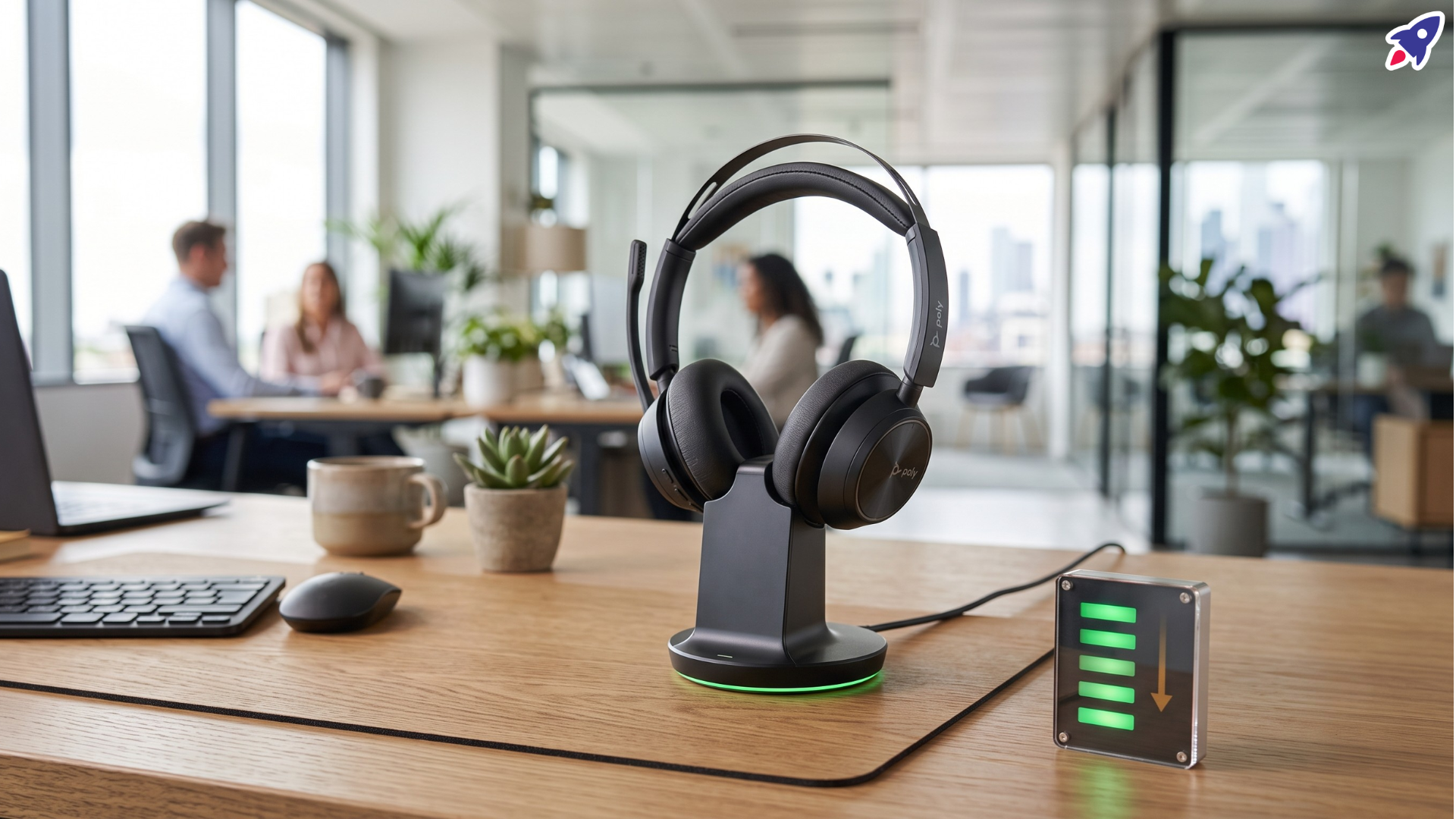
Why is your wireless headset battery draining so fast?
Your wireless headset battery is usually draining fast because the headset is working harder than expected or the lithium battery is aging. Heat, constant full charging, high listening volume, active noise cancellation, high-bitrate Bluetooth codecs, multipoint connections, and standby mode can all reduce runtime.
If the battery drain started suddenly, begin with settings: lower the volume, turn off ANC in quiet rooms, disconnect unused Bluetooth devices, and fully power the headset off when you are done. If the headset is several years old, the battery may simply have lost capacity after hundreds of charge cycles.
Key takeaways
- Start with power-hungry features. ANC, transparency mode, high volume, spatial audio, and high-resolution Bluetooth codecs can shorten playback time.
- Keep the battery cool. SoundGuys notes that heat accelerates lithium-ion battery degradation and raises safety risk.
- Avoid all-night charging when you can. Partial charging is usually healthier for lithium batteries than repeated 0-100% cycles.
- Turn the headset off when idle. Standby mode can still maintain Bluetooth connections and slowly drain power.
- Expect aging over time. Grepow notes that many Bluetooth headset batteries are rated around 500 complete cycles before noticeable capacity loss.
What should you check first when a headset battery drains quickly?
Check the settings that change battery life in minutes, not months. These fixes are fast, reversible, and often enough to get more runtime from a wireless headset during calls, music, or travel.
- Lower the volume. High volume makes the drivers work harder. SoundGuys reports that maximum volume can reduce headphone battery life by about 25-30% compared with moderate listening.
- Turn off ANC or transparency mode when you do not need it. Active noise cancellation uses microphones and signal processing continuously, so it consumes more power than passive listening.
- Disconnect extra devices. Bluetooth multipoint is convenient, but maintaining connections to more than one phone or computer can increase battery drain.
- Power the headset off after use. Standby mode still uses power to keep Bluetooth ready. Earbuds should go back in the charging case when not in use.
- Move the headset away from heat. Do not charge it on a sunny windowsill, near a radiator, inside a hot car, or under a pillow.
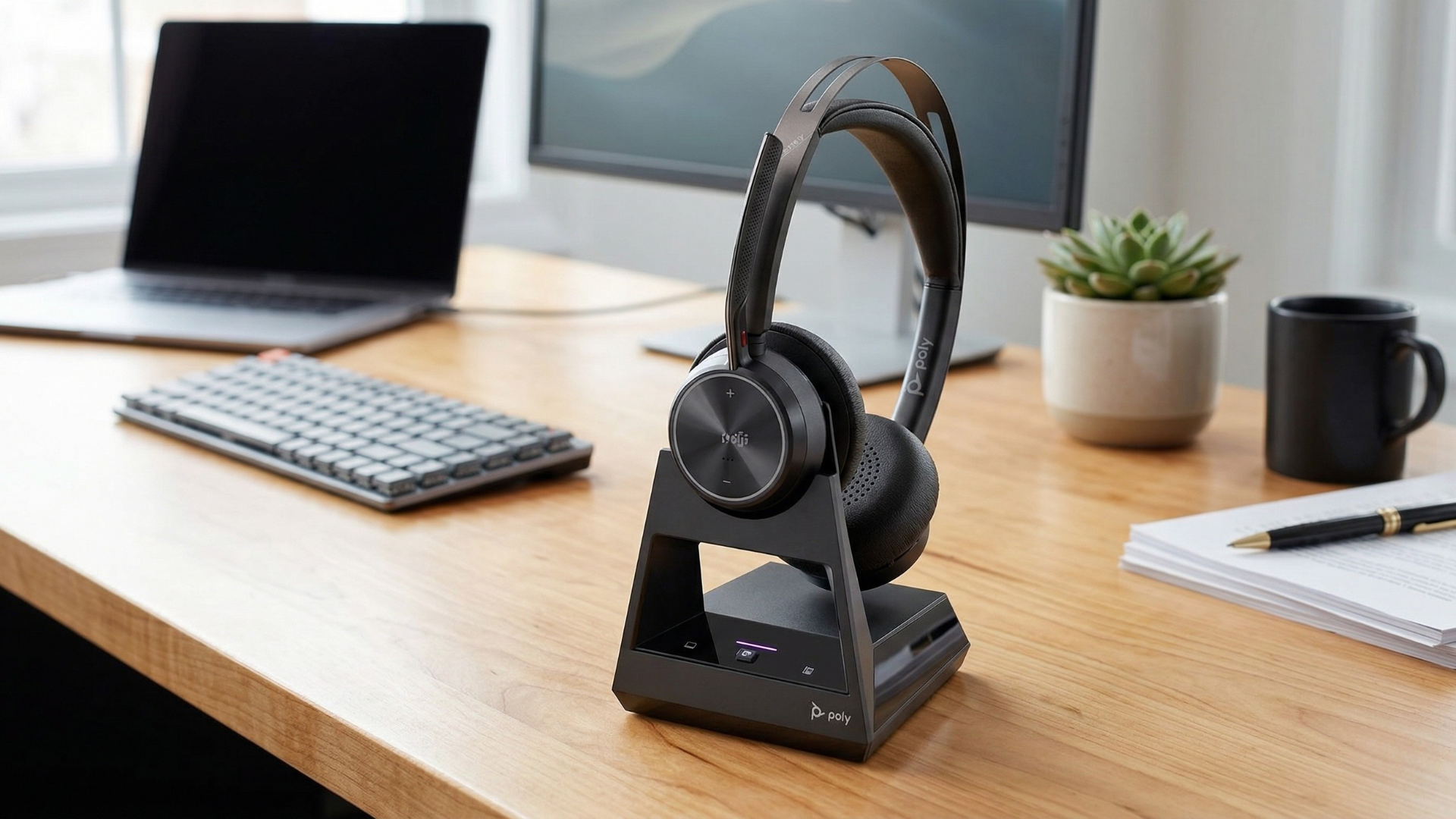
Which headset features use the most battery?
The biggest battery drains are features that require constant processing, wireless transmission, or extra hardware. If you need maximum runtime, use only the features you need for the environment you are in.
- Active noise cancellation: ANC listens to outside noise, creates an opposing signal, and processes that signal in real time.
- High-resolution Bluetooth codecs: LDAC, aptX HD, and LHDC can sound better, but higher bitrate audio usually requires more processing and transmission power.
- Spatial audio and sound enhancements: Extra processing can reduce runtime, especially during long meetings or streaming sessions.
- Bluetooth multipoint: Staying connected to two devices can add background power use, especially when both devices are active.
- High volume: Louder playback uses more power and can also increase listening fatigue.
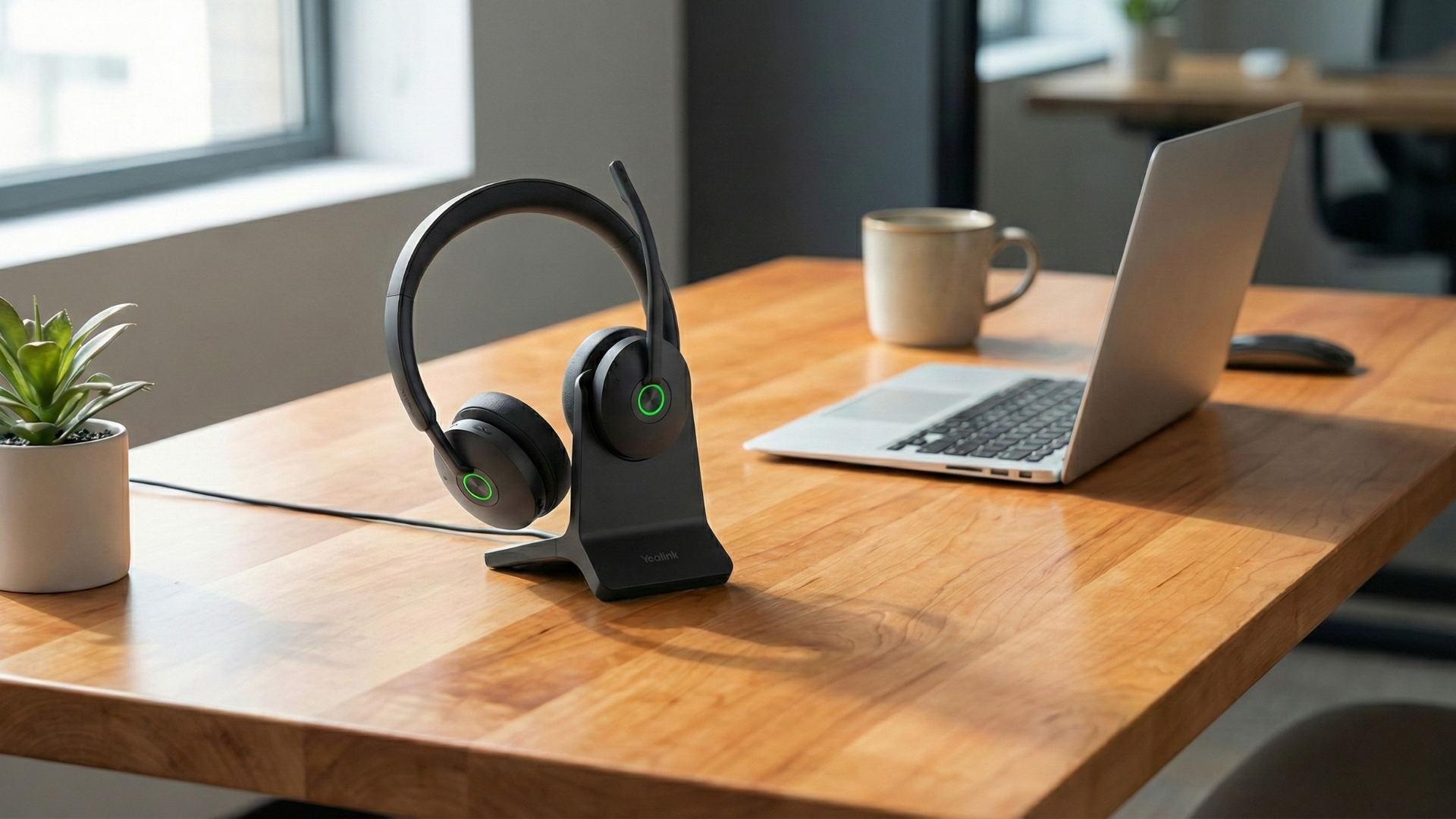
How should you charge wireless headphones for longer battery life?
For daily use, avoid treating every charge as a full 0-100% cycle. Lithium batteries generally age better with shorter, regular top-ups and less time sitting at a full charge.
- Use the 30-80% habit when practical. SoundGuys recommends charging between roughly 30% and 80% to keep voltage stress lower. Grepow similarly notes that lithium batteries are best kept between about 20% and 80%.
- Unplug after charging. Cleer Audio recommends removing headphones from power once they reach 100% instead of leaving them connected for long periods.
- Avoid using the headset while charging. Listening while charging can create parasitic load: the battery is being charged and drained at the same time, which can add heat and stress.
- Use the supplied charger or case when possible. The original charging case or cable is designed for the headset's expected current and voltage.
- Charge stored headsets every few months. If a headset sits unused, top it up about every three months to avoid deep discharge.
Can heat permanently damage a wireless headset battery?
Yes. Heat is one of the most important long-term causes of battery degradation in wireless headsets. Lithium-ion and lithium-polymer batteries lose capacity faster when they are repeatedly charged or stored in hot conditions.
SoundGuys cites Battery University data showing that cells kept between 25-40°C may retain about 85-96% capacity after the first year with sensible charging, while charging to 100% in 40°C heat can reduce capacity to about 65% after a year. At 60°C battery temperature, that same level of degradation can happen in about three months.
That means battery care is not only about how often you charge. Where you charge matters too. Keep your headset shaded, ventilated, and away from trapped heat.
Is a fast-draining headset battery dangerous?
Fast battery drain is usually a performance problem, not an immediate safety issue. However, stop using the headset and contact the manufacturer if you notice swelling, melting, a chemical smell, unusual heat, smoke, or physical damage.
Most Bluetooth headsets use small lithium-ion or lithium-polymer cells. Grepow explains that lithium-polymer batteries are common in Bluetooth headset designs because they can be made thin, light, and shaped for compact devices. Like any lithium battery, they should be kept away from extreme heat and physical damage.
When is battery drain just normal aging?
If your headset is a few years old, shorter runtime may be normal battery aging. Rechargeable headset batteries have a finite cycle life, and many models do not have user-replaceable batteries.
Grepow states that Bluetooth headset batteries are commonly around 500 complete cycles, with capacity remaining greater than 80% after that benchmark under normal conditions. In everyday terms, charging every day may make battery wear noticeable sooner than charging every two or three days.
If your headset used to last a full workday and now dies after a short call, settings may help a little, but the practical fix may be repair, battery service, or replacement.
What are the best fixes for wireless headset battery drain?
The best fix depends on the cause. Use this quick troubleshooting list before replacing the headset.
- Lower volume to a moderate level, around 60-70% when possible.
- Turn off ANC, transparency mode, spatial audio, and high-resolution codecs when battery life matters more than maximum audio processing.
- Disconnect unused Bluetooth devices and disable multipoint when you do not need it.
- Power off the headset when idle instead of relying only on standby mode.
- Keep the headset cool while charging and storing it.
- Charge in shorter sessions and avoid leaving it plugged in overnight.
- Use the original charging case, dock, cable, or manufacturer-recommended charger.
- Update headset firmware if your manufacturer offers a battery or connectivity fix.
- For earbuds, clean the charging contacts and reseat both earbuds in the case.
- If the runtime is still poor after these steps, compare the current runtime with the original manufacturer battery rating.
When should you replace your wireless headset?
Replace or upgrade your wireless headset when battery drain interferes with your workday even after you reduce high-drain settings and improve charging habits. For business calls, unreliable battery life is more than annoying; it can interrupt meetings, customer support, dispatch, training, or remote work.
Newer business headsets often offer better power management, more efficient Bluetooth behavior, stronger charging docks, and clearer battery reporting. If you rely on a headset every day, choosing a model with all-day battery life may be the most reliable fix.
FAQ: wireless headset battery draining fast
Why does my wireless headset lose battery when I am not using it?
A wireless headset can lose battery in standby because it may still maintain Bluetooth connections, wait for wake commands, or keep smart features ready. Power it off fully when possible, and place earbuds back in the case.
Does active noise cancellation drain headphone battery?
Yes. ANC usually drains battery faster because the headset has to power microphones and run noise-canceling processing while you listen.
Is it bad to charge wireless headphones overnight?
Occasional overnight charging is unlikely to ruin a headset immediately, but repeated long charging sessions can add heat and voltage stress. For better long-term battery health, unplug after charging or use shorter top-ups.
Should I let my headset battery drain to 0%?
No. Avoid deep discharges when possible. Lithium headset batteries generally prefer partial charge cycles, often around the 20-80% or 30-80% range.
Can firmware updates fix battery drain?
Sometimes. Firmware updates can improve Bluetooth stability, standby behavior, charging logic, or feature bugs. Check your headset manufacturer's app or support page.
Sources
Watch: quick headset battery troubleshooting
Need help picking the right headset or speakerphone?
Contact Global Teck Worldwide