

Why Your Headset Hurts Your Ears and Head at Work
Posted by Quentin Vernon on 13th Apr 2026
Why Does My Headset Hurt My Ears and Head at Work?

If your headset hurts your ears or the top of your head after a long day of calls, the cause is usually physical pressure, not the calls themselves. In most cases, the problem comes down to clamp force, headset weight, ear cushion wear, or poor fit — and those issues can often be fixed without replacing the entire unit.
Key Takeaways
- Headset discomfort is usually caused by clamp force, weight, worn ear cushions, or poor alignment.
- On-ear models are more likely than over-ear models to create ear soreness during long workdays.
- Replacing ear cushions or adding a headband pad often solves the problem at lower cost than replacing the full headset.
- For high-volume call teams, fit and replaceable accessories matter as much as audio quality.
- If a headset is used 6 to 8 hours a day, accessories and serviceable parts should be part of the buying decision.
You made it through back-to-back meetings. Your audio was clear, your mic held up, and your calls ran clean. But by late afternoon, your ears are sore, there is pressure across the top of your head, and you keep taking the headset off just to get a break.
That pattern is common in call-heavy work. It is also usually fixable.
Is the Problem the Call Itself or the Headset?
Usually, it is the headset. A 2021 five-day follow-up study in BMC Public Health found that headset use itself was not a significant driver of headache or neck pain among remote workers — suggesting that when discomfort does occur, fit, weight, and physical factors are the more likely culprits.
That matters because many teams assume headset pain is just part of a busy day. More often, it is a fit, weight, or cushion issue that can be corrected.
What Causes Headset Pain After Hours of Use?
The three most common causes are clamp force, weight, and ear cup design.
1. Clamp Force Puts Pressure on the Ears and Temples
Every headset needs enough grip to stay in place. If that grip is too tight, it compresses the tissue around the ears and temples. After several hours, that pressure can feel like a tension headache or deep ear soreness.
On-ear headsets are usually more likely to cause this problem because they press directly onto the outer ear instead of sitting around it.
2. Heavier Headsets Become Harder to Tolerate Over Time
A headset that feels acceptable in the first hour can become a problem by the fifth. Research on head-mounted devices has found that heavier units measurably reduce comfortable wear time, with the effect most pronounced for smaller-framed users.
That is one reason professional communication headsets are often lighter than gaming or consumer models. For teams on calls all day, weight is not a minor spec. It is a comfort and productivity factor.
3. Ear Cup Design Changes Where Pressure Lands
Over-ear headsets spread contact around the ear. On-ear models place contact directly on the ear itself. For longer wear, over-ear designs usually provide better comfort.
Cushion material matters too. Leatherette is durable and easy to clean, but it can trap heat. Fabric and mesh breathe better. Memory foam helps distribute pressure more evenly across the contact area.
Why Does a Good Headset Still Feel Uncomfortable?
Often, the headset was never adjusted correctly. If the ear cups sit too high or too low, the headband pulls at the wrong angle and creates a pressure point that gets worse through the day.
The ear cup center should line up roughly with the center of the ear canal. If it does not, even a well-made headset can feel wrong.
A quick fit check:
- Put the headset on and move your head side to side.
- If it shifts easily, it is probably too loose.
- If you feel pressure in one exact spot right away, it is probably misaligned.
- Adjust cup height first, then fine-tune the headband tension.
How Can You Fix Headset Pain Without Replacing the Full Unit?
In many cases, accessories solve the problem faster and more cheaply than a new headset.
Adjust the Headband
This is the fastest fix and often the most overlooked. Small height changes can remove off-axis pressure and improve stability.
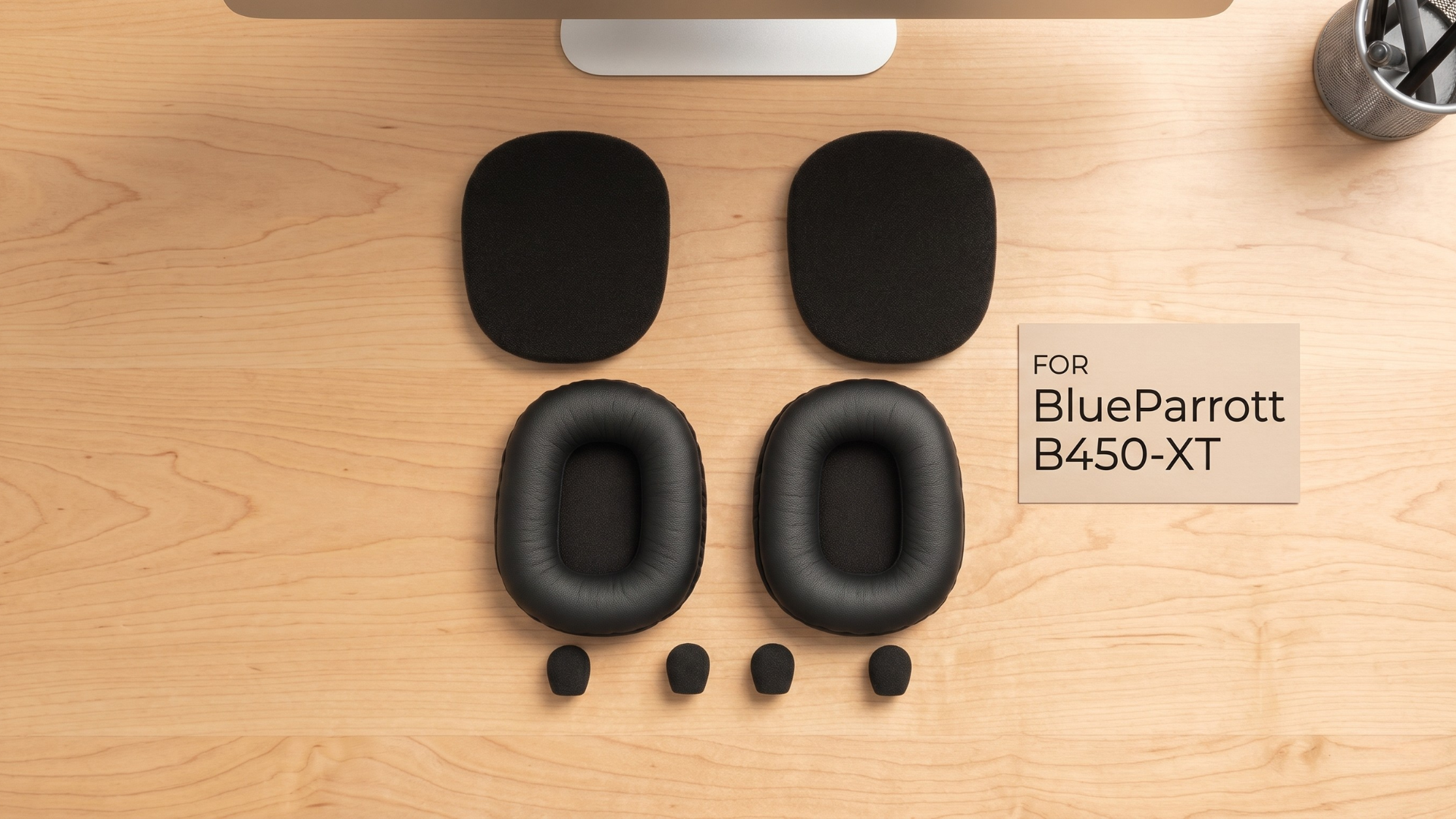
Replace Worn Ear Cushions
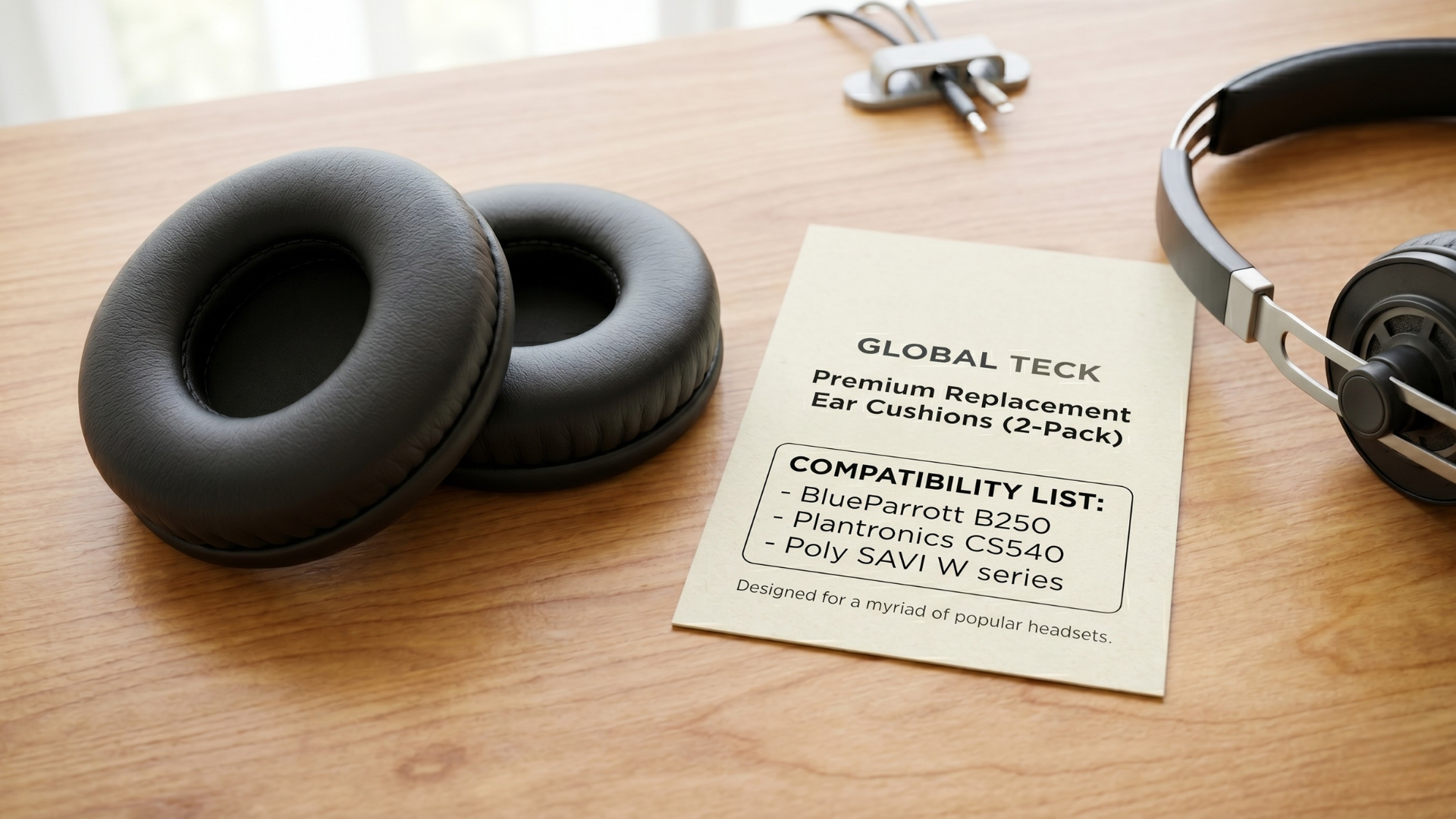
Ear cushions compress over time and stop distributing pressure evenly. If your team uses headsets heavily every day, replacing ear cushions can restore comfort without replacing the headset itself.
Add a Headband Pad
If pressure builds at the top of the head, a padded headband cover can spread that load across a wider area. This is one of the simplest upgrades for users who wear headsets for most of the workday.
Build In Short Headset-Free Breaks
Short breaks help reduce accumulated pressure and heat. Even a few minutes away from the headset each hour can improve comfort and focus.
Check Workstation Posture
The 2021 BMC Public Health study also noted that poor posture can compound headset-related strain. If the user leans forward during calls, the headset adds to the load on the neck and scalp.
When Should a Business Replace the Headset Instead of the Accessories?
Replace the headset when discomfort continues after fit changes and accessory replacement, or when the model was never designed for full-day business use.
For IT and procurement buyers, the better question is not just "Which headset sounds good?" It is "Which headset can be supported comfortably for 6 to 8 hours a day?"
Look for:
- Lower overall weight
- Moderate clamp force for all-day wear
- Replaceable ear cushions
- Available headband pads or hygiene kits
- Monaural or binaural options based on call volume and work environment
Those features reduce complaints, extend product life, and make refresh cycles more cost-effective.
What Should IT and Procurement Teams Evaluate Before Buying?
If headset discomfort shows up across teams, treat it as a support and lifecycle issue, not only a user preference issue.
Evaluate:
- Daily wear time per role
- Whether cushions and pads are replaceable
- Cleaning and hygiene requirements
- Fit range across different users
- Cost of replacement accessories versus full headset replacement
That approach usually leads to better long-term value than buying on price or audio specs alone.
The Bottom Line
If your headset hurts your ears or the top of your head, the issue is usually fixable. Clamp force, weight, poor fit, and worn cushions cause most all-day discomfort, and in many cases the best fix is an accessory, not a full replacement.
For teams managing long call hours, headset comfort should be part of the buying decision from the start. Global Teck Worldwide can help you match headset accessories, replacement ear cushions, and fit solutions to the way your users actually work.
FAQ
Can a headset cause headaches?
Yes. The most common cause is sustained pressure from clamp force, weight, or poor fit rather than the audio itself.
Why does my headset hurt the top of my head?
Top-of-head pain usually comes from headband pressure, excess weight, or poor alignment. A headband pad or fit adjustment often helps.
Do replacement ear cushions really help?
Yes. When ear cushions wear down, they lose shape and create more concentrated pressure. Replacing them often restores comfort.
Are on-ear or over-ear headsets better for all-day work?
Over-ear models are usually more comfortable for longer wear because they place pressure around the ear instead of directly on it.
What should businesses stock for headset comfort?
The most useful items are replacement ear cushions, headband pads, hygiene kits, and fit-friendly models designed for long workdays.
Sources
Video Overview
If the embedded video does not load, watch it here.
Need help choosing the right headset accessories or replacement cushions?
Contact Global Teck Worldwide