

The Modern Wireless Office: Clean Desks, Clear Calls
Posted by Global Teck Worldwide Staff on 4th Feb 2026
The Modern Wireless Office: Clean Desks, Clear Calls
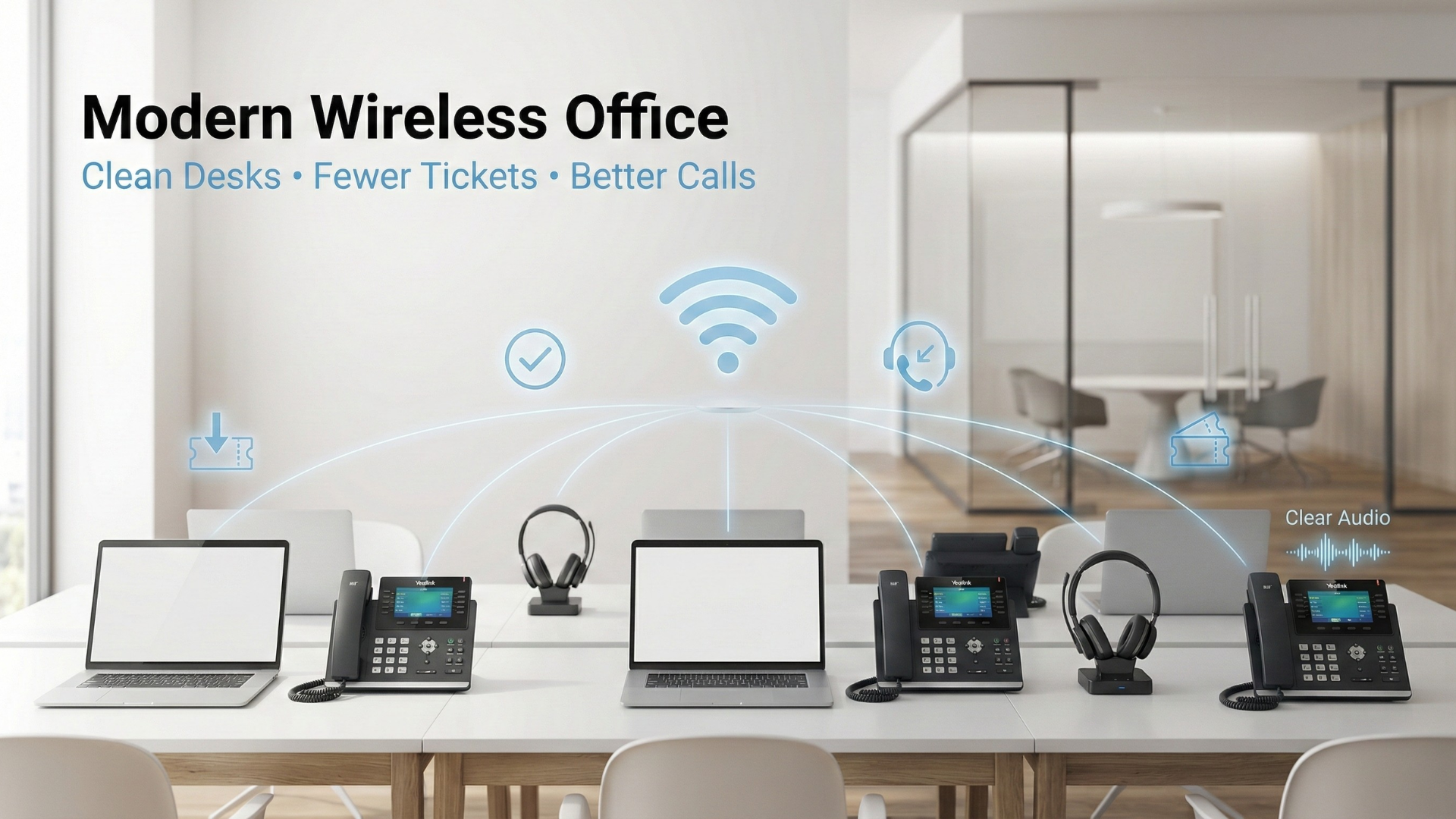
You know what nobody brags about at work?
“Check out my Ethernet drops.”
But you do notice when the office is clean, flexible, and easy to move around in. Hot desks. Pop-up workstations. Temporary teams. Rearranged seating because… life happens.
Wireless makes that possible—until it doesn’t.
Because the first time a call goes choppy, the “modern office” vibe disappears and you’re back in prehistoric times yelling, “Can you hear me?” into a device that cost too much to sound that bad.
Wireless can absolutely work for desk phones. You just need to understand what “wireless” actually means, choose the right Wi-Fi band for voice, and use the right tools—like Yealink Wi-Fi dongles (WF40/WF50)—so your office stays flexible and your calls stay clear.
Who This Is For
If you’re building a modern office that moves fast—without wanting an IT ticket every time someone changes desks—this is for you.
You’ll relate if you’re:
- Running hot desks or shared spaces where hardwiring every seat feels silly
- Supporting remote/hybrid teams that still need “real business phone” call quality
- Managing a small business that wants cleaner desks and faster installs
- Trying to avoid “wireless chaos” while keeping things flexible

Why Offices Are Going Wireless
Wireless offices aren’t a trend. They’re a response to reality:
- More temporary setups: People move, teams change, desks rotate.
- Faster installs: No construction, no drilling, no “wait two weeks for cable runs.”
- Cleaner desks: Fewer cords, fewer points of failure, less visual clutter.
- Flexibility: Move a workstation without rewiring the room.
- Speed: Set up new desks fast when headcount changes.
- Less friction: Fewer physical connection problems to troubleshoot.
“Wireless” Can Mean Four Different Things
This is where people get burned: “wireless” is a generic word. It can mean Wi-Fi, Bluetooth, DECT, or cellular—and each is a different tool for different jobs.
- Wi-Fi: Connects devices to your local network/router so they can reach the internet/VoIP system.
- Bluetooth: Short-range device-to-device audio/control (headsets, speakerphones). Not your internet connection.
- DECT: Dedicated standard for cordless handsets/base stations; built for voice reliability and avoids Wi-Fi congestion issues.
- Cellular 5G: Service from towers. Not the same as 5 GHz Wi-Fi from your router.
Friendly warning label: If someone says “we have 5G so the phones should work,” they’re mixing two different concepts.

For Desk Phones, Stability Beats Speed
Desk phones don’t need “fast internet.” They need consistency. Voice is sensitive to interference, congestion, weak signal, and brief dropouts.
- Symptoms of unstable Wi-Fi: Dropped calls, choppy audio, one-way audio, registration issues.
- The real question: Which band is more reliable where the phone sits?
- 2.4 GHz range: Better through walls → helps when the router is farther away.
- 5 GHz cleanliness: Often less congested → helps when 2.4 GHz is overloaded in busy offices.
- Band steering reality: One Wi-Fi name may hide both bands → you may need to split SSIDs if you want predictable behavior.
Where WF40 and WF50 Fit in a Modern Office
If you’re using Yealink desk phones, a USB Wi-Fi dongle can help you avoid running Ethernet to every desk (especially with hot desks).
- WF40 (2.4 GHz only): Often the safer pick when you need range and wall penetration.
- WF50 (2.4 + 5 GHz): Often a win in crowded environments where 2.4 GHz is overloaded—if your phone/firmware supports the dongle revision.
- Crowded office fix: WF50 can give you a cleaner lane → fewer glitches when everyone’s devices are fighting for 2.4 GHz.
- Distance save: WF40 can hold up better through walls → helpful when the router placement isn’t ideal.
- Return prevention: Matching phone model + firmware + dongle version avoids the most common wrong purchases.
And here’s what it usually means in normal human language:
- Weak signal where the phone sits: Move the phone/router closer or improve coverage first.
- Congestion on 2.4 GHz: Consider switching to 5 GHz if you have strong 5 GHz coverage, or use WF50 where supported.
- “My laptop is fine”: Browsing tolerates hiccups; real-time voice doesn’t.
- Bluetooth overlap: Bluetooth can interfere on 2.4 GHz in crowded environments; moving more devices to 5 GHz can reduce overlap.
Proof & Specifics
Use this practical checklist:
- Identify the phone model (don’t guess).
- Check Wi-Fi conditions at the desk (coverage + congestion).
- Choose the band/dongle for reliability (distance vs congestion).
Quick troubleshooting that saves your sanity:
- Choppy calls first check: Signal strength where the phone sits; then reduce interference (move closer, switch bands, reduce congestion).
- Extender vs mesh: Extenders can add latency/roaming issues; mesh systems are often better long-term for stable voice coverage.

Why It Matters
When your office is flexible, and your calls are stable, you look professional without working harder. You keep clients on track, reduce repeat questions, and stop wasting energy on preventable tech friction.
Shop the Gear / What to Do Next
If you’re building a modern wireless office around Yealink phones, start with the dongle that matches your environment:
- Yealink WF40 (2.4 GHz Wi-Fi Dongle): est for longer distance and wall penetration when coverage is uncertain.
- Yealink WF50 (Dual-Band 2.4 + 5 GHz): Best for busy offices where 2.4 GHz is crowded—verify compatibility, especially WF50 V1 scenarios.
Click the product cards/buttons to choose WF40 or WF50 and keep your modern office setup clean and call-ready.
Help / Service
Wireless setups are easy to love and easy to misconfigure—especially when you mix phone models, provider provisioning, and office Wi-Fi realities. If you want a fast recommendation based on your Yealink model and your office layout, contact Global Teck Worldwide and you’ll get personalized help picking the right gear.
Video Overview
If the embedded video doesn’t load, watch it here.
Need help picking the right headset or speakerphone?
Contact Global Teck Worldwide