

Quality Webcams for Business: Why Cheap Costs More
Posted by Quentin Vernon on 8th May 2026
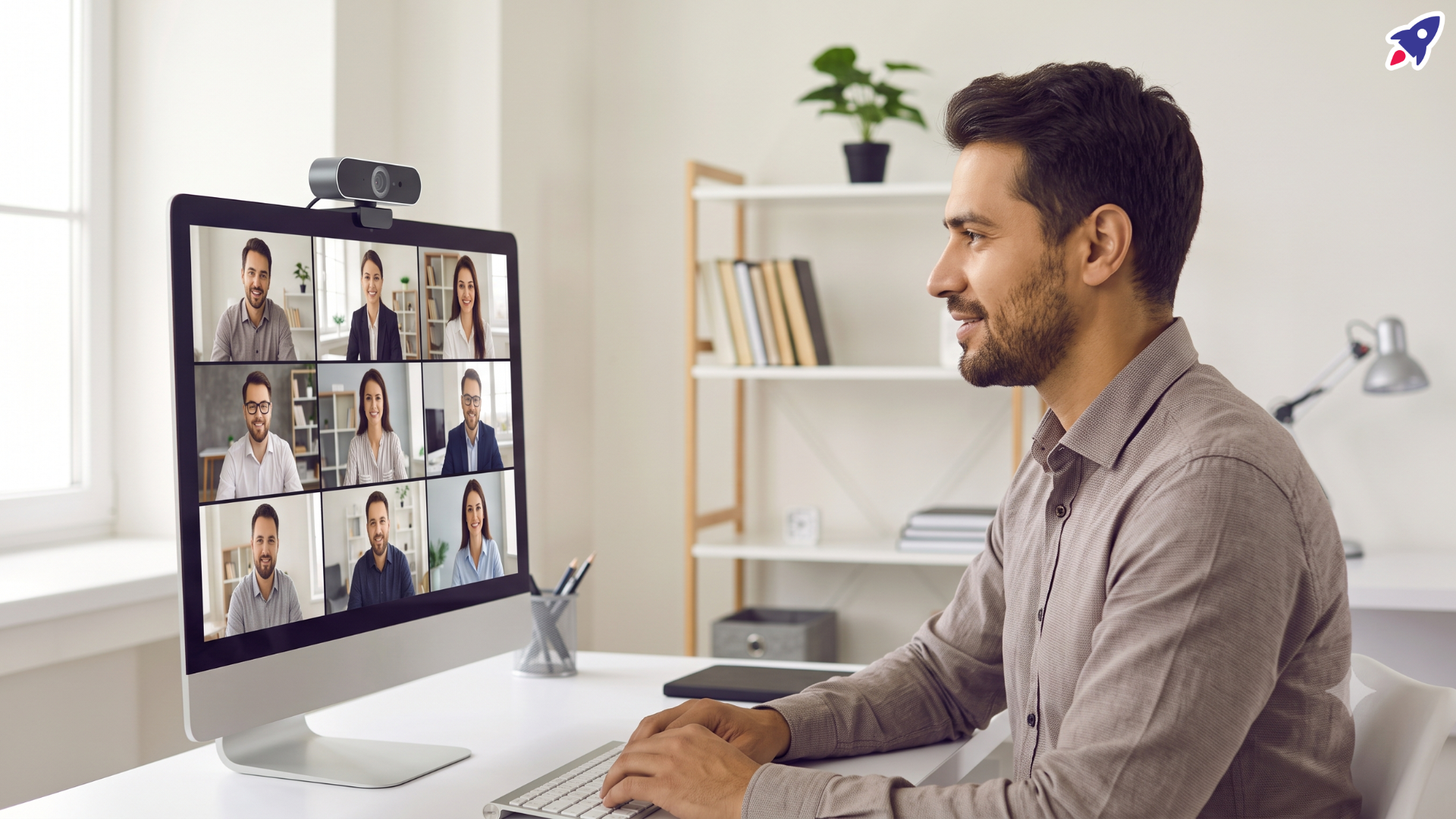
Are quality webcams worth it for business?
Yes. Quality webcams for business are worth it when video meetings affect sales calls, recruiting, client service, training, executive communication, or daily hybrid collaboration. A cheap webcam may save money upfront, but poor image quality, bad angles, weak low-light performance, unreliable microphones, and awkward laptop positioning can quietly cost teams attention, credibility, and time.
For hybrid and remote teams, video is now part of the work system, not a nice-to-have accessory. Logitech notes that video meetings are crucial for collaboration in hybrid work, but many employees still rely on budget webcams or built-in laptop and phone cameras that make it harder to be seen clearly and engage fully. Logitech research also found that 65% of surveyed users say the angle of their built-in camera is unflattering, and roughly the same share say it makes them appear to look away from others on the call.
Key takeaways
- A cheap webcam is rarely just a cheap webcam. It can create meeting friction through soft video, bad framing, poor light handling, and inconsistent audio.
- Built-in laptop cameras often force poor posture and camera angles. An external webcam lets users place the camera closer to eye level for a more natural connection.
- Video quality depends on the whole setup: webcam resolution and frame rate, autofocus, lighting, audio, device resources, and network stability.
- Forrester's 2024 Microsoft Teams Rooms TEI study is not a webcam-specific ROI study, but it shows the broader financial case for reducing meeting technology friction: the composite organization saw a 342% ROI and $1.27 million NPV over three years.
- The best business webcam purchase is role-based. Core professionals may need reliable 1080p video, while executives, presenters, trainers, and customer-facing teams may benefit from 4K, auto-framing, better microphones, and advanced light correction.
What is the hidden cost of a cheap webcam?
The hidden cost of a cheap webcam is the loss of clarity, trust, comfort, and meeting efficiency that happens when people cannot see or hear each other well. The dollar cost is not always visible on an invoice, but it shows up in repeated troubleshooting, lower engagement, weaker first impressions, and avoidable fatigue.
In a business setting, a webcam is part of your communication infrastructure. If the picture is grainy, the image freezes, the camera struggles with focus, or the user appears to look down at the audience, every meeting starts with a small credibility tax. That tax matters more when the call involves a customer, candidate, executive update, webinar, sales demo, or support escalation.
- Engagement cost: People engage less when a speaker is hard to see, badly lit, or framed from an awkward angle.
- Professional cost: A soft, dim image can make a capable employee look less prepared than they are.
- Productivity cost: Time spent adjusting settings, explaining audio/video issues, or restarting calls is time taken from the meeting's purpose.
- Ergonomic cost: Laptop and phone cameras can encourage neck strain and poor posture when users contort themselves to meet the camera.
- Replacement cost: Low-cost hardware that fails early or performs inconsistently often gets replaced sooner, reducing the original savings.
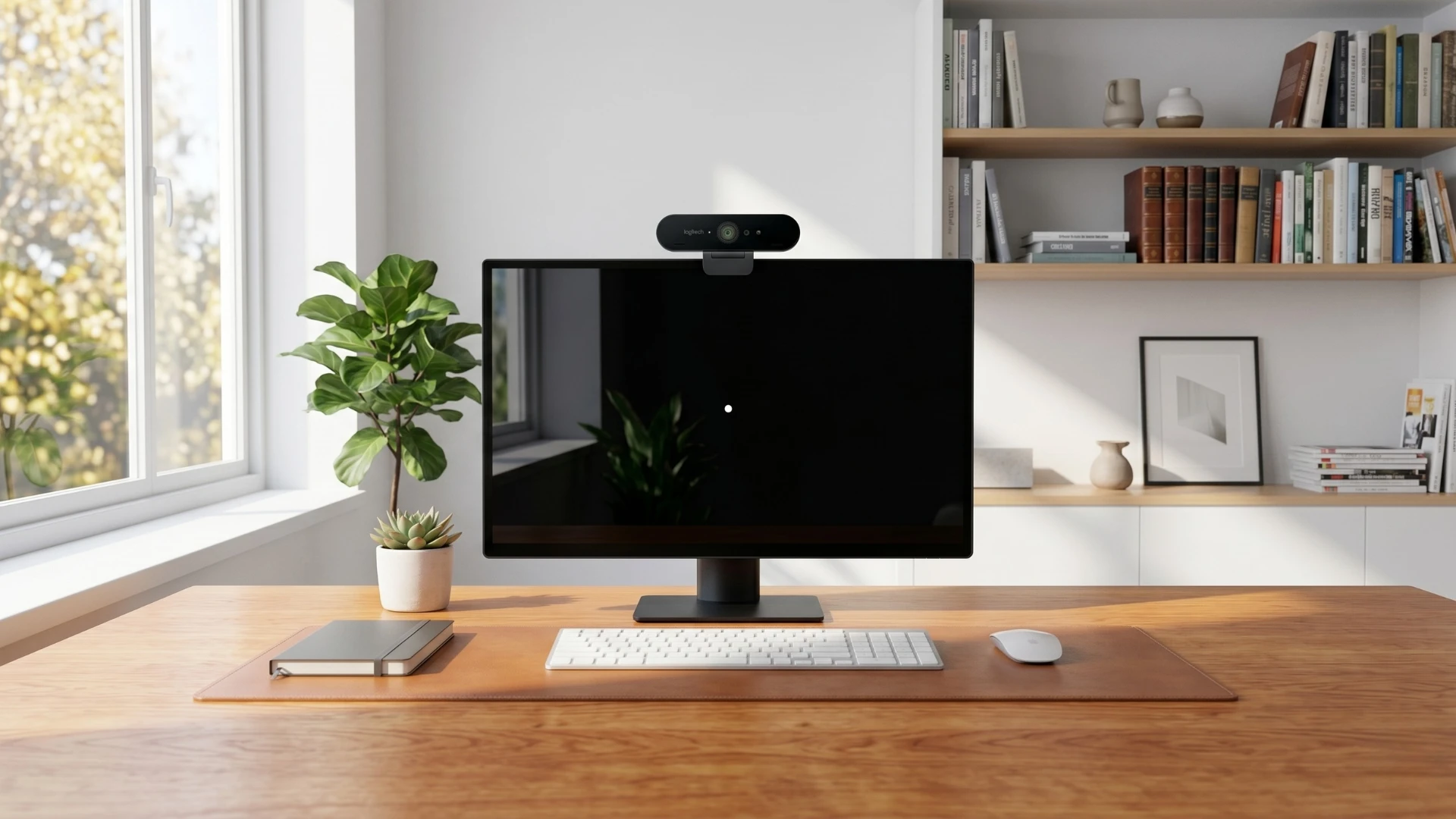
Why do built-in laptop cameras create poor meeting experiences?
Built-in laptop cameras create poor meeting experiences because they are fixed to the screen, limited by laptop design, and often positioned below natural eye level. That combination can make a person appear to look down, look away, or sit in an unflattering frame even when they are fully engaged.
Logitech's hybrid workplace research connects many employee video problems to built-in computer cameras. The issue is not only resolution. It is also camera angle, eye contact, lighting, framing, and whether the user can sit comfortably for a day of video meetings.
Harvard's remote teaching guidance makes the same practical point from an instructional perspective: place yourself in the center of the frame, keep your head in the upper third, and position the camera at or slightly above eye level to help create eye contact with the audience. Harvard also recommends front lighting, avoiding backlight, and keeping distracting backgrounds out of the frame.
What webcam specs actually matter for hybrid work?
The webcam specs that matter most for hybrid work are resolution, frame rate, autofocus, light correction, microphone quality, field of view, mounting flexibility, privacy controls, and platform compatibility. A higher number is not automatically better; the right webcam is the one that produces clear, stable, natural-looking video in the employee's real workspace.
Zoom's own guidance says image quality is largely dictated by the webcam. For basic professional video, Zoom notes that 720p can be sufficient, with at least 20 frames per second to avoid choppy video and up to 30 frames per second for smoother motion. Zoom also recommends cameras with responsive autofocus and lighting correction, because sudden movement and lighting changes can disrupt a meeting experience.
- Resolution: 1080p is a strong baseline for most business users; 4K can help executives, presenters, trainers, and content-heavy roles.
- Frame rate: Look for smooth motion, especially for people who present, gesture, teach, or demonstrate products.
- Autofocus and light correction: These help the camera adapt when the user moves or the room lighting changes.
- Microphones: Built-in webcam mics can work, but headsets, speakerphones, or dedicated microphones often improve clarity for frequent callers.
- Placement: A mountable external webcam gives users more control over eye level, framing, and posture.
- Compatibility: Business webcams should work smoothly with platforms such as Zoom, Microsoft Teams, and Google Meet.
- Manageability: For IT teams, remote update and device management capabilities reduce support burden at scale.
How does webcam quality affect ROI?
Webcam quality affects ROI by reducing friction in the meetings where decisions, sales, hiring, training, support, and collaboration happen. While webcam ROI is usually measured through productivity and communication quality rather than direct revenue attribution, better video hardware helps protect the time and attention already being invested in meetings.
The strongest sourced ROI evidence in the provided materials comes from Forrester's 2024 Total Economic Impact study of Microsoft Teams Rooms, not from standalone webcams. Still, the study is useful because it quantifies the cost of meeting technology friction. Forrester reported that the composite organization achieved a 342% ROI, $1.27 million net present value, and payback in less than six months over three years. The study also found that outdated video and collaboration technology caused meeting setup and support issues, delayed starts, and less effective decisions before the investment.
That broader lesson applies to personal video hardware: when employees spend less time fixing camera, audio, and meeting setup problems, they spend more time contributing. Better video does not guarantee better meetings, but poor video almost always makes good meetings harder.

What should buyers look for in a business webcam?
Buyers should choose business webcams by role, meeting frequency, environment, and support needs rather than buying the cheapest model in bulk. The goal is to match the device to the work each employee does on camera.
- Core professionals: Sales, HR, operations, support, and marketing users typically need dependable 1080p video, plug-and-play setup, auto light correction, and a noise-reducing microphone.
- Executives and customer-facing leaders: These users benefit from higher image quality, stronger low-light performance, privacy features, and a polished physical design.
- Presenters, trainers, and creators: Auto-framing, fast autofocus, 4K capture, and the ability to show physical objects or documents can make demonstrations more useful.
- IT and procurement teams: Standardized models, platform certifications, firmware management, and vendor support matter because they reduce deployment and maintenance work.
Logitech's current business webcam portfolio is an example of this role-based approach. Its article highlights options such as Brio 305 for core professionals, Brio 505 for additional features such as auto-framing and Show Mode, and MX Brio 705 for Business for executives and skilled professionals who need premium 4K image quality and advanced controls.
How can teams improve webcam quality without overspending?
Teams can improve webcam quality without overspending by fixing the basics first, then upgrading hardware where the business impact is highest. A practical webcam strategy does not require every employee to receive the most expensive camera; it requires every employee to have a setup that supports their work.
- Audit the current meeting experience. Identify who is using built-in cameras, who is on video most often, and where calls suffer from poor framing, lighting, or audio.
- Set a business baseline. For most hybrid workers, choose a reliable 1080p webcam with autofocus, light correction, a privacy shutter, and strong platform compatibility.
- Upgrade high-impact roles first. Prioritize executives, sales teams, recruiters, trainers, customer success teams, and anyone leading external presentations.
- Improve the workspace setup. Use front lighting, avoid backlight, center the speaker in the frame, and place the camera near eye level, following Harvard's practical A/V guidance.
- Pair video with better audio. Zoom emphasizes that microphones change the experience; frequent callers may need a headset, speakerphone, or dedicated microphone.
- Standardize for support. Choose devices IT can deploy, update, and support consistently across remote and hybrid teams.
Quality webcam buying checklist
- Does the webcam deliver at least 1080p video for everyday business use?
- Does it handle low light, backlight, and changing light without constant manual adjustment?
- Does it keep the user naturally framed and close to eye level?
- Does the microphone fit the user's meeting environment, or should the webcam be paired with a headset or speakerphone?
- Is it compatible with Zoom, Microsoft Teams, Google Meet, and the operating systems your team uses?
- Can IT manage updates, support, and replacements without creating extra work?
- Does the model align with sustainability or procurement requirements, such as recycled materials or responsible packaging?
FAQ: quality webcams for business
Is a 4K webcam necessary for business meetings?
A 4K webcam is not necessary for every business meeting. Most employees can look professional with a reliable 1080p webcam, but 4K is useful for executives, presenters, trainers, creators, and customer-facing roles where image quality and detail carry more weight.
Is a laptop camera good enough for hybrid work?
A laptop camera may be good enough for occasional internal calls, but it is often limiting for regular hybrid work. The fixed angle, lower placement, and limited light handling can hurt eye contact, posture, and presence.
What is the best webcam feature for remote workers?
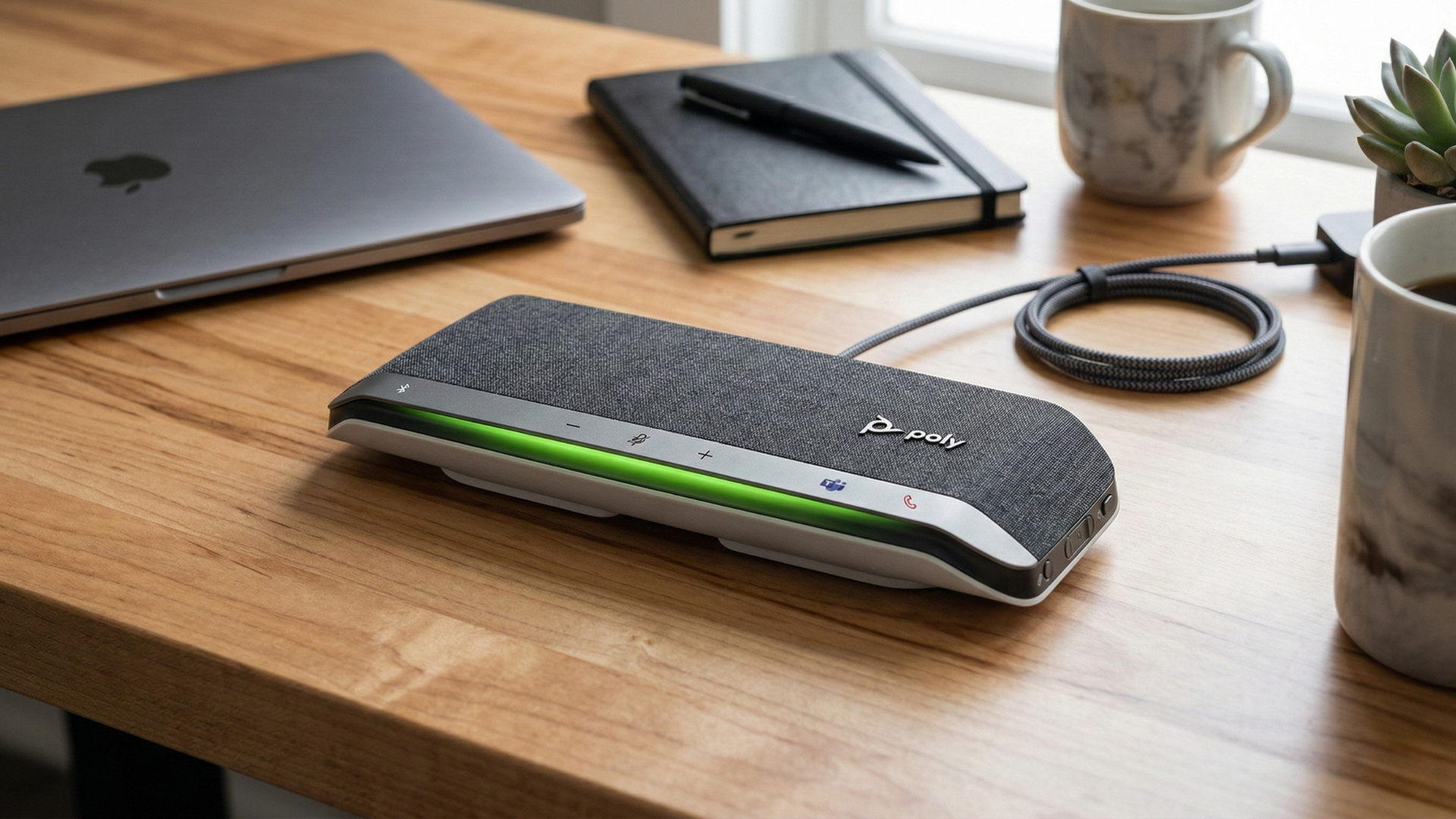
The best webcam feature for remote workers is dependable image quality in real home-office conditions. In practice, that means 1080p video, autofocus, light correction, stable mounting, privacy controls, and compatibility with the conferencing tools the company already uses.
Should businesses provide webcams to employees?
Businesses should provide webcams when employees are expected to represent the company, collaborate frequently, support customers, interview candidates, train others, or lead meetings on video. Standard equipment reduces quality gaps and prevents each employee from guessing what to buy.
Bottom line: cheap webcams can make meetings more expensive
A cheap webcam can be the most expensive part of a meeting if it makes people harder to see, hear, trust, or engage with. For hybrid teams, quality webcams for business are not about looking perfect on camera; they are about removing avoidable friction from work that already depends on video.
Global Teck Worldwide helps teams choose practical, role-appropriate video and audio equipment for hybrid work. Start with the people who spend the most time on camera, standardize around reliable hardware, and treat webcam quality as part of the employee experience, customer experience, and meeting ROI equation.
Need help picking the right webcam, headset, or speakerphone?
Contact Global Teck Worldwide