

Why Hybrid Work Still Feels Broken (And What Actually Fixes It)
Posted by Quentin Vernon on 31st Jul 2026
Why Hybrid Work Still Feels Broken (And What Actually Fixes It)
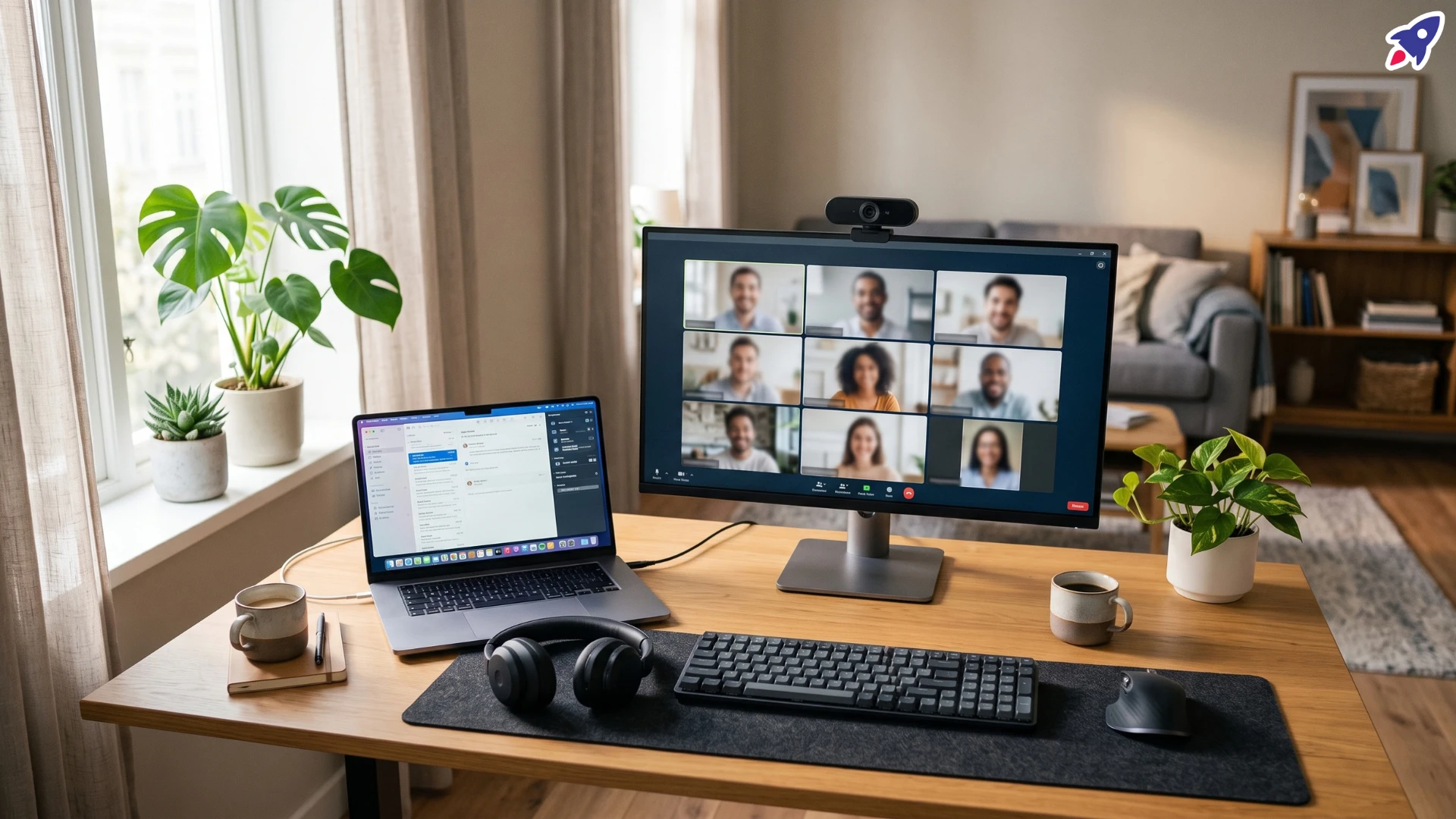
Hybrid work isn't the experiment it used to be. Most companies have settled into some version of it, and most workers won't give it up without a fight. Roughly a third of employees say they'd quit outright over a full return-to-office mandate, and six in ten remote-capable workers say they'd start job hunting the moment flexibility gets taken away.
But "hybrid works" and "hybrid works well" are two different claims. A lot of teams are stuck in the gap between them, and a surprising amount of that gap comes down to equipment, not policy.
The Biggest Hybrid Work Problems in 2026
1. Proximity Bias
When half the team's in the office and half isn't, managers still tend to rate the people they physically see as more productive or more committed. This is proximity bias, and it hasn't gone away just because everyone has a laptop and a meeting link. Decisions still get made in hallway conversations that remote employees never hear about.
2. The Home Office Equity Gap
Not every hybrid worker has the same setup. Someone with a dedicated room and a good headset is having a completely different meeting experience than someone on a laptop mic in a shared space. Only about a third of companies invest in solid collaboration tools, even though the vast majority of employees say decent tech is essential to doing their job. That mismatch between what people need and what they're given is where a lot of hybrid frustration lives.
3. Burnout and Blurred Boundaries
Working from home blurs the line between "at work" and "off work" in a way a physical office never did. Roughly half of US workers now report moderate to severe burnout, anxiety, or depression tied to work, and hybrid schedules don't automatically fix that. Sometimes they make it worse, since there's no commute to signal the day is actually over.
4. Fragmented Focus Time
Hybrid teams report the least uninterrupted focus time of any work model, since the schedule keeps flipping between "office mode" (meetings, interruptions) and "home mode" (supposed to be heads-down, but never quite is).
None of this means hybrid is broken beyond repair. It means the model needs real support behind it, not just a laptop and a hope for the best.
Hybrid Work Equipment That Actually Closes the Gap
A lot of hybrid friction comes down to tech that half-works: a laptop mic that makes you sound like you're calling from a tunnel, a webcam so grainy your manager can't tell if you're paying attention, a dining chair standing in for an office chair five days a week. Here's the gear that actually moves the needle, and closes the equity gap between a fully-equipped office desk and a laptop-only home setup.
A Reliable Wireless Headset
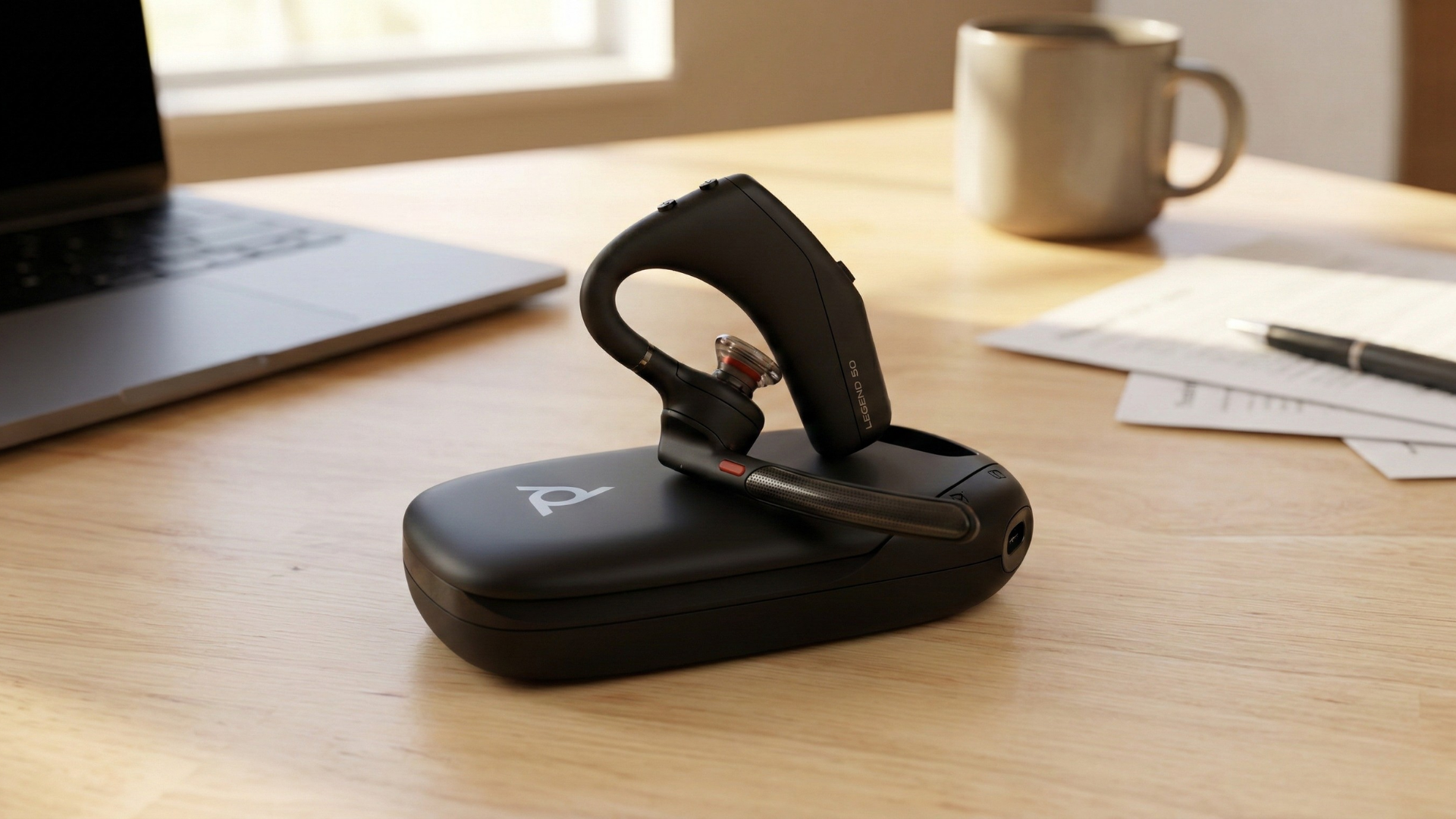
This is the single highest-leverage purchase for anyone spending real hours on calls. The Poly Voyager Legend 50 is built for exactly this kind of on-the-go hybrid setup: lightweight, Bluetooth-connected, and comfortable enough to wear across back-to-back meetings without it becoming a chore. A dedicated headset means you're not fighting background noise, and you're not tethered to a desk every time you need to step away mid-call.
A Sharp, Professional Webcam
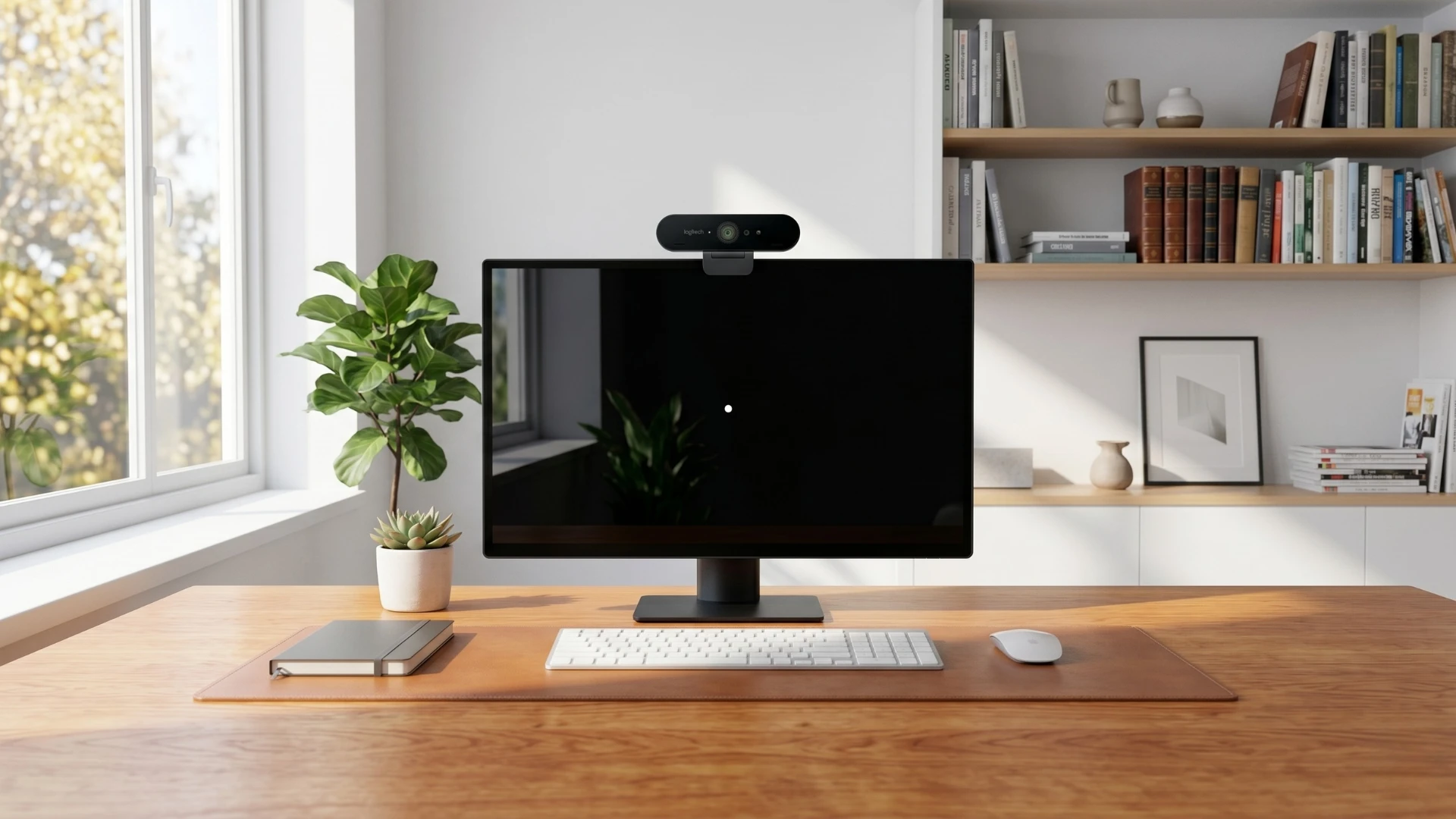
Built-in laptop cameras are usually an afterthought in a device's design. The Logitech BRIO 4K Webcam fixes that with sharp detail, strong low-light performance, and a built-in noise-cancelling mic as a backup to your headset. For anyone in client-facing calls or leadership meetings, this is one of the fastest ways to look and sound more professional on camera.
A Wireless Keyboard and Mouse Combo
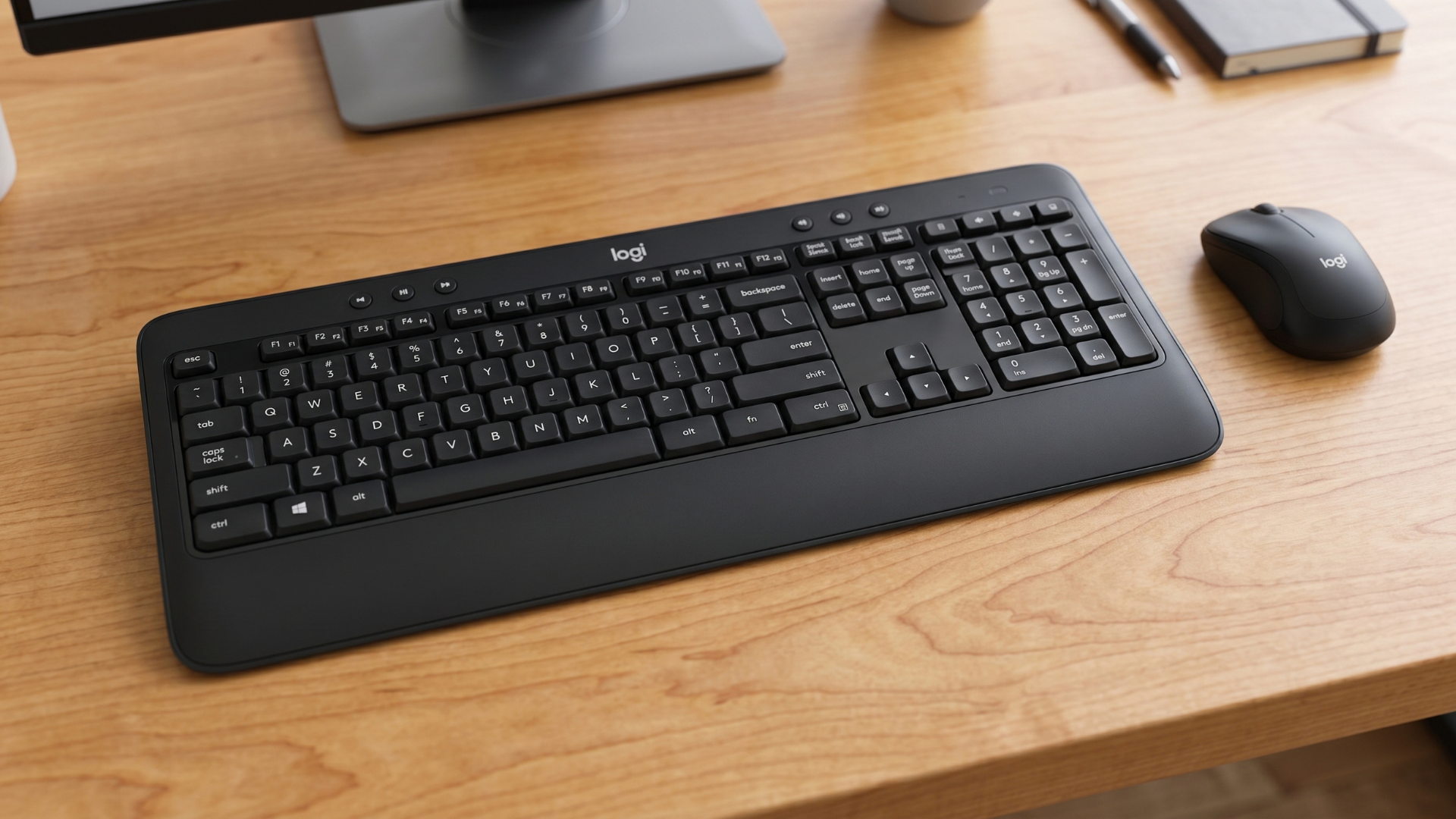
Typing on a laptop keyboard all day is rough on posture and rhythm. The Logitech MK540 Wireless Keyboard and Mouse Combo connects over 2.4GHz with a single Unifying Receiver, so it's a simple plug-and-go upgrade whether you're at a home desk or an office hot-desk. It's a small purchase that makes a home setup feel less like a downgrade from the office.
Other Gear Worth the Investment
- A docking station or hub — turns switching desks into a one-cable operation instead of hunting down five cords every time you sit down.
- An external monitor — extra screen space cuts down the mental overhead of constant tab-switching, especially for detailed work like docs, spreadsheets, or design.
- A laptop stand or proper chair — doesn't need to be expensive, but getting your screen to eye level and your back supported prevents the aches that build up by week two of any new setup.
Frequently Asked Questions About Hybrid Work Setups
What equipment does a hybrid worker actually need?
At minimum: a reliable wireless headset for calls, a dedicated webcam, and a comfortable keyboard and mouse. These three cover the most common complaints in hybrid work, bad audio, bad video, and uncomfortable typing setups, and are the fastest, lowest-cost fixes available.
Why does hybrid work feel harder than fully remote or fully in-office work?
Hybrid work requires constant context-switching between two environments with different norms, tools, and interruption patterns. That switching cost, combined with proximity bias and inconsistent home office equipment, is why hybrid teams report less deep focus time than either fully remote or fully in-office teams.
Does better equipment actually reduce hybrid work burnout?
Not directly, but it removes a layer of friction that makes hybrid work more exhausting. Fighting bad audio, grainy video, or an uncomfortable desk setup all day adds low-grade stress on top of the actual job. Removing that friction gives people more capacity to manage the rest.
The Bottom Line
Hybrid work isn't going anywhere, and most of its real problems aren't about the model itself, they're about execution. Watch for proximity bias, take burnout seriously, and equip people properly. A solid headset, a sharp webcam, and a comfortable keyboard and mouse setup won't fix company culture on their own, but they remove a huge amount of the daily friction that makes hybrid work feel harder than it should.
Logitech Brio 4k: Video Call Setup Guide
Need help building out a hybrid work setup that actually holds up?
Contact Global Teck Worldwide