

How 2.4GHz Wi-Fi is Ruining Your Bluetooth Headset Connection
Posted by Global Teck Worldwide Staff on 16th Mar 2026
How 2.4GHz Wi-Fi is Ruining Your Bluetooth Headset Connection
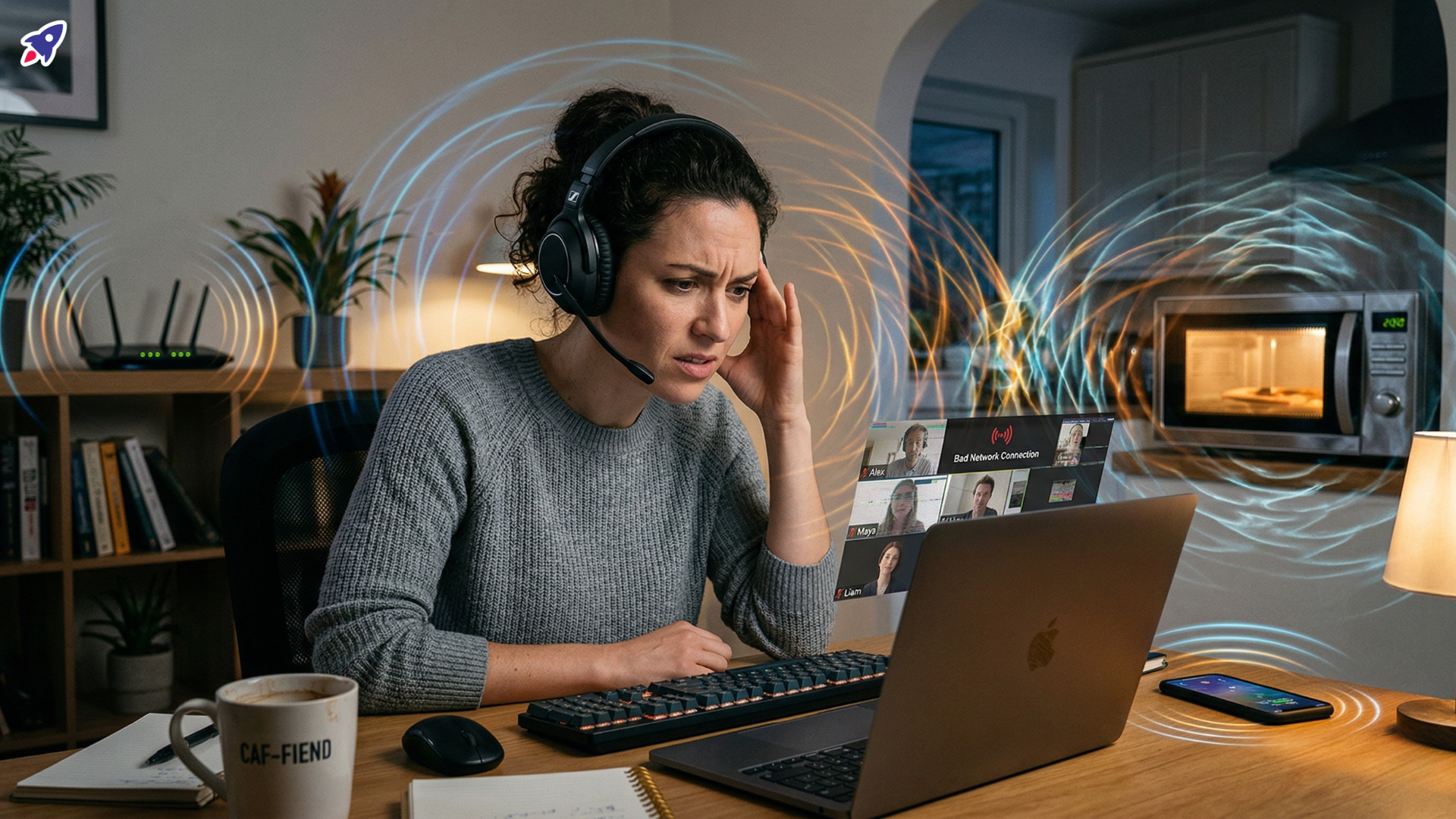
Picture this: You’re mid-sentence on an important client call, your headset is comfortable, your mic is primed, and then… bzzzt-stutter-drop. Your client’s voice becomes a glitchy robot. Just as you’re about to ask them to repeat themselves for the third time, your microwave dings from the kitchen, and you notice your computer is furiously downloading a massive update. Coincidence? Not a chance, friend.
If you've ever battled frustratingly choppy audio, sudden disconnections, or that annoying "can you hear me now?" dance with your Bluetooth headset, you know the drill. It's more than just a minor annoyance; it’s a productivity killer, a professionalism dampener, and frankly, a bit embarrassing. In the age of remote work and hybrid teams, clear communication isn't a luxury; it's your lifeline.
The good news? You’re likely not crazy, and your headset probably isn’t broken. The culprit is often an invisible war happening in your airspace, frequently on the crowded 2.4 GHz frequency band. But don't sweat it – we're here to arm you with the knowledge and the solutions to win that war and get your audio back to crystal clear. Let’s dive in and fix those tech headaches for good.
Who This Is For
This deep dive into wireless woes is for anyone who depends on reliable, clear audio to get things done. If you recognize yourself in any of these scenarios, keep reading!
-
The Remote Work Warrior: You’re juggling video calls, virtual meetings, and client discussions from your home office, and dropped audio is simply not an option.
-
The Hybrid Professional: You move between office and home, and need your gear to perform flawlessly in diverse, sometimes noisy, environments.
-
The Call Center Captain: Your entire day is built around clear communication, and even a moment of static can impact customer satisfaction.
-
The Small Business Owner: Every interaction counts, and you need to sound sharp and professional without IT distractions.
-
The "Tech Should Just Work" Human: You're tired of troubleshooting and just want your headset to deliver pristine sound, every single time.

Tame the Invisible Noise Monsters: Understanding 2.4 GHz Mayhem
So, why is your pristine audio suddenly sounding like a broken record player? The answer often lies in the 2.4 gigahertz (GHz) Industrial, Scientific, and Medical (ISM) radio band. Think of it as a busy highway where everyone wants to drive at the same speed, at the same time.
-
The Shared Airwaves Scrum: Your Bluetooth headset transmits and receives in the 2.4 GHz band. Great! But guess what else is chilling on that very same frequency? Your Wi-Fi router (if it’s older or on its default settings), your cordless phone, the baby monitor, that wireless mouse, and yes, even your microwave oven. When too many devices try to use the same airspace, they butt heads, leading to the dreaded interference.
-
The Usual Suspects: Microwaves, for instance, are notorious for blasting out strong signals on the 2.4 GHz band when they're heating up your lunch. Ever notice your audio glitch when the microwave starts? Now you know why! Cordless phones and some older Wi-Fi routers (especially if they're still on 802.11b/g/n) are also major party crashers in your audio clarity.
-
Wi-Fi Congestion and Audio Stuttering: This is a big one. When your computer downloads large files, its Wi-Fi adapter is working overtime, often hogging a significant chunk of the 2.4 GHz band. If your Bluetooth headset is trying to transmit audio on that same crowded highway, it’s like trying to have a conversation in the middle of a rock concert. The result? Audio stuttering, dropouts, and general digital mayhem.
-
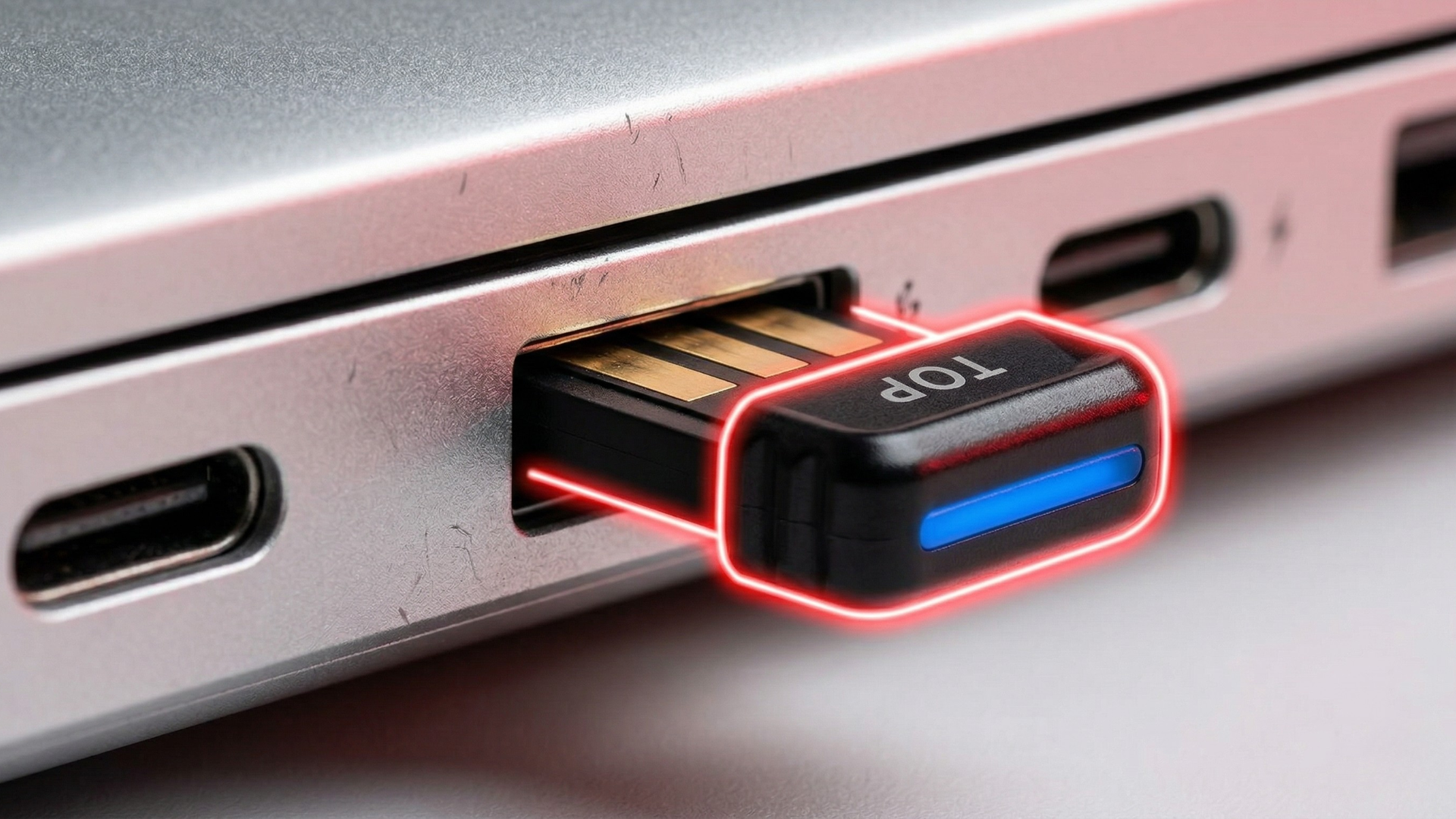
Sneaky USB Culprits: Believe it or not, poorly‑shielded USB 3.0 devices can sometimes emit radio frequency noise that interferes with nearby 2.4 GHz signals. If your Bluetooth adapter is plugged right into a USB 3.0 port on your computer, it could be experiencing localized interference.
Simple Fixes for Clearer Calls (No Tech Degree Required)
Good news! You don't need to be an RF engineer to tackle these common issues. Many solutions are surprisingly simple and can make a world of difference for your audio quality.
-
Give Your Bluetooth Dongle Some Space: Remember those sneaky USB 3.0 devices? If your computer's Bluetooth is acting up or you're using an external adapter, try plugging it into a USB extension cable. This moves the adapter a few inches or even a foot away from the potentially noisy internal electronics of your computer, often improving the signal. Think of it as giving your adapter room to breathe.
-
Rearrange Your Personal Airspace: It sounds basic, but physical distance works wonders. If you know your microwave or cordless phone is on the 2.4 GHz band, simply move it further away from your computer and Bluetooth headset when you’re on important calls. Even a few feet can reduce interference significantly. Also, ensure your headset is relatively close to your computer or adapter – Bluetooth likes a direct line of sight if possible!
-
Power Up and Update: A low battery in your Bluetooth headset can lead to weaker signals and increased susceptibility to interference. Keep it charged! Also, make sure your Bluetooth drivers on your computer are always up to date. Manufacturers frequently release updates that improve performance and compatibility, helping your headset better navigate congested airwaves.
Upgrade Your Airwaves: The Power of 5 GHz Wi-Fi (And Beyond)
While the quick fixes are great, sometimes you need a more robust solution, especially if your workspace is a digital battlefield. This is where upgrading your network game comes into play.
-
Step Up to 5 GHz Wi-Fi: If you have a modern dual-band router (most do these days), it likely supports both 2.4 GHz and 5 GHz Wi-Fi bands. The 5 GHz band is far less crowded, offers more channels, and provides faster speeds. Crucially, it dramatically reduces 2.4 GHz Wi‑Fi traffic from your computer, freeing up more of that band for your Bluetooth headset and drastically reducing interference. It’s like moving your conversation from a noisy bar to a quiet cafe.
-
How to Make the Switch (It's Easier Than You Think!):
- Access Your Router: Usually, you type your router's IP address (often something like 192.168.1.1, 192.168.0.1, or 10.0.0.1) into a web browser. Your router’s login details are typically on a sticker on the router itself.
- Find Wi-Fi Settings: Look for sections like "Wireless Settings," "Wi-Fi," or "Network."
- Identify Your Bands: You should see options for "2.4 GHz" and "5 GHz." If your router broadcasts two separate networks (e.g., "MyNetwork_2.4" and "MyNetwork_5"), simply connect your computer to the "_5" network.
- Consider Channel Optimization: If you *must* stay on 2.4 GHz and your router is using 20 MHz channel width, you can try manually changing your 2.4 GHz Wi-Fi channel to 1, 6, or 11 (these are non‑overlapping). Use a Wi-Fi analyzer app on your phone to see which channels are least used in your area. This is a bit more advanced but can help reduce local Wi-Fi self-interference.
-
Beyond Bluetooth: The DECT Difference: While Bluetooth is fantastic for convenience, it’s not the only game in town. If you work in a dense office environment, a call center, or just crave ultimate reliability, consider a DECT (Digital Enhanced Cordless Telecommunications) headset. Unlike Bluetooth, DECT operates on a dedicated frequency band (commonly around 1.9 GHz in many regions), making it largely immune to 2.4 GHz interference. It offers superior range, security, and the ability to support many more headsets in a concentrated area without issues. Think of it as having its own private highway, far away from all the 2.4 GHz traffic.
Proof & Specifics: Why Modern Gear Matters
When you're fighting an invisible battle, your equipment is your best weapon. Modern headsets and adapters are designed with these interference challenges in mind.
-
Adaptive Frequency Hopping (AFH): Many modern Bluetooth headsets (typically Bluetooth 4.0 and later) use Adaptive Frequency Hopping (AFH). This smart technology allows your headset to constantly scan the 2.4 GHz band and intelligently hop away from frequencies that are currently being used by Wi-Fi or other interferers. Translation: your headset is actively dodging those noise bullets so your audio stays smooth.
-
Robust Antennas and DSP: High-quality headsets from trusted brands feature superior antenna design and advanced Digital Signal Processing (DSP). This means better reception, clearer transmission, and sophisticated noise cancellation that not only silences your background but also makes your voice stand out, even if there's a tiny bit of ambient wireless chatter trying to sneak in.
-
DECT's Dedicated Frequency Band: For those looking at DECT, the "proof is in the pudding" with its dedicated frequency band. You simply don't have to worry about microwaves or Wi-Fi downloads causing audio stuttering because DECT isn't playing on the same playground. It’s built for heavy usage and reliability, making it the go-to for many professional environments where dropped calls are simply not an option.
Why It Matters: Your Professional Edge
Let's be real: in today's fast-paced, often remote world, your audio quality isn't just about sounding good – it's about being effective. Solving these 2.4 GHz interference issues translates directly into better outcomes for you and your business.
Think about it: fewer awkward "Can you repeat that?" moments. More confident presentations. Clients who feel heard and respected. Colleagues who trust your calls will be clear and productive. You'll save precious time and mental energy, avoid frustration, and ultimately, present a more polished, professional image. Don't let invisible radio waves sabotage your success.
Shop the Gear, Boost Your Clarity
Ready to ditch the choppy audio and embrace crystal-clear communication? We’ve got the solutions that "just work." Whether you need a top-tier Bluetooth headset with advanced interference resistance or a robust DECT system for ultimate reliability, Global Teck Worldwide has you covered.
-
Advanced Bluetooth Headsets: Engineered with Adaptive Frequency Hopping and superior audio processing to cut through the 2.4 GHz noise.
-
Professional DECT Headset Systems: For unparalleled range, security, and interference‑free communication in demanding environments.
-
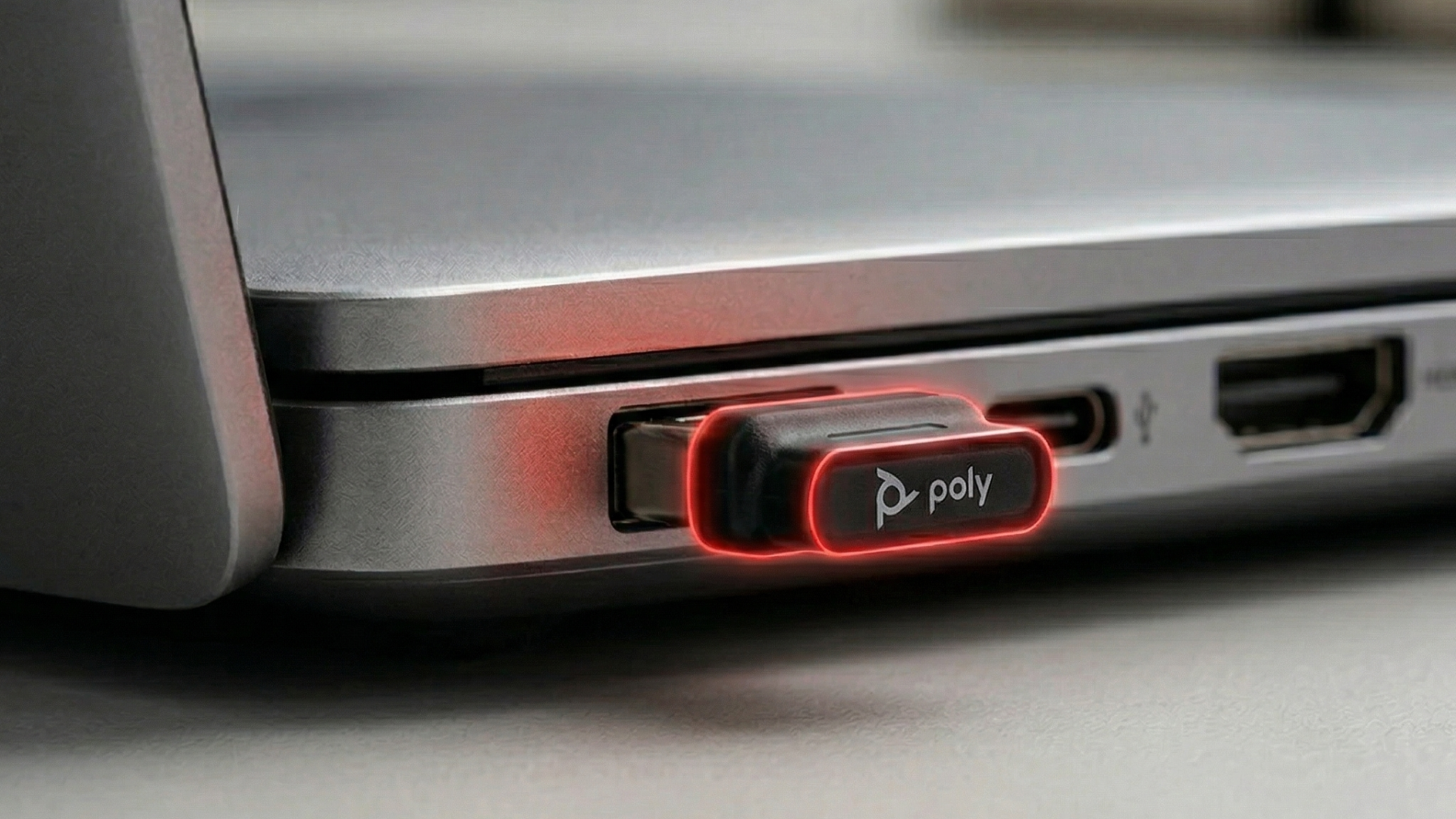
High‑Quality USB Bluetooth Adapters: Boost your PC's Bluetooth performance and pair seamlessly with an extension cable for optimal placement.
Need a Helping Hand?
We get it – navigating the world of wireless tech can feel a bit like decoding ancient hieroglyphs. With so many options and nuances, choosing the right headset for your specific needs can be daunting. Don't do it alone! Our team of experts at Global Teck Worldwide is here to help. Reach out via our contact form or give us a call for personalized advice and recommendations. We’re passionate about finding you the perfect gear that just works, every single time.
Video Overview
If the embedded video doesn’t load, watch it here.
Need help picking the right headset or speakerphone?
Contact Global Teck Worldwide