

Headset vs. Speakerphone vs. Speakers: Which WFH Audio Setup Actually Works Best?
Posted by Quentin Vernon on 3rd Apr 2026
Headset vs. Speakerphone vs. Speakers: Which WFH Audio Setup Actually Works Best?
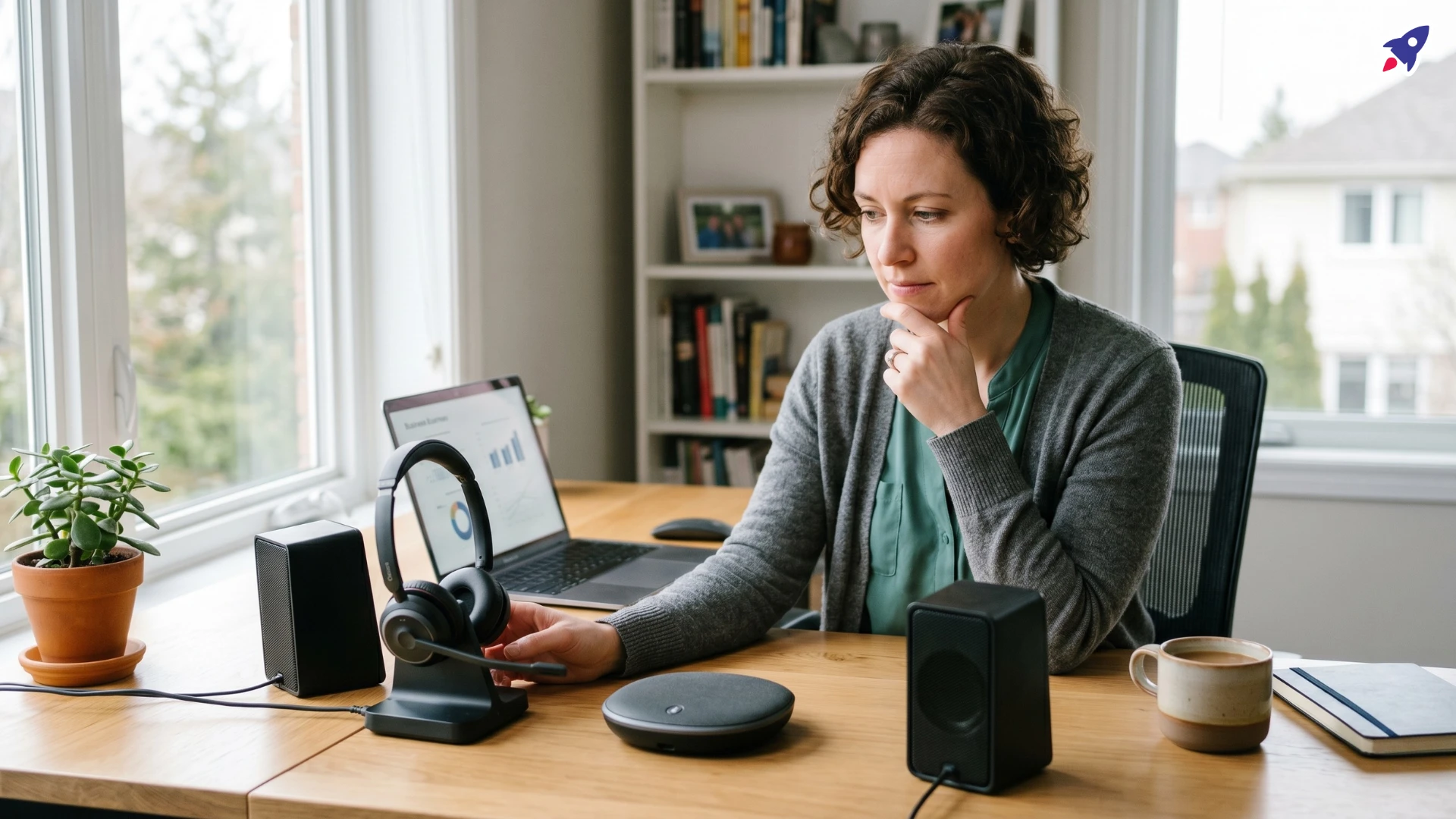
If you spend a big part of your day on Zoom, Teams, or Google Meet, your audio setup does more than deliver sound. It affects call clarity, focus, privacy, and how professional you come across.
For most remote workers, a headset is the strongest all-around choice. It gives you the best mix of microphone control, privacy, and noise reduction. A speakerphone makes more sense if you want a hands-free setup in a quiet room or occasionally need another person to join from the same space. Computer speakers work for general audio, but on their own they are usually the weakest option for professional meetings.
Bottom line: If your job depends on clear calls, start with a headset. It is the safest category for call-heavy work and the least likely to disappoint you after the first week.
This guide breaks down what actually matters, where each setup works, and which setup is most likely to improve your calls without wasting money on the wrong category.
Quick Decision Guide
| If you need... | Best choice | Why |
|---|---|---|
| Best call clarity, privacy, and noise control | Headset | The microphone stays close to your mouth and keeps room noise out of the conversation. |
| Hands-free comfort in a quiet room | Speakerphone | It works well when privacy matters less and you do not want to wear audio gear all day. |
| General listening more than calling | Computer speakers | They are better for music and desktop audio than for serious work calls. |
| Speakers for calls without the usual drawbacks | Speakers + external mic | A separate microphone improves your outgoing audio, but you still get less privacy than a headset. |
Fast recommendation: If your work depends on sounding clear and professional, start with a headset. Move to a speakerphone only if your room is quiet and hands-free comfort matters more than maximum call control.
What Matters Most When Choosing
For work calls, microphone quality matters more than speaker quality. If people cannot hear you clearly, everything else matters less. Privacy, background noise, and comfort come next. After that, think about how often you are on calls, whether you want to move around, and how easily the device fits into your daily setup.
This matters most for sales teams, support roles, client-facing staff, managers, recruiters, and anyone whose job depends on clear communication. In those cases, weak audio creates friction in every conversation.
- Microphone quality: Poor outgoing audio slows conversations down and makes you sound less polished, even if you can hear the other person clearly.
- Privacy: If you handle client, sales, HR, finance, or internal conversations, keeping audio out of the room matters.
- Background noise: Kids, pets, traffic, HVAC noise, and shared spaces can ruin an otherwise decent setup.
- Comfort: If you wear a device for hours a day, comfort becomes part of the buying decision.
- Freedom of movement: Some people want to stand, pace, or move during calls without wearing something all day.
- Call volume: The more often you are on calls, the less room there is for a mediocre setup.
- Platform compatibility: Devices that work cleanly with Teams, Zoom, Meet, and your computer reduce friction every day.
- Budget: Saving money on the wrong category usually creates more frustration than savings.
Side-by-Side Comparison
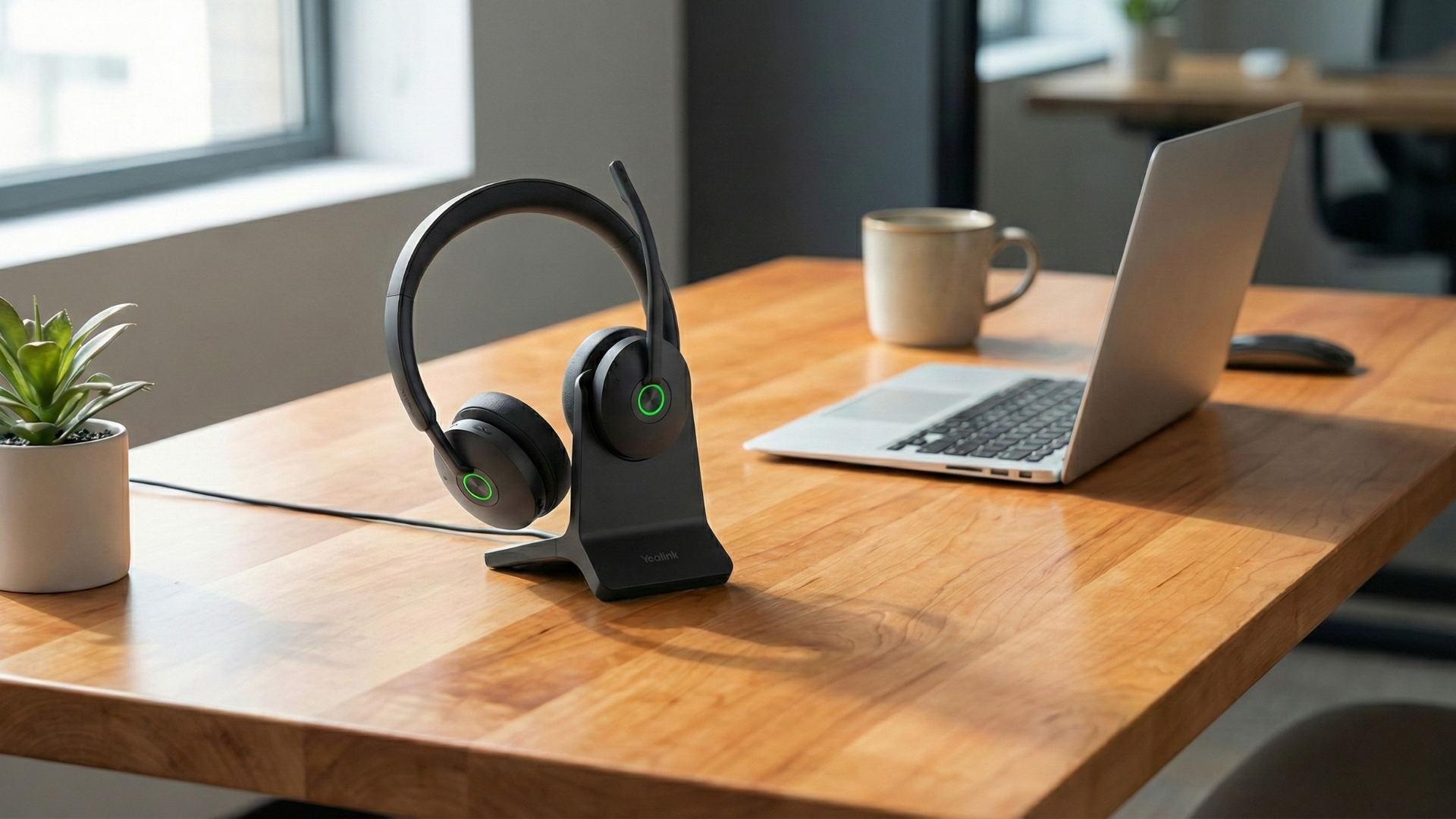
Headsets
Headsets are the default choice for call-heavy work because they give you the most controlled microphone pickup, the best privacy, and the least exposure to room noise.
- Pros:
- Best microphone performance: A boom mic close to your mouth usually delivers clearer, more consistent voice pickup than room-based devices.
- Better privacy: Audio stays in your ears instead of filling the room.
- Stronger focus: You hear calls more clearly and are less distracted by what is happening around you.
- Better fit for noisy homes: Headsets are the most reliable option when your environment is not consistently quiet.
- Cons:
- Can become uncomfortable: Not everyone wants to wear a headset for hours every day.
- Less awareness of your surroundings: This can be a drawback if you need to stay alert to activity at home.
- Another device to manage: Wireless models need charging, and some users simply do not like wearing audio gear all day.
- Best for: Frequent meetings, sensitive calls, noisy environments, sales calls, client communication, support teams, and anyone who needs the strongest call performance.
Wired vs. wireless: Wired headsets are simpler and never need charging. Wireless models give you more freedom to move, but they cost more and add battery management.
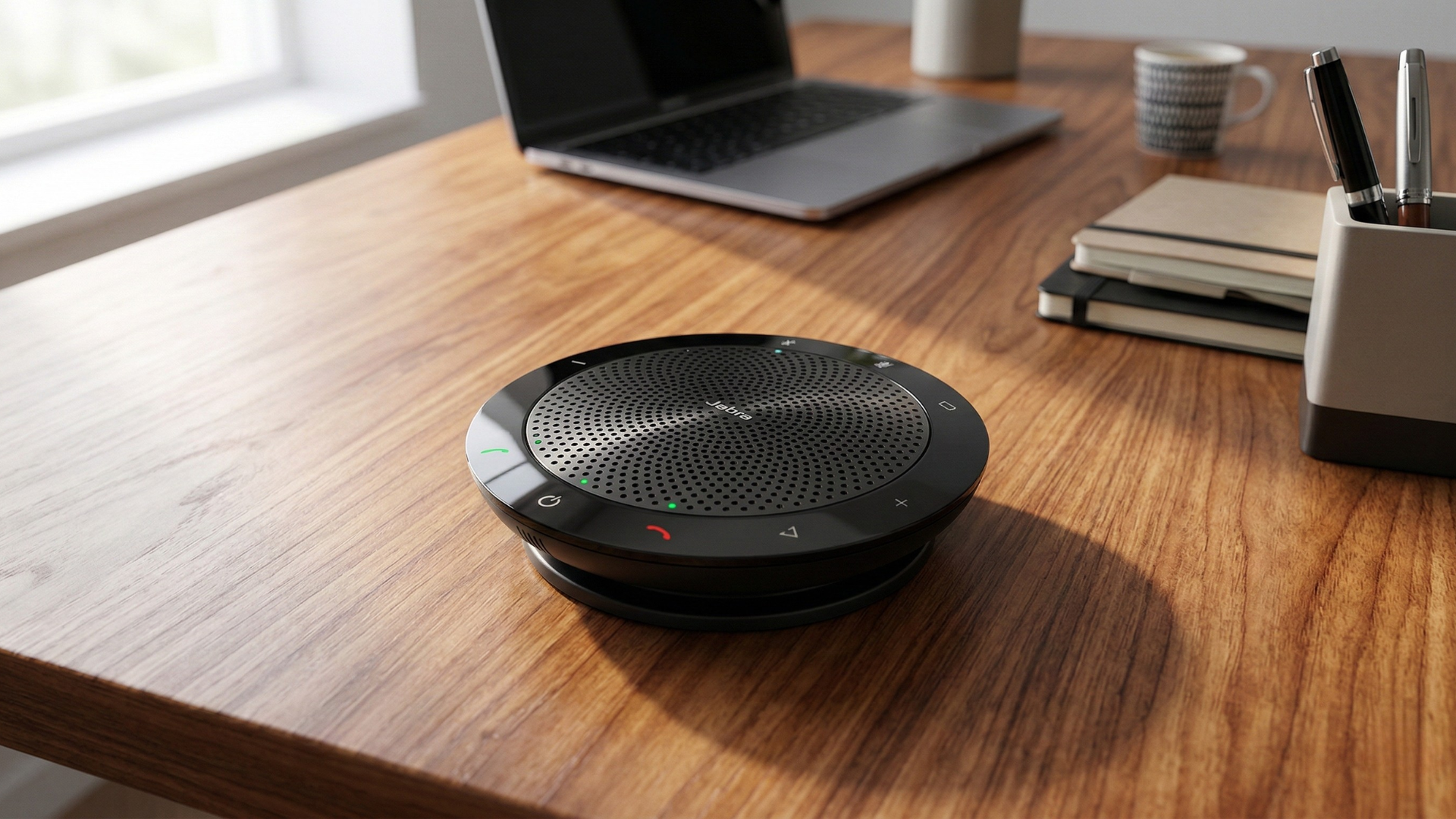
Speakerphones
Speakerphones are built for hands-free calling, but they depend much more on room conditions. They are more comfortable than headsets, but less controlled.
- Pros:
- Hands-free use: You can type, take notes, stand, or move naturally during calls without wearing anything.
- Better comfort: This is the main reason people choose them over headsets.
- Useful for occasional shared conversations: If another person joins from the same room, a speakerphone handles that better than a headset.
- Easy to move and deploy: Many models are compact, simple to set up, and easy to use across different rooms or desks.
- Cons:
- Less privacy: Everyone nearby can hear your call.
- More exposure to room noise: Even good speakerphones depend more on room conditions than headsets.
- Less direct voice pickup: You are farther from the microphone, so the setup is usually less controlled.
- Best for: Quiet home offices, short meetings, flexible work styles, and users who are tired of wearing a headset all day.
Computer Speakers
Computer speakers are built for listening, not serious calling. On their own, they usually create weaker microphone performance, more echo risk, and less control over call quality.
- Pros:
- Simple: You may already have them, so there is nothing extra to buy for casual listening.
- Good for general desktop audio: Music, videos, and everyday playback are where they make the most sense.
- No wearable device: Some users prefer this for comfort.
- Cons:
- Weak call setup on their own: If you rely on your laptop’s built-in microphone, your voice quality often suffers.
- Higher risk of echo and room noise: This is a common problem on calls.
- Not built for business conversations: They lack the call-first design and controls found in better communication devices.
- Best for: General listening, or work calls only when paired with a dedicated external microphone.
What About Speakers Paired With a Separate Microphone?
This setup is better than speakers alone, but it still does not solve privacy the way a headset does. A strong external microphone can improve your outgoing audio, but other people in the room can still hear your calls, and your space still plays a bigger role in overall performance.
Best Fit by Use Case
This is where the decision usually becomes obvious. Match the device to the way you actually work, not the way you hope your workspace behaves on a good day.
Choose a Headset If:
- You are on calls for hours every week
- Your workspace has background noise
- You need privacy
- You want the most reliable microphone performance
- Your role depends on sounding clear and professional
Choose a Speakerphone If:
- You do not want to wear a headset all day
- You like to move around while talking
- Your workspace is usually quiet
- Another person occasionally joins your calls from the same room
- Your meetings are frequent but not highly sensitive
Choose Computer Speakers Only If:
- Calls are rare
- Voice quality is not business-critical
- You already use a separate external microphone
- Your primary need is music, video, or general desktop audio
For most remote professionals, the practical recommendation is simple: start with a good headset. It is the safest category to buy because it solves the problems that usually matter most: voice clarity, privacy, and noise control. Move to a speakerphone only if comfort, movement, or occasional shared use matters more than maximum microphone control.
Decision shortcut: If you are stuck between categories, choose the headset first. It is the option least likely to let you down on real work calls.
Common Buying Mistakes
- Focusing only on what you hear: Buyers often judge speakers or headphones by playback quality and ignore the microphone. On work calls, your outgoing audio matters just as much.
- Ignoring the room: A device that performs well in a quiet office can struggle in a shared or noisy home.
- Using built-in mics for serious calls: This is one of the most common weak points in remote work setups.
- Buying for price instead of purpose: Saving money on the wrong category usually creates friction every workday.
- Underestimating comfort: A technically strong device still fails if you hate using it after an hour.
How Much Should You Spend?
Spend more when calls are central to your role, your environment is noisy or unpredictable, or you use the device for hours at a time. In those cases, better microphone performance, stronger reliability, and better comfort are worth paying for.
You can spend less if calls are infrequent, your workspace is consistently quiet, and your needs are basic. Just do not save money by choosing the wrong category. A cheaper headset that fits the job is usually a better decision than a nicer set of speakers that does not.
Recommended Options by Setup Type
If you already know which category fits your work style, these are practical options worth considering. The point is not to push more hardware. It is to help you avoid buying the wrong type of device for the way you work.
- Need the safest pick for frequent calls? The Yealink BH74 is the strongest fit if you want a headset built around business calling, better microphone control, and fewer compromises in noisy or high-stakes work environments.
- Need a compact speakerphone for lighter use? The Jabra Speak 510+ is a practical choice for quieter rooms, shorter meetings, and users who want simple hands-free calling without taking over the whole desk.
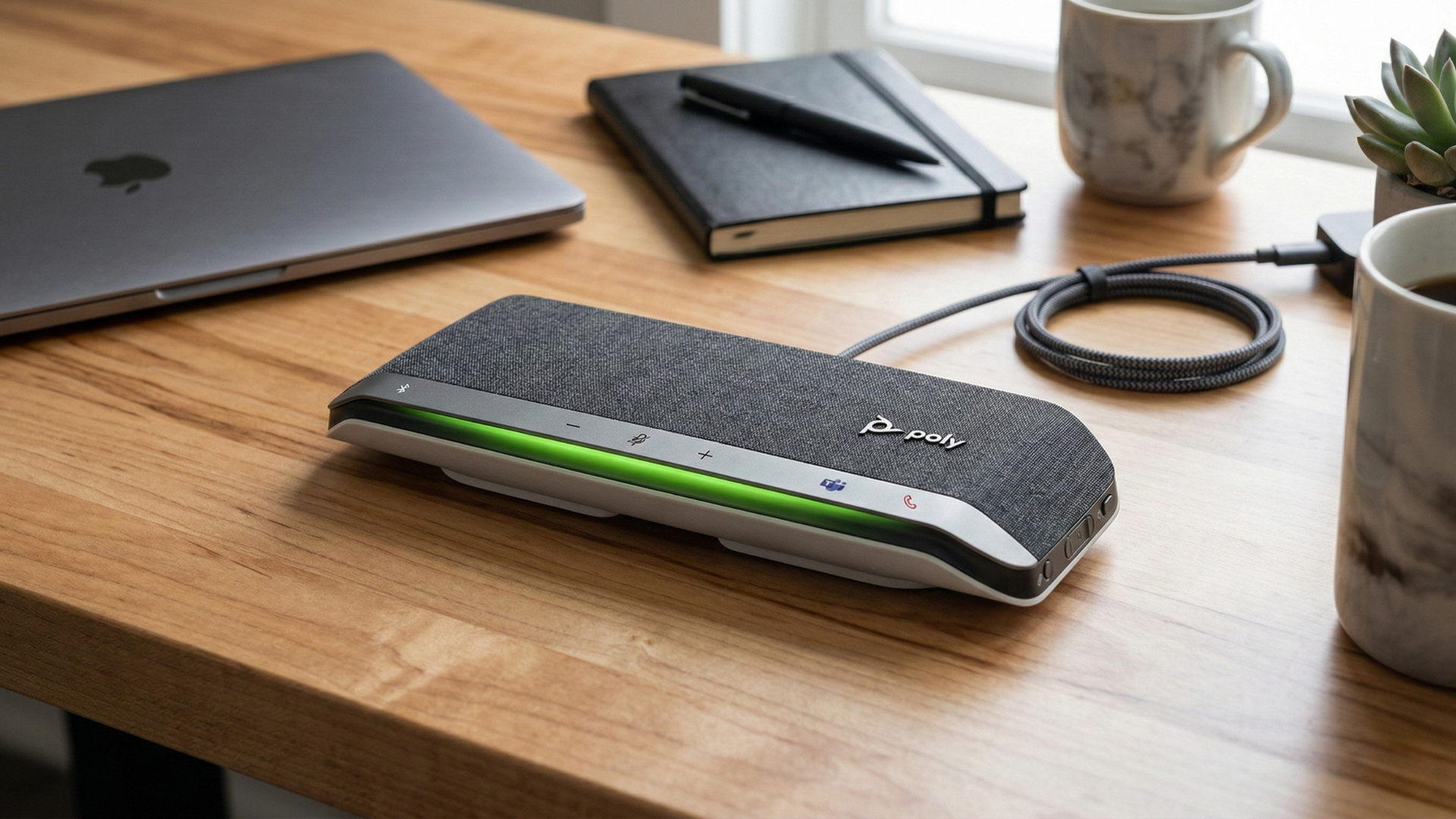
- Need a more capable speakerphone for one main workspace? The Poly Sync 40+ is the better fit if you want a more substantial desk setup for regular hands-free meetings.
Practical buying rule: If you are unsure, do not overthink it. Buy the headset first. It is the category least likely to disappoint people who spend a large part of the week on calls.
Final Recommendation
For most remote professionals, a headset is the best default because it solves the problems that matter most on work calls: microphone clarity, privacy, and noise control. A speakerphone is worth considering only if your workspace is quiet and you value hands-free comfort more than maximum call performance. Computer speakers are fine for listening, but on their own they are usually the wrong tool for professional communication.
If you want the safest buying decision, start with a professional headset. If you already know you hate wearing one all day and your room is quiet, then a speakerphone becomes easier to justify.
Best next step: If you are still unsure, compare one strong headset option against one speakerphone option and choose based on privacy, room noise, and how many hours you spend on calls each week.
Need help choosing the right headset or speakerphone for your home office? Tell us how you work and we will help you narrow it down faster.
GET A WORK-FROM-HOME AUDIO RECOMMENDATION