
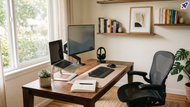
Do You Really Need a Home Office Setup If You're Only Home Part of the Week?
Posted by Quentin Vernon on 8th Jun 2026
Do You Really Need a Home Office Setup If You're Only Home Part of the Week?
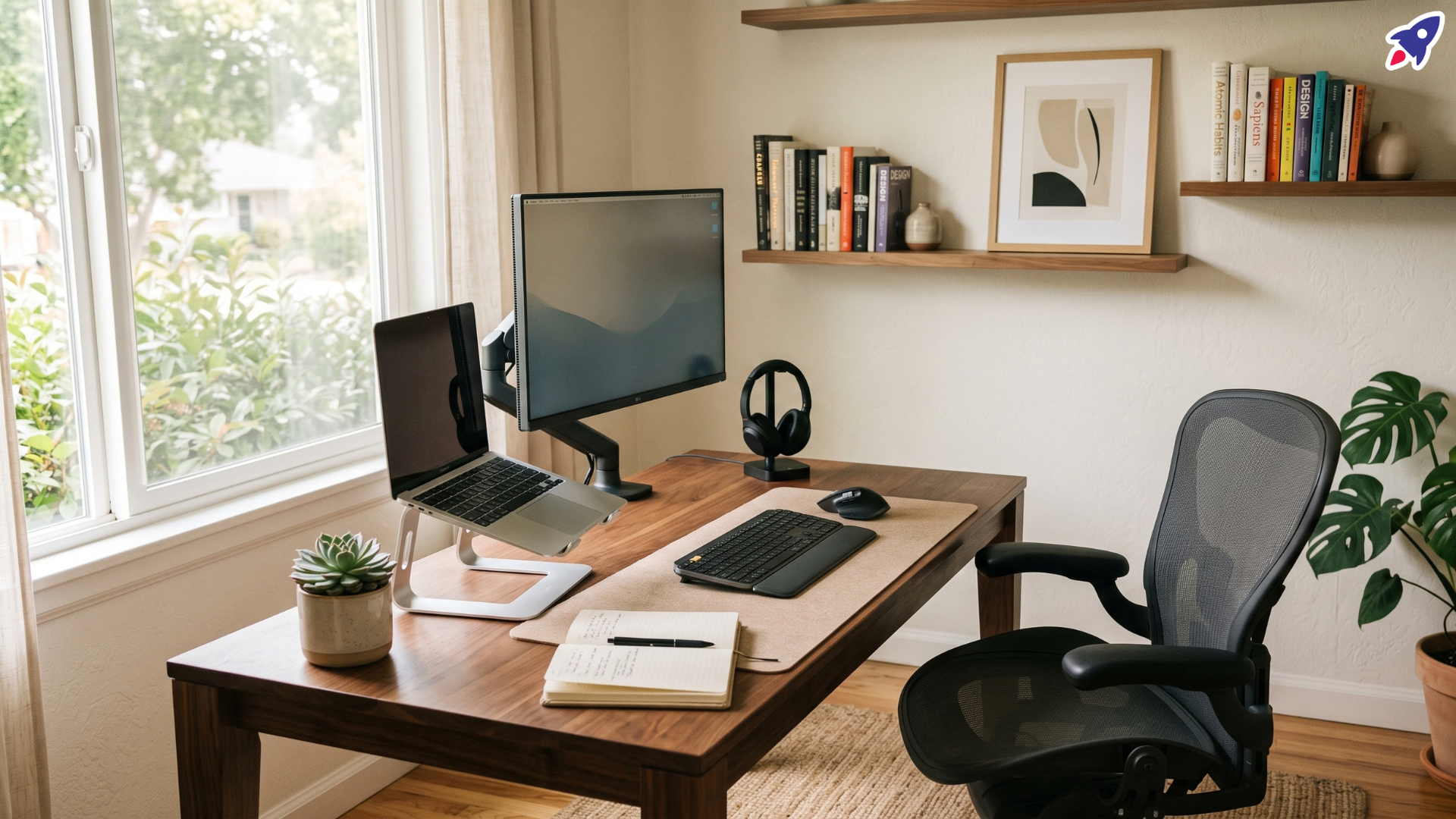
Picture a new hire, we'll call her Jordan. She just started as a research analyst at a healthcare nonprofit in Pittsburgh. Her apartment is a 12-minute walk from the office. The company only requires everyone in on Tuesdays, and the open floor is nearly empty the rest of the week. She plans to stay at least three years, and she has about $1,100 set aside for a home setup. She can afford it. She just can't decide if it's worth it.
Should she wait a few months and see how she likes the office? Or buy now, since she'll be in this job for a while?
A lot of hybrid workers are stuck on this exact question. The honest answer is that both sides have a point. Let's go through them.
What "home office setup" actually means
It doesn't have to be a spare room with a standing desk and three monitors. A home office setup is a place to work and a set of tools that let you do it for hours without wrecking your body or your focus. That could be one corner of a bedroom with a decent chair and a screen. Or it could be a full build-out. So the real question isn't "office or no office." It's "how much, and when."
The case for setting one up
1. Your body will thank you
This is the strongest argument, and it has nothing to do with looking fancy. Laptops are built to be carried, not to be sat at all day. The UC Davis ergonomics program warns that long stretches of laptop work can lead to muscle and joint problems in the neck, shoulders, wrists, and hands. The problem is the design: the screen and keyboard are attached, so your neck tilts down or your arms reach up. With a laptop sitting flat on a desk, the screen is low enough to push your upper back and neck into a bent position, as University of Guelph guidance points out.
One university safety guide says that if you're on a computer more than four hours a day, you should set up an ergonomic arrangement, with an external monitor, an external keyboard, or both. Most office jobs blow past four hours before lunch. And the cost of ignoring it isn't just a sore neck on Friday. It's the kind of nagging pain that sticks around.
2. A dedicated spot helps your head, too
Where you work shapes how you work. A survey of 1,000 UK employees found that only 42% of people working from home actually use a home office. The rest work from the kitchen or dining room, the lounge, or the bedroom. That's a lot of people working where they also eat, relax, and sleep.
When work happens on the couch, it's harder to switch off. A desk, even a small one, tells your brain that this is where work happens. It also gives you a place to walk away from. That matters, because a 2026 survey in Slovakia found that long stretches of working from home can blur the boundary between work and private life.
3. You'll probably use it more than you expect
Even if you plan to be home just a couple of days a week, plans change. Company policies shift, deadlines get heavy, and sick days and snowstorms push people home. A CCS Insight survey of workers across several countries found that two-thirds now have a dedicated home office setup, up from around half the year before. A home setup is becoming standard.
If you'll be in the same role for a few years, a good setup also costs very little per day once you spread it out.
4. Your tools affect your output
An Office Depot survey of remote and hybrid workers found that 35% said they couldn't do their current job with the same home setup they started with. A retailer ran that one, so take it with a grain of salt. But the basic idea holds: a bad setup is a small daily tax on your attention. A cramped screen, muddy call audio, a webcam that makes you look like you're in a cave. They all add friction, and friction adds up.
The case against (or at least for waiting)
1. You might not need much at home
If the office is a short walk away, has equipment you like, and is mostly empty on the days you could work from home anyway, the office may be your real workspace. Nothing says you have to work from home just because you're allowed to. For someone like Jordan, buying a big setup could mean buying a desk she rarely sits at.
2. You don't know yet how you work best
You can't know how you'll work until you've tried it. Some people get more done at home. Others get distracted by laundry, noise, and the fridge. In a HubbleHQ survey of 1,000 office workers from a few years back, 34% struggled to keep a work-life balance when working from home, and 24% found the home environment too distracting. That survey is dated, so treat it as a rough snapshot, not a verdict. But it shows that home isn't a productivity paradise for everyone.
3. Isolation is real
A great home setup can make it a little too easy to stay home. The same HubbleHQ survey found that lack of social interaction was the biggest frustration of working from home, and the Slovak survey mentioned above reached a similar conclusion, noting that extended time at home can reduce contact with colleagues and increase feelings of isolation.
If the office is close and you like the people, a quiet Monday there might be worth more than a perfect desk at home. Newer employees especially tend to learn a lot just by being around coworkers.
4. Money has other jobs, and tech gets old
$1,100 is a real chunk of money to commit before you know your patterns. Monitors and chairs can last for years, but smaller gear like webcams, headsets, and docks gets replaced as standards change. If you can start small and add pieces as you learn what you actually need, you keep your options open.
So how do you decide?
Skip the yes-or-no and ask yourself these:
- How many hours a week will I really work from home? Under a day or two of light work, go minimal. Two or three solid days, invest more.
- Is there already a good workspace I can easily reach? A solid desk and chair a short walk away changes the math.
- Do I focus better alone or around people? Be honest, and if you don't know, test it.
- Do I have a spot at home that can stay a "work spot"? If not, the space matters more than the gear.
- How long will I be doing this? Several years is long enough that comfort pays off.
A sensible middle path: build in layers
If you're torn between buying everything and buying nothing, start with the items that fix the biggest problems. Add the rest once you know your habits. Here's the order I'd go in.
Layer 1: The ergonomic basics
If you only buy one layer, make it this one.
An external monitor. This is the single biggest upgrade. Ergonomics guidance says the top of the screen should sit slightly below eye level, about an arm's length away. A 24 to 27 inch monitor works for most people.
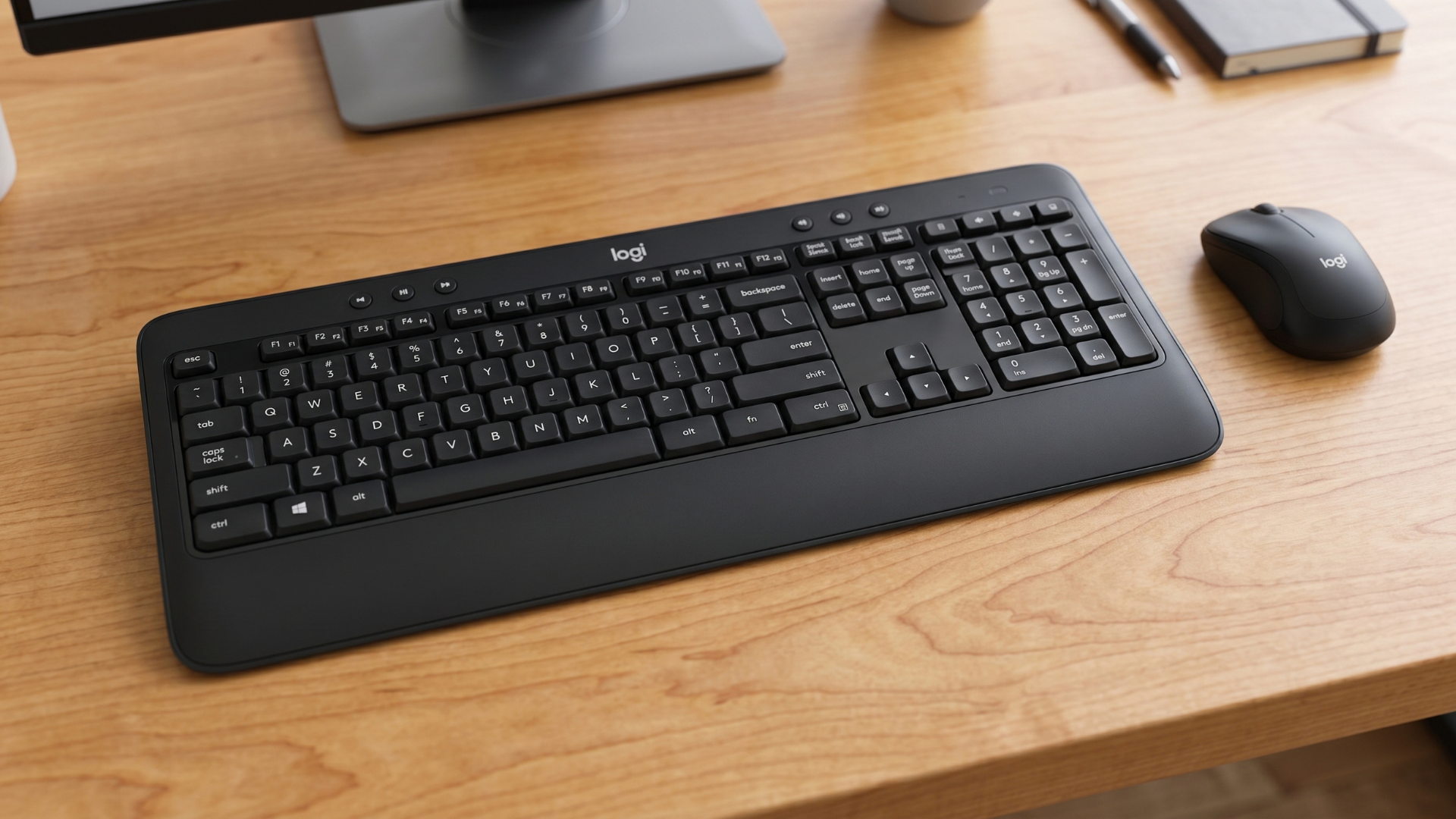
An external keyboard and mouse. This lets you position your screen and your hands separately, which is the whole idea. Logitech's own ergonomics guidance says that if you work on a laptop, you should always use an external keyboard and mouse to avoid arm, wrist, or shoulder pain. The Logitech MK540 Wireless Bluetooth Mouse and Keyboard Combo is a straightforward pick. It comes with a 2.4GHz Unifying receiver, and it also supports Bluetooth.
A way to raise your laptop. If you're using the laptop as a second screen, a stand or a stack of sturdy books works. Syracuse University's guidance suggests raising the laptop about 6 to 12 inches off the desk.
Layer 2: Comfort and call quality
Add these once you know you'll be home regularly.
A chair with real back support. A bad chair can make a great monitor feel awful by mid-afternoon. It's usually the priciest single item, so it's smart to wait until you know you'll use it.
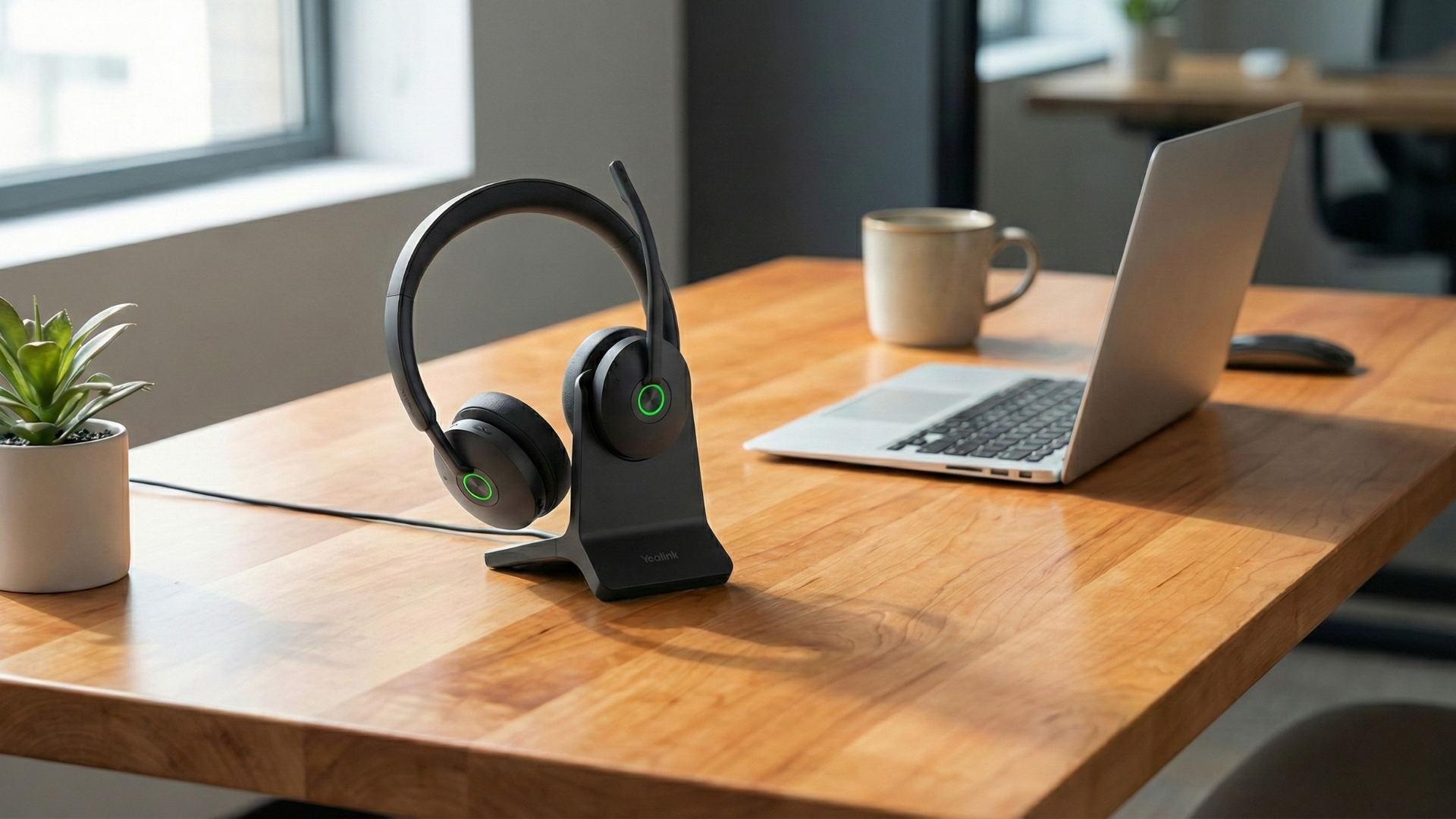
A headset with a good mic. If you're on video calls, team meetings, or client calls, audio matters more than video. People forgive a grainy picture. They don't forgive hearing every third word. The Yealink BH74 is a Bluetooth headset with a slim boom microphone, and it comes with a charging stand so it's always ready to go on your desk.
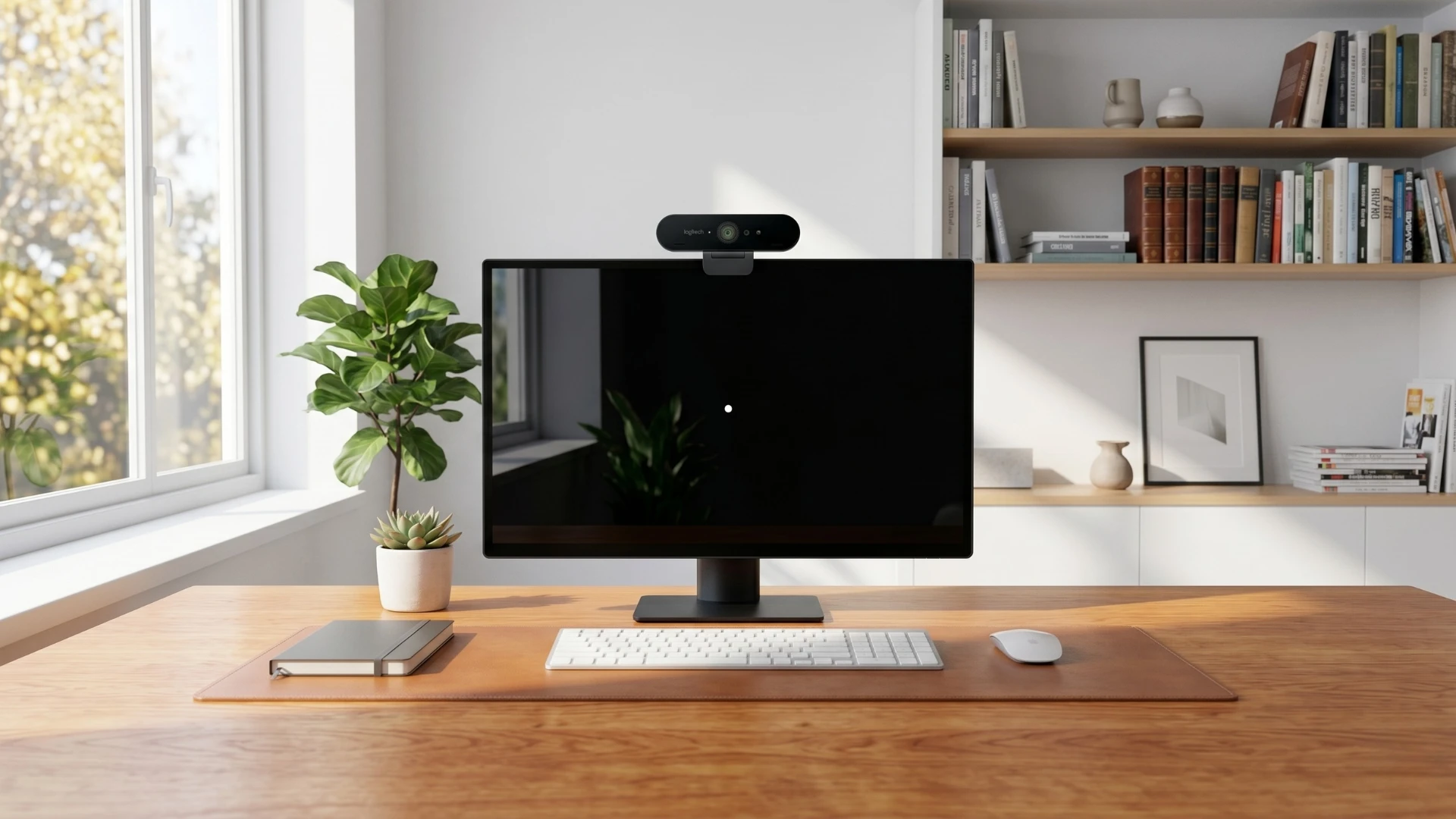
A webcam. Most laptop cameras are fine for a quick check-in. But once you're using an external monitor, your laptop's camera is usually off to the side or pointed at the ceiling. An external webcam fixes that. The Logitech BRIO 4K Webcam Business PRO offers 4K video, HDR-enhanced lighting, a noise-cancelling microphone, and a privacy shutter for when you're not on a call. It works with Windows, macOS, and ChromeOS.
Layer 3: Nice-to-haves
These are fine, but not urgent: a desk lamp or better lighting, a desk mat, cable management, a footrest, or a standing desk converter. That last one is handy, since ergonomics guidance often recommends switching between standing and sitting during the day.
Layers one and two add up to a solid setup for a lot less than $1,100. And you've kept room to upgrade later without regret.
What I'd tell Jordan
If it were my call, I wouldn't spend the whole budget on day one, and I wouldn't do nothing either. I'd grab the Layer 1 basics right away, because they cost relatively little and protect your neck and wrists no matter where you end up working most. Then I'd spend a month or two paying attention to my own habits. Which days do I get more done at home? Do I miss the office on quiet days? Am I taking calls from the kitchen?
After that, I'd decide on the chair, headset, and webcam. That way, every dollar goes toward something I know I'll use.
The takeaway
Do you really need a full home office? Maybe not. But almost everyone who works on a computer for hours needs something: a screen at the right height and a keyboard and mouse you can position on their own. Past that, it comes down to your habits, your space, and your budget.
Start small, pay attention, and build up. Your neck, your focus, and your wallet will all be better off.
Video Overview
Need help picking gear for your home or hybrid setup?
Contact Global Teck Worldwide