

Business Phone Migration Checklist: What to Test First
Posted by Quentin Vernon on 2nd Nov 2026
How to Test Your New Business Phone Service Before You Switch
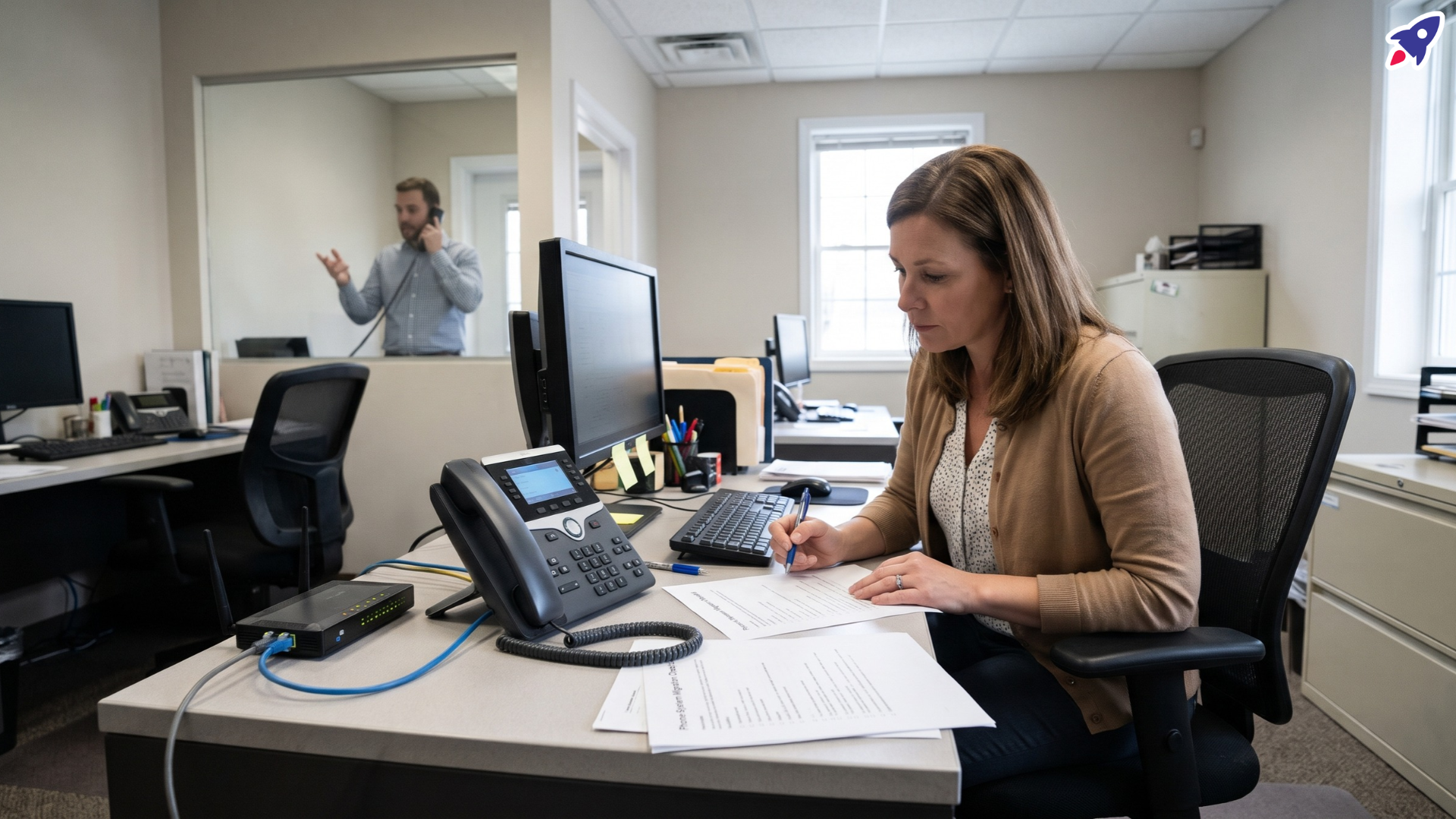
So the new fiber or VoIP service is installed, the desk phone rings, and somebody's ready to cancel the old copper line. Hold that thought for a week.
Before you disconnect anything, test incoming and outgoing calls, call quality while the office is busy, backup power, your 911 setup, and every device that plugs into a phone line. Write the results down. A dial tone only proves the line is connected, and that's a pretty low bar for a Monday morning full of client calls.
This is getting real for a lot of offices. AT&T announced in May 2026 that it plans to discontinue some copper-based services in parts of California on or after June 1, 2027. That's a phased regional plan, not a nationwide shutoff date, but moves like it are why so many small businesses are testing replacements now.
If you're still figuring out which equipment to keep or replace, our post on copper retirement and analog equipment covers that part. This one picks up at the next step: proving the new service actually works.
Why isn't a working dial tone enough to approve a new phone service?
Because "the phone works" is really three separate questions:
- Is the connection up? Your equipment can reach the provider.
- Do calls complete? Calls go out, come in, and reach the right person or line.
- Can people actually talk? No choppy audio, awkward delay, or calls that drop at minute twelve.
One test call usually only answers the first two. Think of it like a car that starts in the driveway: good sign, but it tells you nothing about how it handles the highway at rush hour.
A recent IEEE ComSoc Technology Blog post makes the same point: a working connection doesn't automatically mean acceptable call quality or full compatibility with your devices. It proposes evaluating replacement service on incoming and outgoing calls, conversation quality, power resilience, recovery after failures, and connected equipment. That's a proposed framework, not an official certification, but it's a sensible checklist to borrow.
It also helps to know what you're testing. Most replacements are what the FCC calls interconnected VoIP: voice carried over an internet connection and IP-based equipment that can still call regular phone numbers. Keep in mind that the phone on your desk and the service behind it are two different things. A new IP phone won't fix a shaky service, and a great service can still struggle with an old device.
How should you test call quality before moving your business number?
Run a small, boring, repeatable test plan. Boring is good here.
- Make lots of calls, not one. Spread them across several days. Include calls to cell phones, landlines, and the numbers your customers actually call from.
- Test both directions. Have someone outside the office call in. Check that calls ring the right phones, hunt groups, and voicemail.
- Test while the office is busy. Make calls while coworkers are on video meetings, uploading files, and syncing to the cloud. Include your real peak hours, not just a quiet Friday afternoon.
- Stay on the line. Keep some test calls going for 10 to 15 minutes. Note any robotic audio, gaps, talking over each other because of delay, or dropped calls.
- Press some buttons. Call an automated phone menu and enter digits. Packet-based voice carries keypad tones differently than copper does (RFC 4733 covers the technical side), so this is worth checking, especially if your own office runs a phone menu.
- Log everything. Date, time, who called whom, and what went wrong. A simple shared spreadsheet works.
That log is the part people skip, and it's the part your provider will ask for. "Calls sound weird sometimes" gets you a shrug. "Choppy audio on outbound calls between 9 and 10 a.m., three days in a row" gets you a ticket.
Will your new business phone service work during a power outage?
Got your call log started? Good. This next part is the one that surprises people.
Traditional copper service was powered from the phone company's side, so a basic corded phone could often keep working when your building lost power. Digital service usually depends on equipment in your office that needs electricity. When the power goes, so can your phones.
Walk through your setup and list everything the phone service needs to stay on:
- The modem or fiber terminal
- The router and any network switches
- The voice gateway or adapter, if you have one
- The phones themselves, including anything powered over the network cable
Then ask your provider what backup power they offer and how it works for your installation. For residential service, the FCC requires certain providers to offer backup power options and disclose their limits. Business installations aren't automatically covered the same way, so get the answer in writing for your account.
A few things to pin down:
- How long calling lasts on backup, under a test procedure the provider approves.
- Who maintains and replaces the batteries, and how you'll know when they're running low.
- What happens when power comes back. Time how long it takes for the modem, router, and phones to reboot and for calls to work again. Write that number down so nobody panics during the next outage.
Will your existing office phones and connected devices still work?
Maybe. It depends on the device and the service, so check by exact model instead of assuming.
- Analog desk phones may need an adapter to connect to the new service. Ask your provider whether one is included and which models it supports.
- A phone jack isn't a promise. Just because a device plugs into a telephone port doesn't mean it'll behave the same on digital service. Test fax machines, card terminals, door entry phones, and anything else that dials out.
- Life-safety and monitoring equipment such as fire alarm panels and elevator phones should go to the qualified vendor who services them. Don't rig these with a consumer adapter and hope.
- Headsets and call controls need a quick check too. Does mute sync with the phone or app? Does answering from the headset work? Test it on the calling platform you're actually moving to.
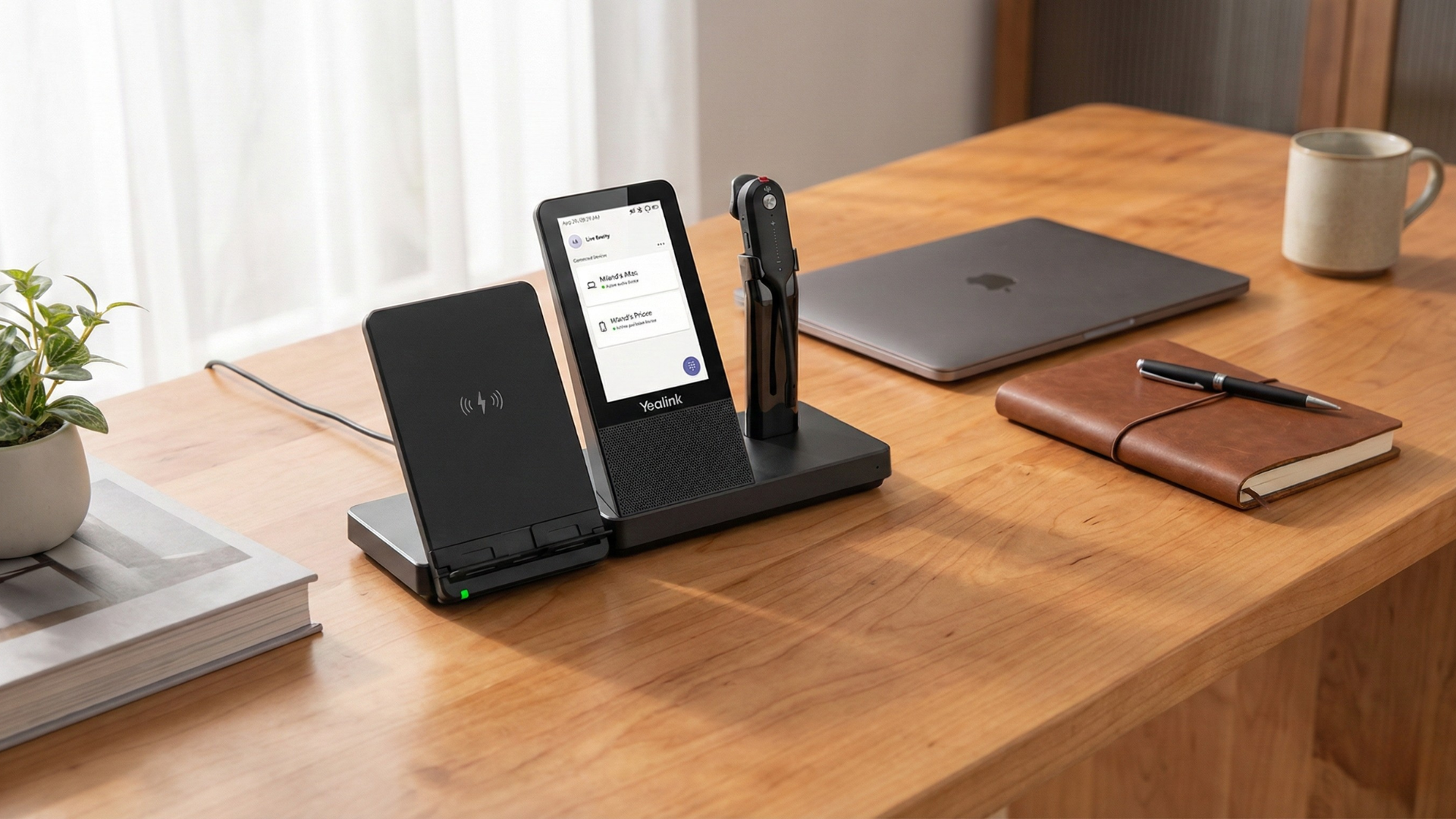
You probably don't need all new gear. But if you're updating desks anyway, a few options can fit a modern setup. The Yealink W56H is a cordless IP DECT handset for offices running a supported Yealink DECT base, so check base compatibility and provisioning first. The Yealink WH67 is a workstation headset option worth considering once you've confirmed it works with your calling platform. For receptionists handling lots of lines, the Yealink EXP50 Expansion Module adds buttons to a compatible Yealink IP phone. It's an accessory, not a replacement for a phone line.
What should you confirm about 911 calling and service recovery?
With digital service, 911 depends on the provider having the right location on file for your number. Confirm it with them:
- Check the registered address for every number, including suite or floor if you have more than one.
- Ask how 911 works if the internet or power goes down, and what the backup plan is.
- Use the provider's approved verification procedure. Don't place unannounced test calls to 911. Your provider can tell you how to verify this the right way.
Then sort out recovery. When service drops, who restarts what, in what order? Where do you report a fault, how fast should you hear back, and who do you call if the first answer isn't good enough? Tape the support number and account ID somewhere obvious. Not in an email that needs working internet to read.
What should be on your final phone migration sign-off checklist?
Still with us? Last stretch. Before anyone approves disconnecting the old line, make sure you can check off each of these:
- Call tests passed for inbound, outbound, long calls, keypad tones, and busy-hour use, with results logged.
- Backup power tested through the provider's procedure, with runtime and battery responsibility written down.
- Restart time recorded after a power or connection failure.
- 911 location confirmed for every number.
- Every connected device tested by exact model, with life-safety equipment signed off by its vendor.
- Open issues assigned to a named person with a follow-up date.
- Number porting confirmed before you schedule the final cutover, so your business number moves with you.
- Old service kept active until all of the above is done, where your contract allows it.
Do it in that order and the actual switch becomes the easy part. We promise it's less painful than explaining a dead phone line to your best client.
Not sure which of your lines are still copper? Find out before you switch.
Book a Free Phone Line AuditFrequently asked questions
Can I keep my existing office phone when switching to VoIP?
Often, yes. Many analog phones can connect through an adapter, and some IP phones can be set up with a new provider. Check with your provider by exact phone model before the switch, and test it during your trial period.
Does a VoIP phone work if the internet goes down?
Usually not on the desk phone itself, since the service runs over your connection. Some providers can forward calls to a mobile number during an outage. Ask what failover options your plan includes and test them.
How do I test VoIP call quality before canceling my old landline?
Make many test calls over several days, in both directions, including during your busiest hours. Stay on some calls for 10 to 15 minutes and log any choppy audio, delay, or drops. Keep the old line active until the results look good.
Can I keep my business phone number when changing providers?
In many cases, yes, through a process called number porting. Confirm with the new provider that your number can be ported and agree on the cutover date before you cancel anything with the old one.
Do I need a new headset when switching to an IP phone system?
Not necessarily. Whether your current headset works depends on what it connects to: the new desk phone, a computer app, or both. Test answering, hanging up, and mute on the new system, and check compatibility by exact model before buying anything.
Official resources
- IEEE ComSoc Technology Blog: After copper, what might qualify as an equivalent replacement for a telephone landline?
- AT&T: California connectivity commitment (May 2026)
- FCC: Fixed Voice Subscription Definitions
- FCC 15-98: Backup power for fixed voice services
- IETF RFC 4733: Telephone events over RTP
Comments? Questions? We got you covered!
Testing a new phone service and not sure your desk gear will make the move?
Contact Global Teck Worldwide