

Bluetooth USB Dongles for PC Audio: Fix Stuttering Forever
Posted by Global Teck Worldwide Staff on 27th Mar 2026
Bluetooth USB Dongles for PC Audio: Fix Stuttering Forever
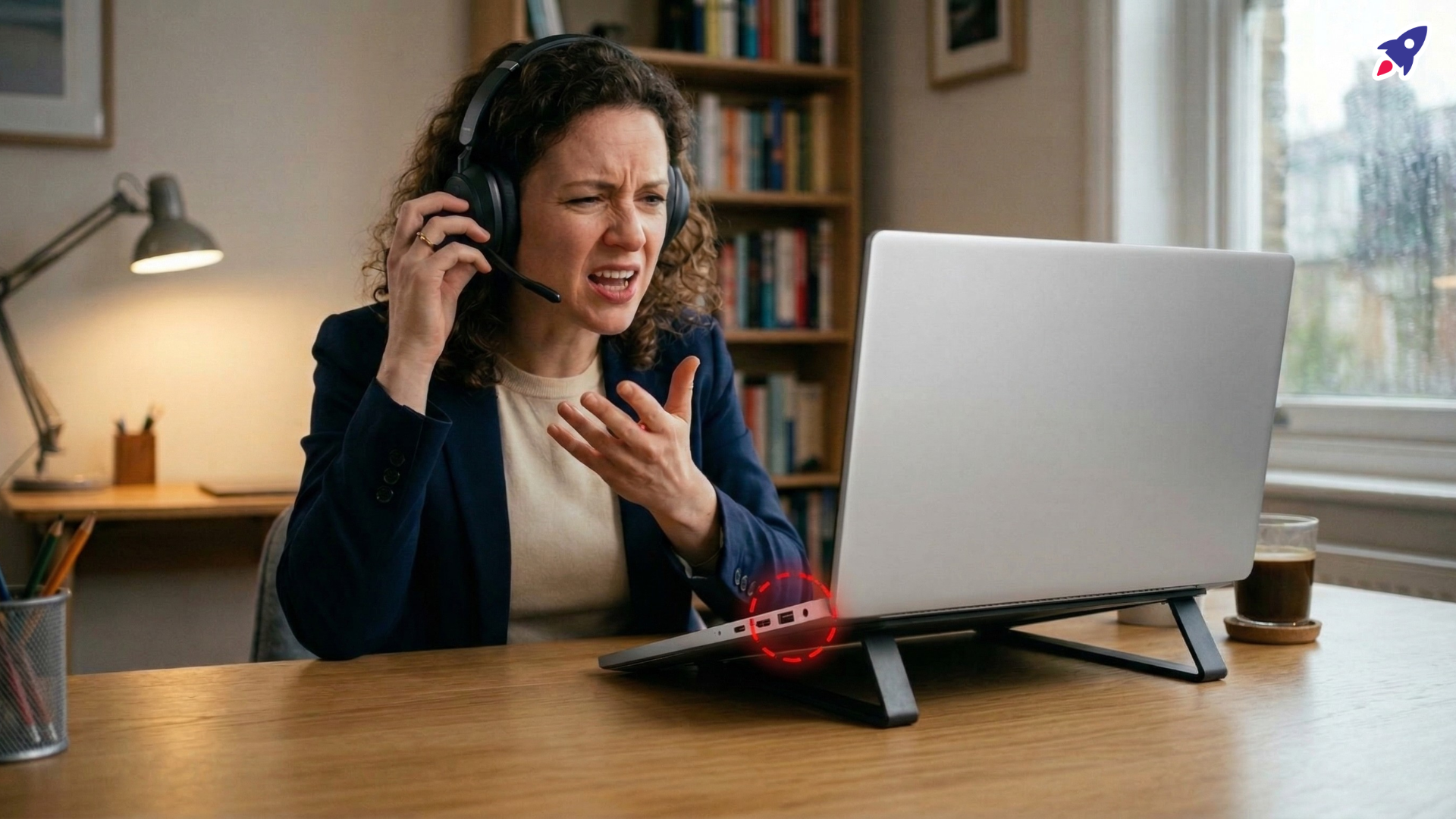
Ever been mid-sentence on a crucial video call, feeling like a total pro, only for your headset audio to suddenly decide it's taking a coffee break? Or maybe you're trying to listen to that important training module, but the sound is skipping more than a record with a scratch?
Sound familiar? Of course it does. We’ve all been there. It’s more than just annoying; it’s embarrassing, unprofessional, and frankly, a productivity killer. You end up repeating yourself, clients lose trust, and your focus goes straight out the window. You’ve probably blamed your headset (poor thing), or perhaps your Wi-Fi (it always gets a bad rap), but the real culprit often hides somewhere less obvious: your PC's built-in Bluetooth.
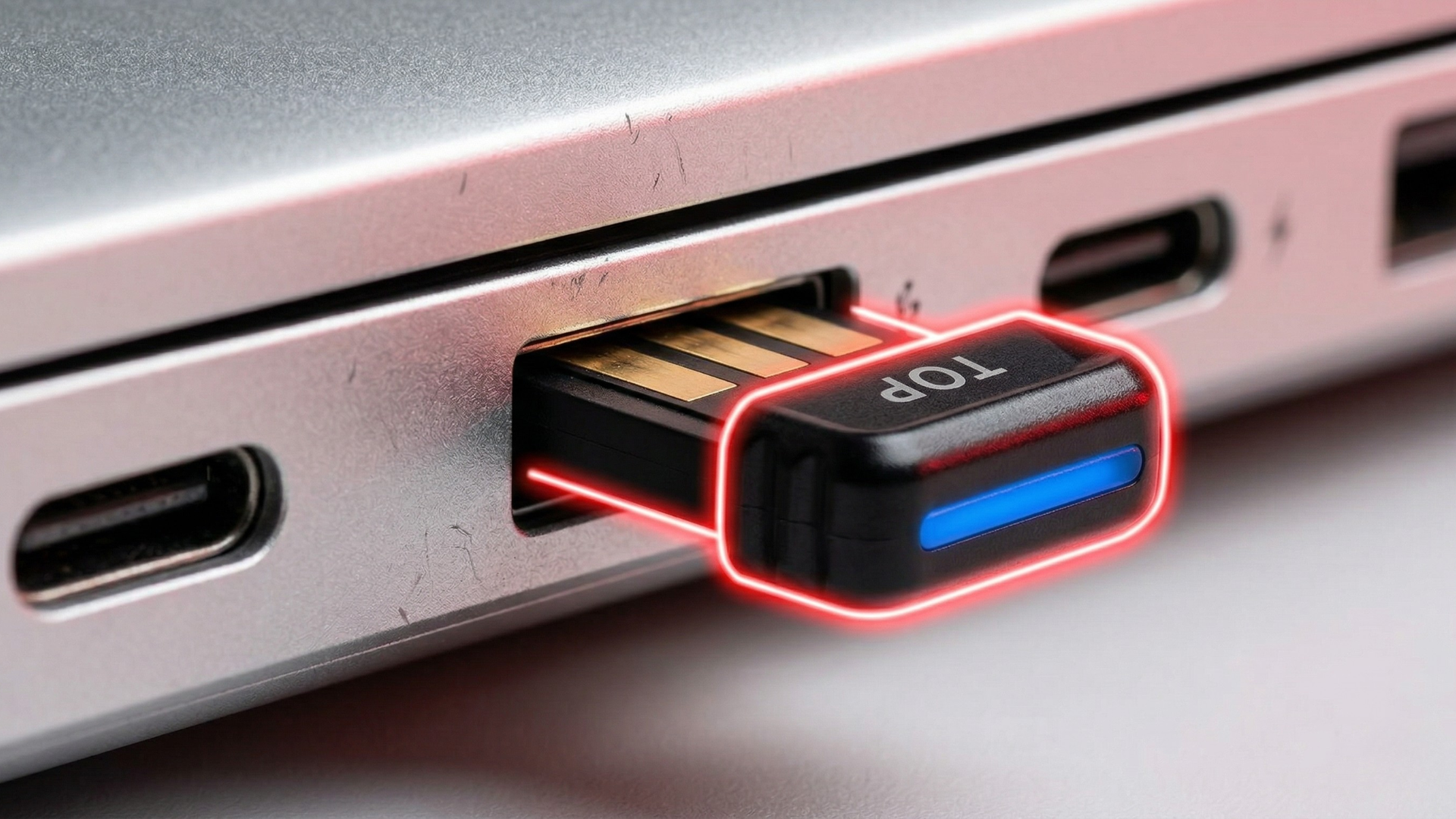
Good news! Before you toss your perfectly good headset or smash your laptop (please don't), there's a simpler, more elegant fix. An external, enterprise-grade USB Bluetooth dongle can often be the hero your audio needs. We're here to show you how to wave goodbye to those frustrating dropouts and hello to crystal-clear, consistent sound – and reveal a secret weapon to make it even better.
Who This Is For
If you rely on your PC for clear communication, stable audio, or just enjoying your favorite tunes wirelessly, this guide is for you. This is especially true if you identify with any of the following:
- The Remote Work Warrior: Your home office is a bustling hub, and dropped audio isn't just an inconvenience; it's a barrier to effective client calls, team meetings, and staying connected.
- The IT Admin / Tech-Savvy User: You're tired of troubleshooting endless connectivity issues and want a robust solution that "just works" for yourself and your team.
- The Call Center Pro: Your livelihood depends on uninterrupted, clear conversations. Every skip, every stutter, every lost word affects your service quality.
- The Small Business Owner: You need reliable tech that projects professionalism and doesn’t add extra headaches to your already busy day.
- Anyone Who Loves Their Headset: You’ve invested in a great Bluetooth headset and want it to perform at its peak, without your PC holding it back.
Silence the Stutter, Reclaim Your Audio Clarity
Think of your PC's internal Bluetooth like a tiny, overwhelmed radio station inside a metal box. It’s competing with Wi-Fi, USB 3.0 ports, and all sorts of other electronic chatter. This internal interference often leads to those infuriating audio dropouts and limited range you've been experiencing.
An external Bluetooth dongle, especially an enterprise-grade one, offers a clean slate. It bypasses your PC’s often weak and interference-prone internal radio, giving your audio a dedicated, stronger signal to travel on.
- Bypass the Internal Bottleneck: Your PC's built-in Bluetooth often shares resources and space with other noisy components. → An external dongle gives your audio a clear, dedicated highway, avoiding the internal interference mosh pit.
- Dedicated Performance Powerhouse: Unlike integrated chips that have to multitask, quality USB dongles are designed solely for robust Bluetooth performance. → Enjoy consistent, high-fidelity sound for calls, music, and media without compromise.
- Future-Proof Your Setup: Even if your laptop is a few years old, a modern external dongle can give it a Bluetooth boost. → Ensures compatibility with the latest headsets and devices, extending the life of your current hardware investment.
Break Free: Extended Range & Rock-Solid Connection
Are you tethered to your desk like it’s 2005? Do you lose connection just by walking to the kitchen for a drink? Limited range and flaky connections are common woes with standard internal Bluetooth. Enterprise-grade dongles are built differently, offering significantly improved reach and stability.
These aren't just any cheap adapters you grab off a discount shelf. They're engineered for demanding environments, translating directly into fewer dropped calls, more consistent audio, and the freedom to move without missing a beat.
- Wander and Talk: Tired of your audio dropping the moment you step a few feet away from your desk? → Experience a significantly extended range, letting you grab a coffee, stretch, or pace during an intense call without losing your connection.
- Professional-Grade Stability: These dongles are designed for consistent, reliable performance in professional settings. → That means fewer unpredictable audio hiccups and more reliable conversations, even in busy offices or homes.
- Seamless Room-to-Room Coverage: Keep your connection strong, even when moving between rooms in your home or office. → Ideal for hybrid workers needing flexibility without the frustration of constant reconnections.
The Secret Weapon: The USB 2.0 Extension Cable
Here’s where we get a little nerdy, but trust us, this tip is a game-changer. Even the best Bluetooth dongle can struggle if it’s crammed right next to your laptop's noisy USB 3.0 ports or other internal electronics. The key to unlocking its full potential is simple: get it some breathing room!
A short USB 2.0 extension cable lets you move the dongle away from your laptop’s noisy USB 3.0 ports and internal electronics, which cuts down on electromagnetic interference that can degrade Bluetooth performance.
- Move It Away, Clean Up the Noise: Your laptop is a mini-factory of radio signals (Wi-Fi, USB 3.0, CPU, etc.). → A simple USB 2.0 extension cable gets your dongle out of that electromagnetic mosh pit, letting it broadcast and receive signals with much less interference.
- Targeted Signal, Less Static: This strategic placement specifically reduces 2.4GHz interference from internal components. → Translation: your headset receives a cleaner, stronger signal, dramatically cutting down on stuttering, crackling, and dropouts.
- Optimize for Peak Performance: It's a low-cost, high-impact troubleshooting step often overlooked but universally recommended by audio pros. → Ensures you get the absolute best range, clarity, and reliability from your new enterprise-grade dongle.
Proof in the Performance: What Enterprise-Grade Really Means
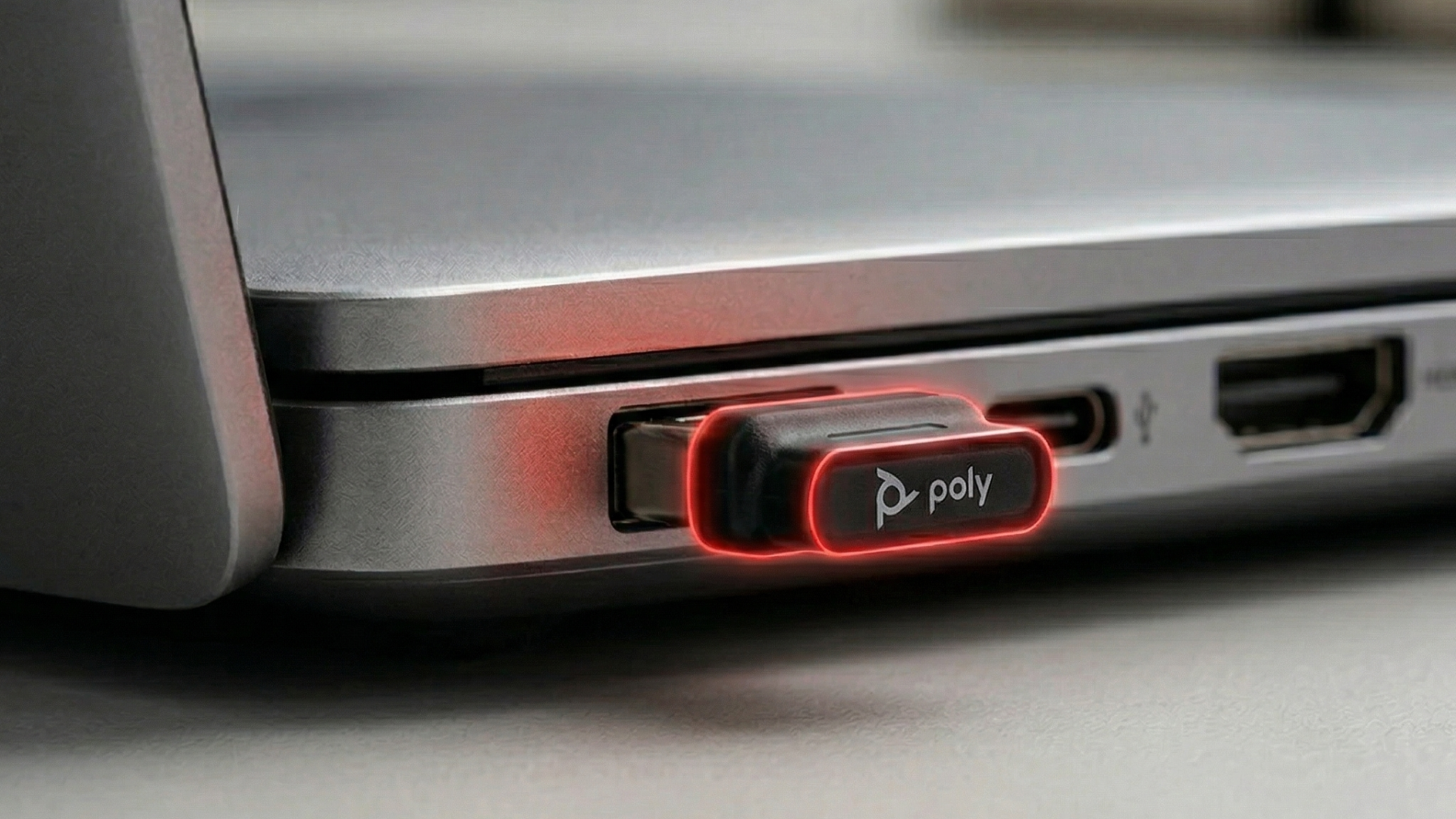
When we talk about "enterprise-grade," we're not just throwing around fancy words. We're talking about devices built to exacting standards for reliability and performance in professional settings. Take the Poly BT-700 USB-A Bluetooth Adapter, for example. This isn't just a basic plug-and-play stick; it's optimized specifically for Poly headsets, featuring Bluetooth 5.1 for better speed, efficiency, and robustness.
What does that mean for you? It translates directly into rock-solid connections, lower latency (so your audio matches up perfectly with video), and better battery life for your headset. It’s compatible with Windows 10 and Windows 11 and supports official Poly drivers, bypassing Windows’ generic Bluetooth drivers that can sometimes cause issues. And yes, it works seamlessly with platforms like Microsoft Teams and Zoom, ensuring your calls are pristine.
Why It Matters to You
Ultimately, solving your audio stuttering isn't just about fixing a technical glitch. It's about regaining control over your professional presence and peace of mind. When your audio works perfectly, you sound more confident, more prepared, and more professional. This directly translates into better client relationships, smoother internal communications, and a significant reduction in your daily tech frustrations.
Think about it: fewer interruptions mean you save precious mental energy, avoid embarrassing repetitions, and can focus entirely on the conversation or task at hand. It's about making your technology work for you, not against you, so you can make (and keep) more clients, sound your best, and sail through your day with a lot less hassle.

Shop the Gear / What to Do Next
Ready to ditch the audio headaches and embrace crystal-clear, uninterrupted sound? We’ve got the enterprise-grade dongles that will get the job done right. These solutions are built for reliability, ensuring you get the performance you need for your demanding workday.
- Poly BT-700 USB-A Bluetooth Adapter: The ultimate upgrade for Poly headset users (and many others), delivering Bluetooth 5.1 for unparalleled stability, extended range, and efficiency.
- Poly BT-700 USB-C Bluetooth Adapter: The same enterprise-grade performance and robust features, specifically designed for modern devices with USB-C ports.
- USB 2.0 Extension Cable: Your secret weapon for optimal dongle performance, reducing interference and maximizing range. Don't skip this simple, high-impact accessory!
Click below to explore our top picks and reclaim your perfect audio. Your ears (and your callers) will thank you!
Need a Hand? Our Experts Are Here
Choosing the right tech can sometimes feel like navigating a jungle of specs and options. If you're still scratching your head or want personalized advice tailored to your specific setup, don't hesitate! Our team of headset and tech gear experts is here to help. Reach out via our contact form or give us a call – we’ll cut through the noise and get you set up with the perfect solution.
Video Overview
If the embedded video doesn’t load, watch it here.
Need help picking the right headset or speakerphone?
Contact Global Teck Worldwide