

Best Wired Headsets Under $100 for Work Calls (2026)
Posted by Quentin Vernon on 1st May 2026
Best Wired Headsets Under $100 for Remote Work and Contact Centers
Key Takeaways
- The best wired headsets under $100 are usually USB business headsets with a noise-canceling boom mic, inline controls, and lightweight on-ear comfort.
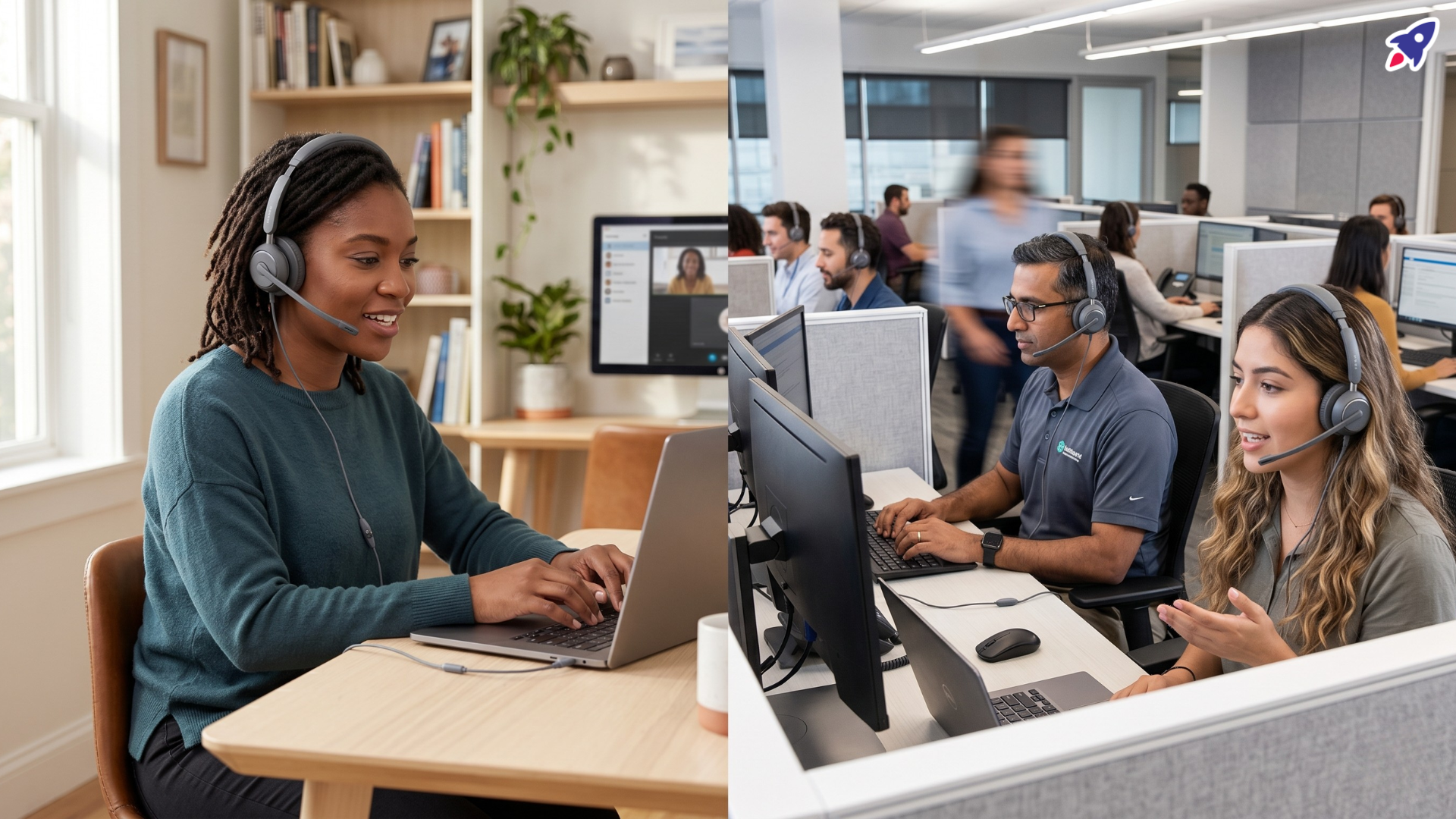
- Choose mono if agents need to hear the room; choose stereo if remote workers need more focus during meetings.
- Poly Blackwire 3200, Jabra Evolve 20, Logitech H570e, and EPOS ADAPT 160T USB II are safer picks than generic consumer headsets because they are built for work calls and UC platforms.
- Wired headsets still make sense in 2026 because they avoid battery issues, Bluetooth pairing problems, and wireless dropouts during customer calls.
The best wired headset under $100 for most remote workers and contact center agents is a lightweight USB headset with a noise-canceling boom microphone, inline mute/volume controls, and certified or UC-ready compatibility with the calling apps your team uses. Models in the Poly Blackwire, Jabra Evolve, Logitech H570e, and EPOS ADAPT lines are strong places to start because they are built for professional voice calls rather than casual listening alone.
That matters when your headset is on for hours. A cheap headset can technically “work,” but poor mic pickup, weak comfort, and unreliable controls quickly become expensive when they create repeated call friction. The goal is not to buy the flashiest headset under $100. The goal is to buy the one that keeps voices clear, setup simple, and agents comfortable for a full shift.
Who should buy a wired headset under $100?
A wired headset under $100 is best for people who take frequent calls from a fixed desk and want reliable audio without paying for premium wireless features. That includes remote workers, hybrid employees, contact center agents, appointment setters, sales development reps, support teams, and small businesses replacing headsets in bulk.
- Remote workers: better microphone clarity for Zoom, Microsoft Teams, Google Meet, and softphone calls.
- Contact center agents: simple USB deployment, fewer charging issues, and predictable call controls.
- Team buyers: lower per-seat cost when outfitting new hires or refreshing aging equipment.
- Budget-conscious professionals: business-grade voice features without moving into $150-$300 premium headsets.
What features matter most in a wired headset for work calls?
For work calls, prioritize microphone quality, comfort, connection type, call controls, and platform compatibility before music specs. A wide speaker frequency range is nice, but your customer or teammate mostly judges the headset by how clearly they hear your voice.
- Noise-canceling boom microphone: helps reduce background sound from keyboards, fans, nearby conversations, or home-office activity.
- USB-A or USB-C connection: choose the connector your laptops and thin clients actually have; adapters add another failure point.
- Inline mute and volume controls: important for fast muting during live support calls.
- Mono vs. stereo fit: mono keeps one ear open to the room; stereo improves focus and blocks more ambient sound.
- UC or Teams compatibility: look for models certified for Microsoft Teams, Zoom, Chromebook, Cisco, Avaya, or other platforms your team uses.
- Replaceable cushions or durable materials: small parts matter when headsets are used every workday.
Best wired headsets under $100: quick comparison
The table below compares practical buying scenarios, not lab rankings. Use it to match the headset to the work environment, then verify the live price and connector version before publishing or buying.
| Headset | Best for | Connector/options | Why it works | Watch-outs |
|---|---|---|---|---|
| Poly Blackwire 3200 Series | Bulk contact center and remote-work deployment | USB-A, USB-C, and some 3.5 mm variants depending on model | Durable corded UC line with lightweight comfort, fast setup, and noise-canceling mic options. | Confirm exact model number; mono/stereo and connector vary. |
| Jabra Evolve 20 | Simple USB office calls on a tight budget | USB-A or USB-C; mono or stereo; Teams/UC versions | Plug-and-play USB, call-control unit, wideband audio, and published UC certifications. | Often sold out direct; verify channel availability. |
| Logitech H570e | Teams/UC buyers who want business support and comfort | UC USB-A; Teams USB-A or USB-C depending on version | Noise-canceling mic, inline controls, 1.9 m cable, Teams version, and 2-year limited hardware warranty. | Some sustainability/software features apply only to Teams versions. |
| EPOS ADAPT 160T USB II | Hybrid workers who want a lighter stereo business headset | USB; Teams-certified model | Plug-and-play, Teams-certified, UC-optimized headset with portable on-ear design. | ADAPT 160T ANC versions may exceed $100; use the USB II listing when staying under budget. |
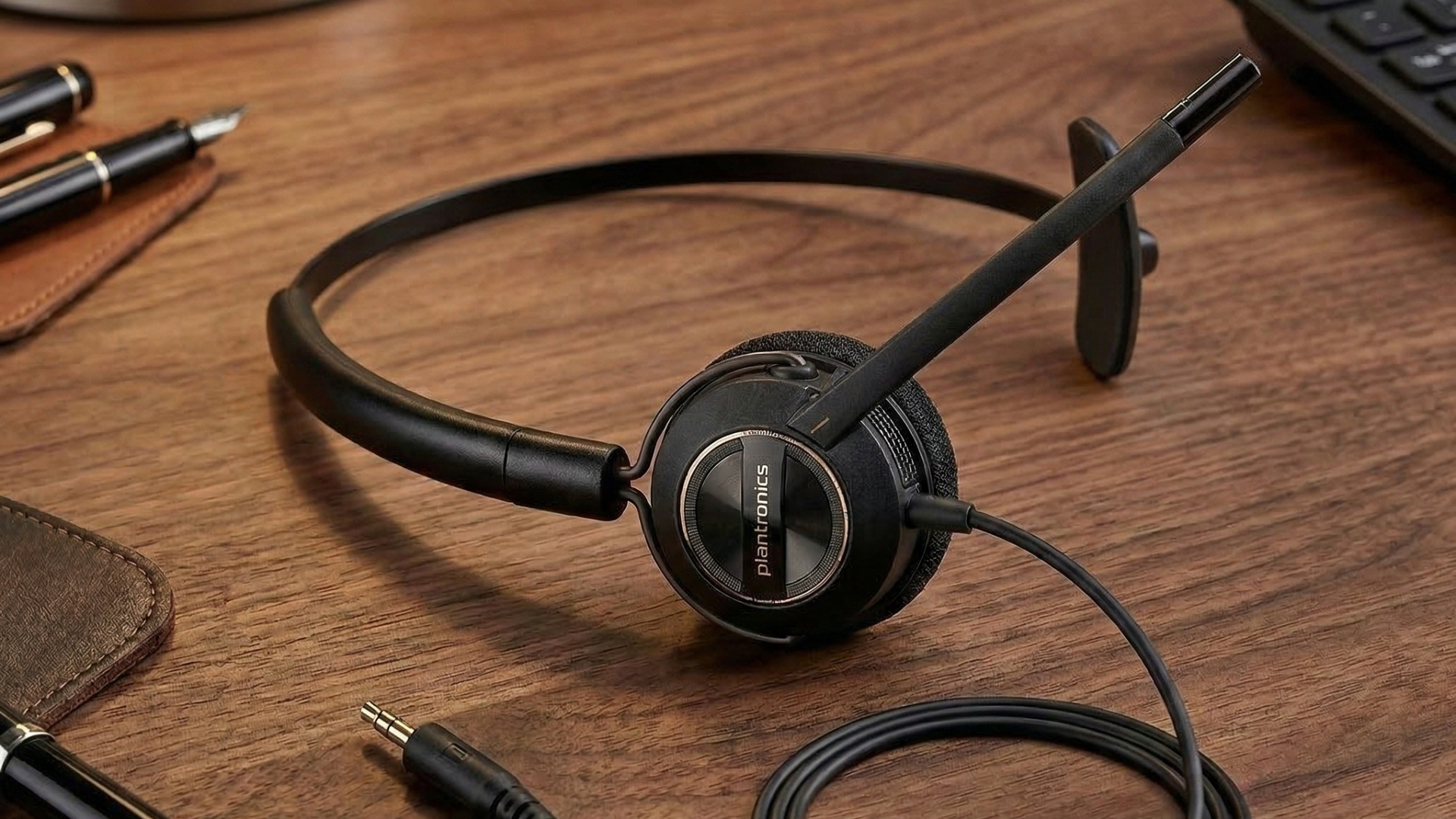
| Plantronics/Poly EncorePro or HW-series options | Desk-phone-heavy contact centers | Usually QD or adapter-based, depending on cable | Mature call-center form factor with replaceable cables and professional boom mic positioning. | Requires the right bottom cable or adapter; less plug-and-play for laptops. |
Source note: Feature claims are based on manufacturer product/support pages from HP Poly, Jabra, Logitech, and EPOS. Price-positioning should be rechecked against live store listings before publication.
Is the Poly Blackwire 3200 Series good for contact centers?
Yes. The Poly Blackwire 3200 Series is one of the safest budget picks for contact centers because it is a corded UC headset line designed for fast setup, durability, and all-day comfort. HP Poly describes the Blackwire 3200 Series as a corded UC headset family with multiple connectivity options, lightweight comfort, and easy deployment, which fits high-volume headset rollouts.
Is the Jabra Evolve 20 still a good budget headset?
Yes. The Jabra Evolve 20 remains a strong budget USB headset when availability and pricing line up. Jabra positions it as a professional headset for calls and music with easy call management, plug-and-play USB connectivity, all-day on-ear comfort, and certification for platforms including Microsoft Teams, Avaya, and Cisco.
Is the Logitech H570e worth it for remote work?
Yes. The Logitech H570e is worth shortlisting for remote work because it combines a business-ready wired design, noise-canceling microphone, inline controls, and multiple Teams/UC configurations. Logitech lists the H570e as a lightweight wired headset with a 1.9 m cable, 30 mm audio driver, and a 2-year limited hardware warranty.
Should you consider EPOS ADAPT 160T USB II under $100?
Yes, but check the exact model. EPOS ADAPT 160T USB II is a practical under-$100 candidate when you want a lighter stereo USB headset for hybrid work. EPOS lists the 160T USB II as a wired double-sided USB headset that is Microsoft Teams certified and UC optimized. ANC variants in the ADAPT 160 family may cost more, so separate the USB II model from ANC models when writing product cards.
Are wired headsets better than wireless for contact centers?
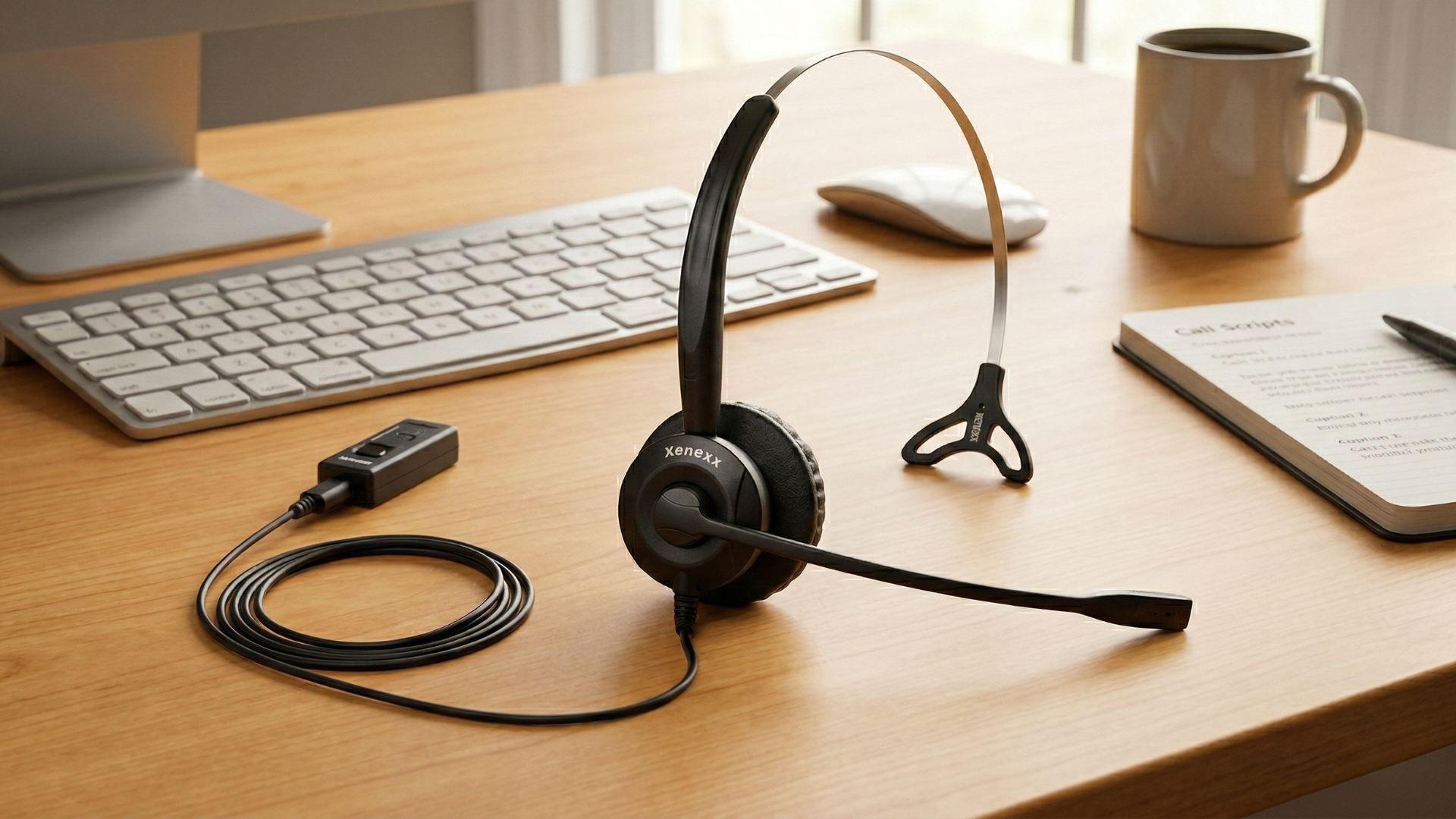
Wired headsets are often better for contact centers when reliability, low cost, and simple deployment matter more than roaming. They do not need charging, do not require Bluetooth pairing, and reduce one common troubleshooting layer during live calls. Wireless headsets still make sense for supervisors, hybrid workers who move around, or teams that need desk mobility.
How to choose the right wired headset in 60 seconds
- List the calling apps your team uses: Microsoft Teams, Zoom, Google Meet, Cisco, Avaya, Genesys, RingCentral, or another softphone.
- Check every device port: USB-A, USB-C, 3.5 mm, or desk-phone/QD connection.
- Choose mono for room awareness or stereo for focus.
- Prioritize boom-mic clarity over music-focused headphone specs.
- Confirm mute, volume, and answer/end controls work with your platform.
- Verify current price under $100 before placing bulk orders or publishing product cards.
FAQ: wired headsets under $100
What is the best wired headset under $100 for remote work?
For most remote workers, start with Logitech H570e, Jabra Evolve 20, or Poly Blackwire 3220. Choose based on connector, Teams/UC requirements, and whether you prefer mono or stereo audio.
What is the best wired headset under $100 for contact centers?
For contact centers, start with the Poly Blackwire 3200 Series or Jabra Evolve 20 because they are simple to deploy, available in mono/stereo versions, and built around voice-call controls.
Do wired headsets have better microphones than wireless headsets?
Not automatically. A wired connection improves reliability, but microphone quality depends on the boom design, pickup pattern, processing, and platform support.
Is USB-A or USB-C better for a wired headset?
USB-C is better for newer laptops and tablets, while USB-A is still common in desktops and older thin clients. The best choice is the connector your team already has available.
Conclusion: the practical under-$100 shortlist
You do not need a $300 headset to sound professional on daily work calls. Start with the Poly Blackwire 3200 Series for broad team deployment, Jabra Evolve 20 for simple USB value, Logitech H570e for Teams/UC remote work, and EPOS ADAPT 160T USB II for a lighter stereo option. Then verify the live price, connector, and platform version before buying.
Need help choosing the right headset, webcam, or speakerphone?
Contact Global Teck Worldwide