
Avaya Headsets 2026: Compatibility Guide for Desk Phones, Softphones, and Call Centers
Posted by Global Teck Worldwide Staff on 12th Apr 2023
Avaya headset compatibility guide
Avaya Headsets 2026: Compatibility Guide for Desk Phones, Softphones, and Call Centers
What are the best Avaya headsets for 2026?
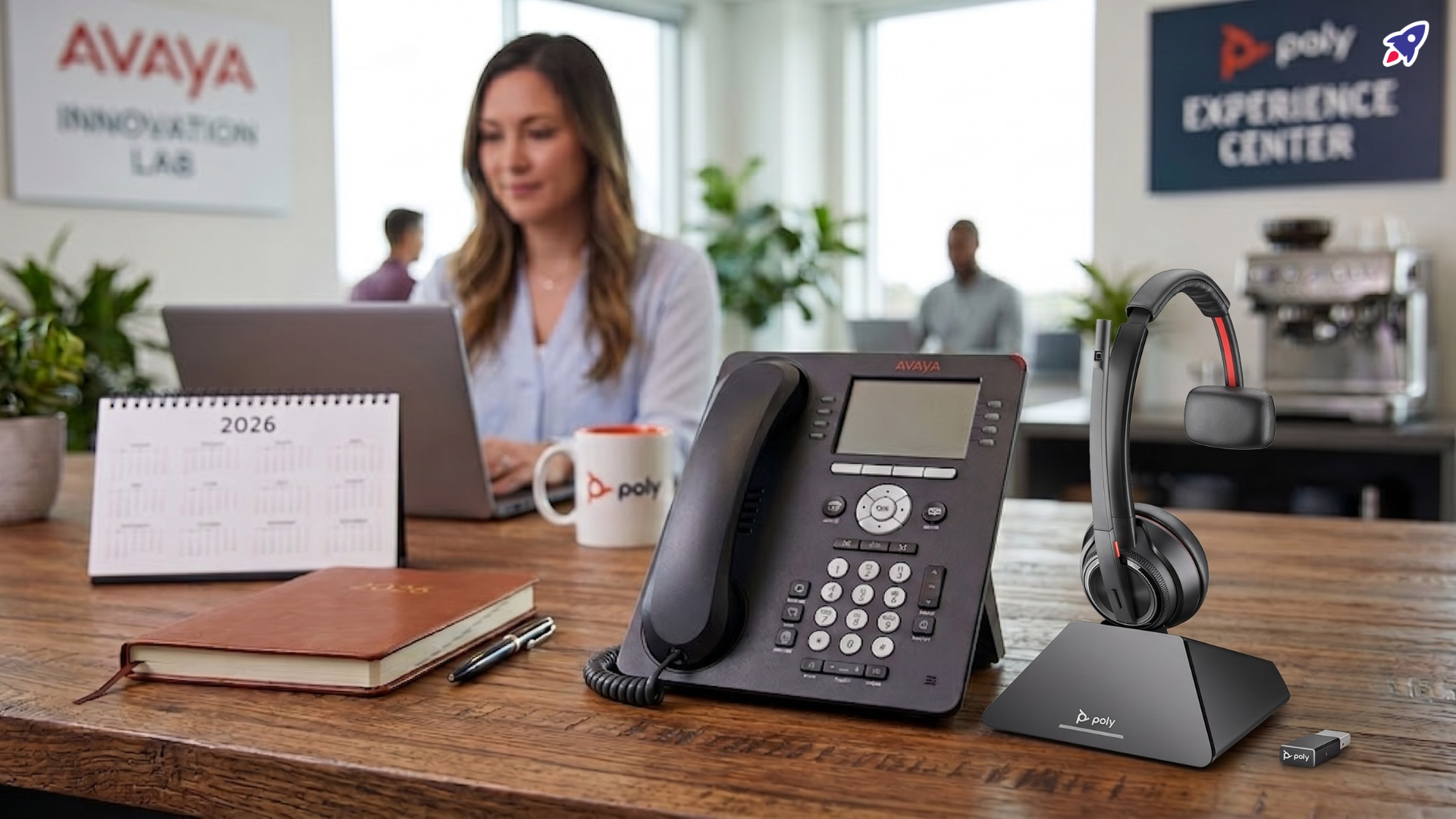
The best Avaya headsets for 2026 are not usually Avaya-branded models. They are headsets verified for your exact Avaya phone, softphone, or platform by trusted manufacturers such as Poly and Jabra, plus compatible wired models that use the correct cable or adapter.
- For Avaya J100 Series phones: verify whether your model supports HIS, USB HID, or Bluetooth before buying.
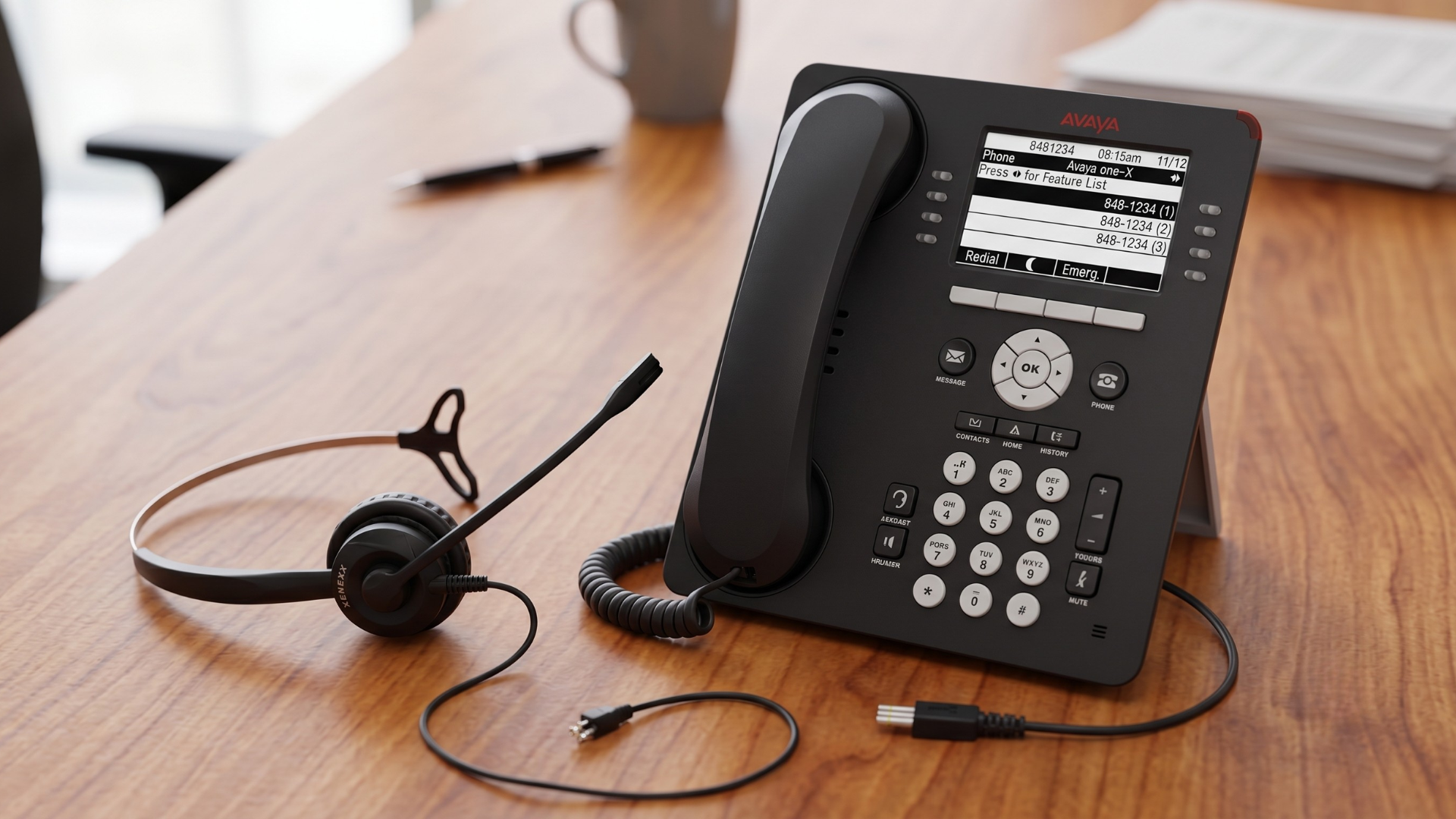
- For Avaya 9600 Series phones: confirm the exact desk phone model and whether you need a direct-connect cable, amplifier, or EHS adapter.
- For Avaya Cloud Office or softphones: prioritize USB or Bluetooth UC headsets with supported desktop app integration.
- For call centers: choose durable headsets with noise-canceling microphones, replaceable ear cushions, and all-day comfort.
How does Avaya headset compatibility work?
Avaya headset compatibility depends on the Avaya endpoint, the connection type, and the headset control features you need. A headset may pass audio but still require the right cable, base station, USB mode, or electronic hook switch adapter to support remote answer, mute sync, and volume control.
For 2026 planning, the safest approach is to treat "Avaya-compatible headset" as a model-specific claim. Check the exact Avaya desk phone or application first, then match the headset and accessory bundle.
| Avaya environment | Common headset connection | What to verify before buying |
|---|---|---|
| Avaya J100 Series desk phones | HIS, USB HID on select models, Bluetooth on select models with the required wireless module | Phone model, firmware, headset profile, USB/Bluetooth support, and whether call control is required |
| Avaya 9600 Series desk phones | Direct-connect cable, amplifier, USB on select models, Bluetooth on select models | Exact phone model, cable pinout, EHS support, and wideband audio needs |
| Avaya IP Office and Avaya Aura | Desk phone, softphone, USB, Bluetooth, or DECT depending on deployment | Whether users answer calls on a phone, PC, mobile device, or multiple devices |
| Avaya Cloud Office apps | USB or Bluetooth UC headset | Desktop app support, mute sync, call control, and operating system compatibility |
Avaya documentation notes that some J100 Series phones support more than one headset connection type, including HIS telephony headsets across J100 models and USB HID support on J159 and J189 phones. Avaya also documents Bluetooth headset support for J159, J179, and J189 phones when the optional wireless module is installed. Always confirm the current documentation for your exact device before ordering at scale.
Should you choose a desk phone headset or a softphone headset?
Choose a desk phone headset when most calls are handled on Avaya IP phones. Choose a softphone headset when users primarily work in Avaya Cloud Office, Avaya Workplace, or a PC-based calling app. Hybrid teams often need a multi-connectivity headset that can switch between desk phone, computer, and mobile phone.
Desk phone users
Desk phone users should start with the phone model. For example, an Avaya J139, J159, J179, J189, 9611G, or 9641G can have different headset options and accessory requirements. If users need to answer calls away from the desk, look for EHS support or a wireless base that is confirmed for that phone.
Softphone and hybrid users
Softphone users should prioritize USB or Bluetooth UC headsets with strong microphone noise reduction, mute indicators, and reliable app integration. Multi-device headsets are especially useful when employees move between Avaya calling, Microsoft Teams, mobile calls, and desk phones during the same workday.
Contact center users
Avaya call center headsets should be selected for durability, acoustic protection, replaceable parts, and microphone consistency. For high-volume teams, comfort and serviceability matter as much as audio specs because agents may wear the headset for an entire shift.
Which Avaya-compatible headset type fits your team?
The right Avaya headset type depends on how your team works. Wired headsets are simple and cost-effective, DECT headsets give office mobility, Bluetooth headsets support flexible work, and USB headsets are often best for softphone-first users.
Wired headsets
Best for: call centers, reception desks, shared workstations, and budget-conscious rollouts.
Why: stable audio, no battery management, fewer moving parts, and predictable deployment.
DECT wireless headsets
Best for: office staff who need range from the desk phone or base station.
Why: strong office mobility, dedicated base station, and less reliance on crowded Bluetooth environments.
Bluetooth headsets
Best for: executives, hybrid workers, and users who switch between laptop and mobile calls.
Why: portability, multi-device pairing, and good support for modern work patterns.
USB UC headsets
Best for: Avaya softphone users and remote teams.
Why: easy computer connection, clear microphone pickup, and strong compatibility with collaboration apps.
Featured Avaya-compatible headset options
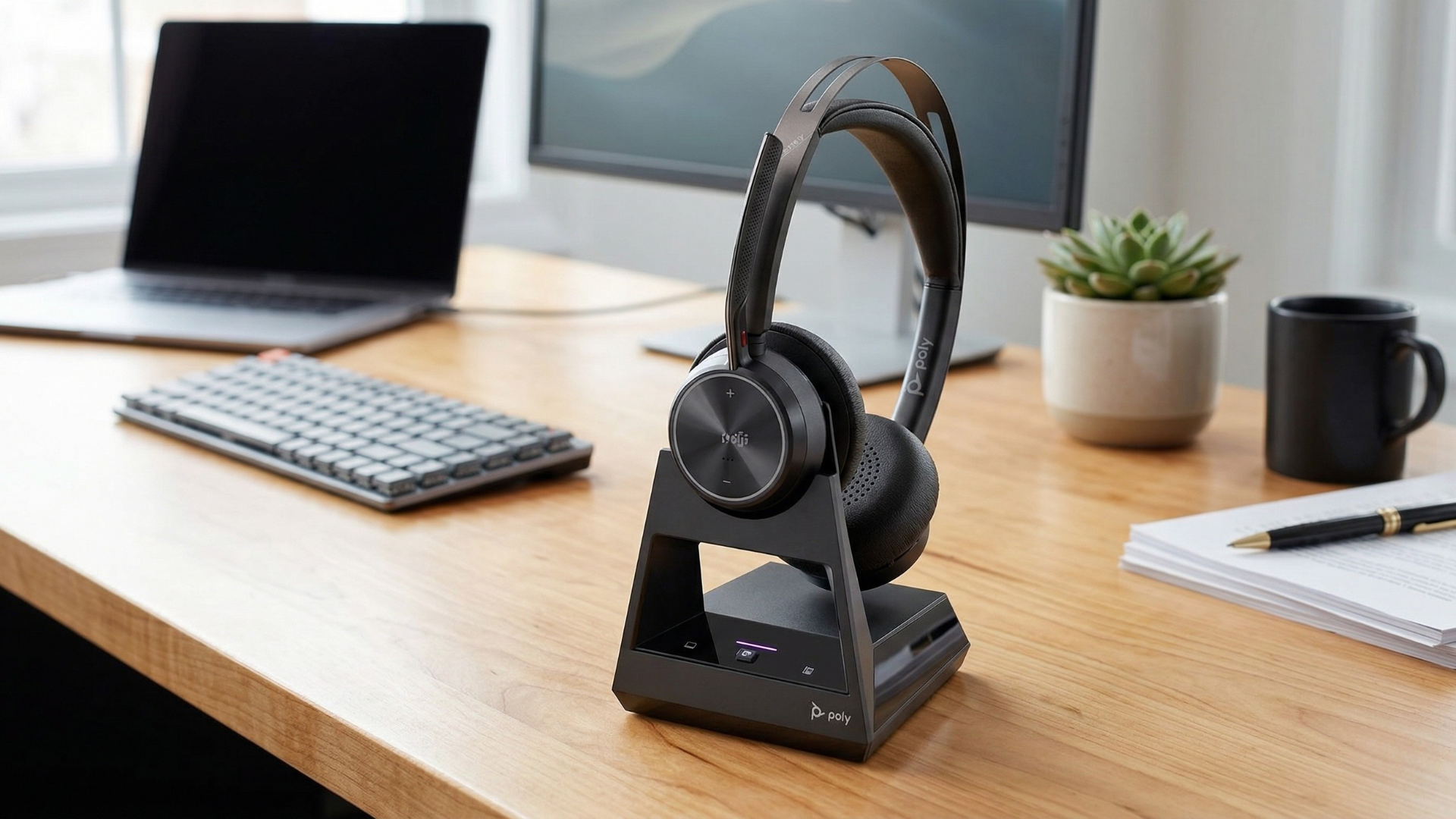
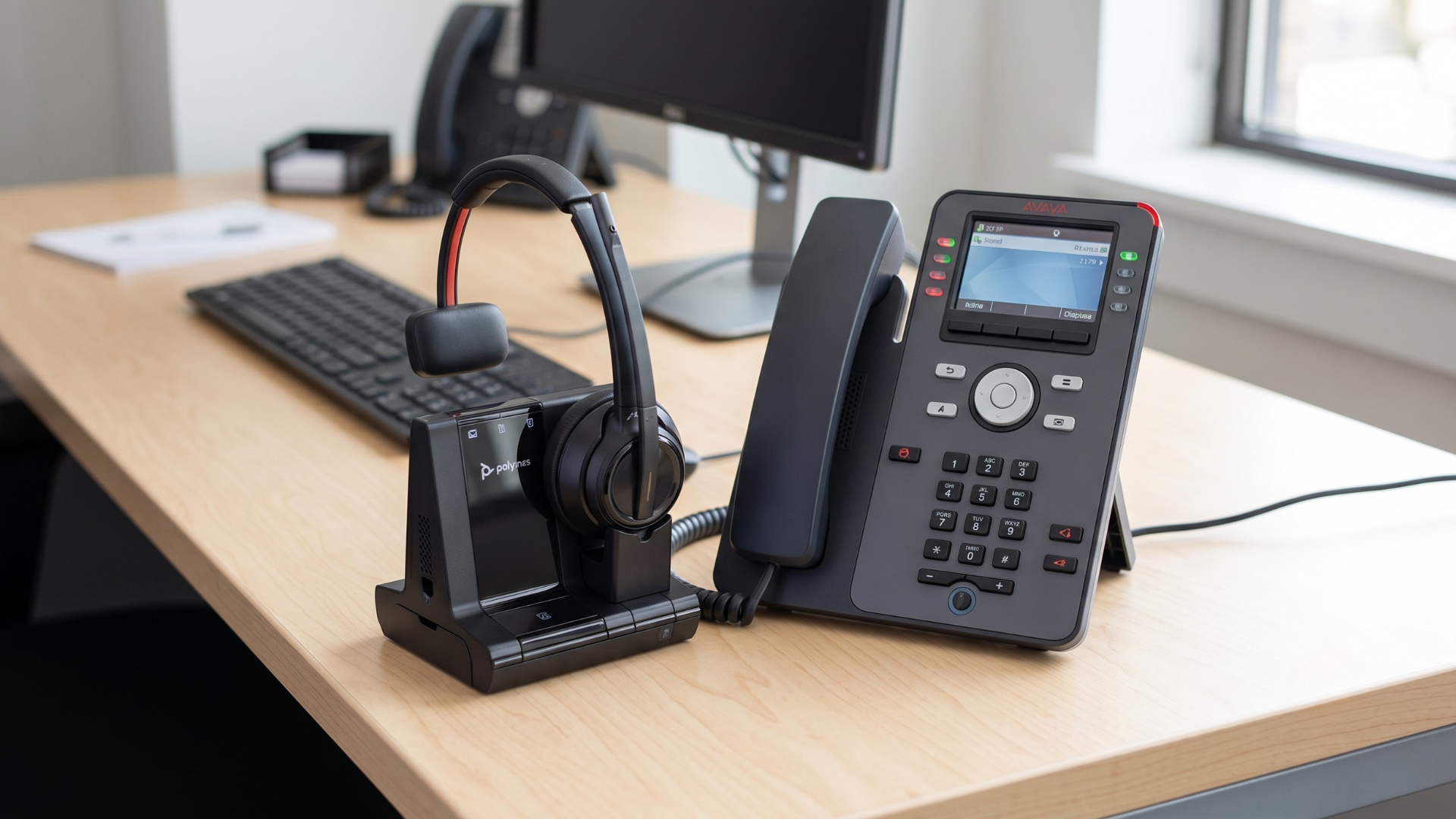
Use these product examples as starting points, then confirm compatibility with your exact Avaya phone or application before purchasing. For large deployments, test one unit with your live Avaya environment before standardizing across a team.
What should you check before buying Avaya headsets?
Before buying Avaya headsets, document your phone models, platform, connection type, and call-control requirements. This prevents the most common compatibility problem: buying a good headset with the wrong cable, base, or feature support for the Avaya endpoint.
- List every Avaya endpoint. Record each desk phone model, softphone app, operating system, and user group.
- Choose the connection type. Decide whether each team needs wired, USB, Bluetooth, DECT, or multi-device connectivity.
- Confirm call-control features. Check remote answer/end, mute sync, volume control, busy lights, and EHS support.
- Match the accessory bundle. Verify cables, amplifiers, lifters, USB adapters, and base stations before checkout.
- Test before rollout. Pilot the headset with real Avaya calls, real users, and your current firmware.
- Plan for replacements. Stock ear cushions, voice tubes, batteries, cables, and chargers for high-use teams.
Where should you verify Avaya headset compatibility?
Use official and manufacturer-maintained resources first. Avaya support and documentation can clarify device behavior, while headset makers such as Poly and Jabra maintain compatibility tools for matching headset models to phones and applications.
Avaya headset compatibility FAQ
Are Avaya headsets different from Avaya-compatible headsets?
Yes. Avaya-compatible headsets are usually made by headset manufacturers and verified for use with Avaya phones or software. The key is compatibility with your exact Avaya model, not whether the headset carries an Avaya brand name.
Do all Avaya J100 phones support USB headsets?
No. Avaya documentation identifies USB HID headset support on specific J100 models, including J159 and J189 phones. Other J100 phones may use HIS headset connections instead, so confirm your exact model before buying.
Can I use a Bluetooth headset with an Avaya desk phone?
Sometimes. Avaya documents Bluetooth headset support for select J100 phones when the optional wireless module is installed. If Bluetooth is required, confirm the phone model, module, firmware, and headset profile before purchase.
What is the best Avaya headset for call centers?
The best Avaya call center headset is usually a durable wired or DECT model with a noise-canceling microphone, comfortable ear cushions, and confirmed compatibility with the phone or softphone agents use every day.
Why does my Avaya headset have audio but no remote answer button?
Audio and call control are separate compatibility issues. You may need the correct EHS cable, USB mode, firmware setting, base station, or headset profile to support remote answer/end and mute synchronization.
Need help matching a headset to your Avaya phone or softphone?
Contact Global Teck Worldwide