

Poly Legend 50 Troubleshooting: Fix It or Replace It?
Posted by Global Teck Worldwide Staff on 1st Dec 2025
Poly Legend 50 Troubleshooting: Fix It or Replace It?
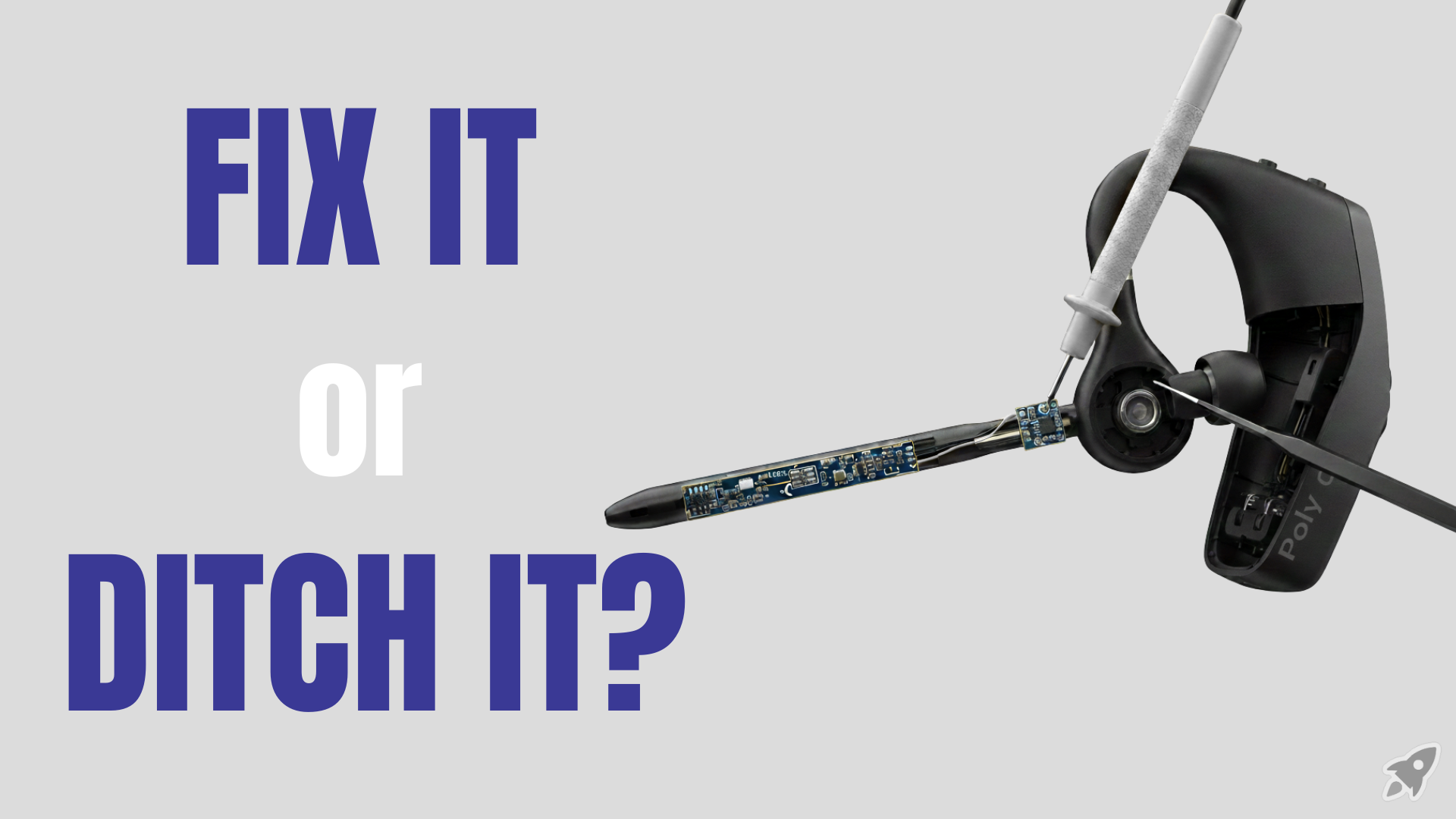
You’re mid-sentence on an important call when your Poly Legend 50 goes dark.
No warning, no sad little beep. Just… silence.
Now you’re staring at your headset like it personally betrayed you, your client is asking, “Hello? Are you still there?” and you’re doing that frantic scramble to switch to laptop audio while pretending this is all totally fine.
If that’s familiar, you’re not alone.
With the Poly Legend 50, most headaches fall into a few predictable buckets:
- It works for a few days, then refuses to power on.
- Bluetooth goes full drama mode with random disconnects.
- Your mic suddenly sounds like you’re calling from inside a popcorn machine.
- The joints crack and the boom won’t stay where you put it.
Annoying? Absolutely. Costly? Also yes—lost time, awkward calls, and eventually buying “one more headset” every year.
The good news: a lot of these problems are fixable. And when they’re not, there’s a point where you should stop fighting with it and just move on to a new unit or a more rugged model.
This guide walks you through
- How to squeeze the best life and performance out of your Poly Legend 50.
- How to know when it’s time to replace or upgrade—without wasting weeks tinkering.
Who This Is For
If you live in your headset, this is for you.
- Jump between Zoom, Teams, softphones, and your mobile all day.
- Take calls from the road, the truck, the warehouse, or a noisy home office.
- Depend on your Poly Legend 50 to sound sharp with clients and customers.
- Have already thought, “Do I fix this thing or just buy another one?”
- Want a simple decision path instead of reading 47 forum threads at 1 a.m.
Stop the “It Worked for 3 Days and Died” Drama
Let’s start with the most frustrating scenario: your Legend 50 was fine… until it wasn’t. No lights, no response, no nothing.
Most of the time, the battery didn’t magically give up. The charging path did.
Skin oils, pocket lint, and dust build up on those tiny gold contacts and inside the charging port. The headset looks like it’s “charging on the dock,” but it’s not actually getting power.
Before you declare it dead:
- Clean the contacts: Gently wipe the gold pins on the headset and charging dock with a dry cloth or cotton swab.
- Try a different USB cable: Swap out the cable to rule out a bad one.
- Use a known-good power source: Test with another laptop or a solid wall adapter.
- Do a full reset: Follow the documented button sequence to clear lockups.
If you get no lights, no chimes, no improvement after those steps, treat it like hardware failure:
- Push for a warranty replacement if you’re still within the window.
- Retire it and replace instead of chasing repair hacks for hours.
Tame the Bluetooth Gremlins (Drops, Glitches, Random Weirdness)
Next bucket: you’re on a call and the Legend 50 decides to disconnect for no good reason. Or your audio starts cutting in and out like bad radio.
That’s often less “bad headset” and more “firmware + pairing chaos.”
Here’s your Bluetooth sanity check:
- Update (or reinstall) firmware: Use Poly/HP’s desktop or mobile software to check for updates.
- Clear old pairings on the headset: Wipe the remembered device list.
- Forget and re-pair on your devices: Remove it from Bluetooth settings and pair again.
- Use a dedicated USB dongle: A certified Poly dongle often beats built-in laptop Bluetooth for calls.
If it keeps acting weird across multiple devices after that, it’s likely a defective unit or firmware issue worth escalating.
Fix Your Sound Before It Hurts Your Reputation
Audio problems usually come from a mix of environment, setup, and a little bit of headset behavior.
Quick wins to try:
- Mic placement: Boom near the corner of your mouth, not directly in front.
- Clean the mic opening: Clear lint/dust to restore clarity.
- Check your audio settings: Ensure Legend 50 is selected as both input and output.
- Turn off volume ducking: Disable “auto-lower other sounds during calls.”
- Test on more than one app/device: Quick test on phone and PC to isolate the culprit.
If crackling or muffled sound persists on multiple devices after reset + cleanup:
- Capture a short sample (voice memo is fine).
- Send it with your support/warranty request to speed replacement.
Protect the Joints: When the Hardware Itself Gives Up
The Legend 50 is built to be light and comfortable, which is great for back-to-back calls. That also means hinges, swivels, and boom joints are often plastic—not heavy metal.
Practical expectations and habits:
- Think “commuter/office” more than “construction site” for daily use.
- Avoid yanking it off by the boom: Grab the body instead.
- Don’t toss it loose: Heat and impacts wear plastic fast—use a case or dedicated pocket.
- Watch for early cracks: Loose boom usually gets worse, not better.
- DIY repair: Possible, but time vs. cost often favors replacement.
Proof & Specifics: What This Headset Can (Reasonably) Do
- All-day battery: Around 7 hours talk time on a full charge.
- Typical range: About 30 ft / 10 m (environment dependent).
- Voice-focused audio: Tuned for speech—clear calls more than “music-first” sound.
- Noise-reducing mic design: Helps reduce background noise for clearer client calls.
- Softphone + mobile flexibility: Works across PC/laptop + smartphone workflows.
Paired with a quality USB Bluetooth dongle and treated with basic care, the Legend 50 can still be a solid everyday workhorse. The trick is knowing its lane—and when to upgrade.
Why This Matters for Your Work (Not Just Your Gear Drawer)
- Clear, stable audio means fewer “Sorry, can you repeat that?” moments.
- Reliable power and connections keep you focused on the conversation, not the tech.
- A headset that matches your environment helps you avoid buying a new one every year.
- The right setup quietly protects your reputation—clients remember how you sound.
Shop the Gear: Fix, Replace, or Upgrade
Here’s a simple way to move forward from where you are right now.
- Replacement Unit: Love how it feels when it behaves? A fresh unit + better care habits can restore sanity.
- More Rugged Option: If you’re trucking/field/industrial, consider a tougher mono headset built for abuse.
- USB Bluetooth Dongle: A dedicated dongle often stabilizes computer connections and reduces dropouts.
On your Global Teck Worldwide product page, you’ll see these options lined up for you. Click into the one that fits your reality—office, road, or somewhere in between—and get your call setup under control again.
Video Overview
If the embedded video doesn’t load, watch it here.
Recommended Options
Disclosure: Some links below may be affiliate links; we may earn a commission if you buy through them.


Not sure if you should fix it, replace it, or upgrade?
Contact Global Teck Worldwide