

Bluetooth Audio Cutting Out at the Start of Calls? How to Fix Audio Clipping for Professional Use
Posted by Global Teck Worldwide Staff on 6th Mar 2026
Bluetooth Audio Cutting Out at the Start of Calls? How to Fix Audio Clipping for Professional Use
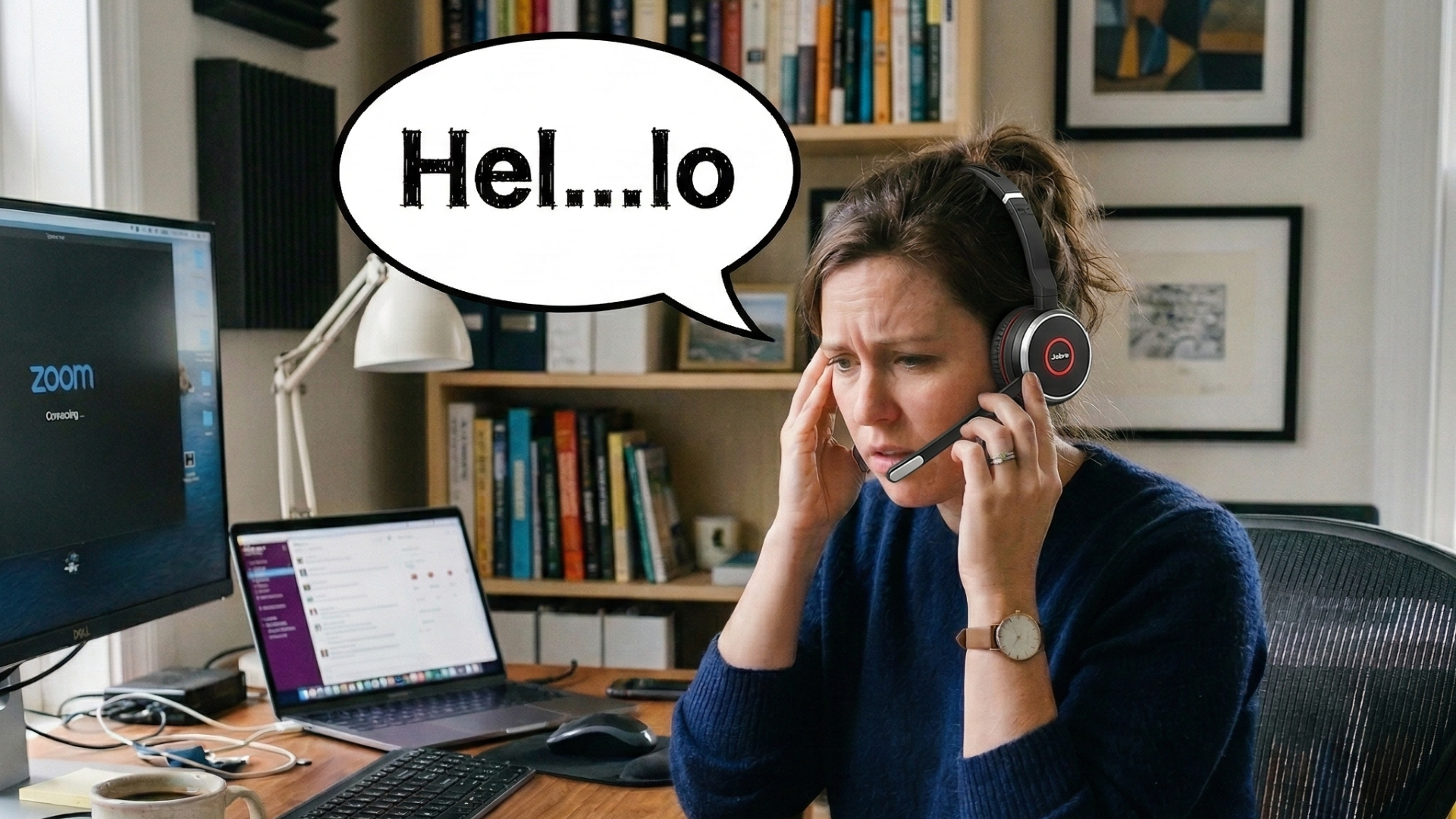
You know the drill. You’re on an important call, someone starts with a friendly "Hello!" but all you catch is a faint "...lo?" What gives? You cringe, lean in, and sheepishly ask them to repeat themselves. Or worse, you miss a crucial piece of information because your fancy new Bluetooth headset decided to take a micro-nap right when the speaking started.
It’s that infamous "first word of every sentence is missing" problem, and it's not just annoying – it’s unprofessional, distracting, and frankly, a waste of your valuable time. You got a wireless headset to make your life easier, not to turn every greeting into a guessing game!
Good news: you’re not alone, and it’s not your fault. The even better news? There’s a practical, straightforward solution that doesn't involve wrestling with endless tech settings or shouting at your computer. The secret often lies in having the right professional-grade headset paired with its very own dedicated USB dongle. Let’s dive into why this happens and how you can banish the "hello" lag for good.
Who This Is For
If you’re tired of tech hiccups interrupting your flow and making you sound less than polished, this is for you. We’re talking to:
- Remote or hybrid warriors living on video conferences and daily calls.
- Call center pros who need flawless, uninterrupted communication, minute after minute.
- Small business owners making crucial client calls where every word counts.
- Anyone whose current Bluetooth setup makes them sigh louder than they speak.
Silence the "Hello" Lag: Why Your Headset is Clipping Audio (and a Quick Fix to Try)
So, why exactly does your headset pull this disappearing act on the first word? It often boils down to a few common culprits related to power saving and how your computer communicates with your headset. And yes, sometimes Zoom calls can feel like they're conspiring against you too.
- Bluetooth Power Saving Mode: Many Bluetooth devices (and your computer's own adapter) are designed to "sleep" to save battery when there's no audio. When sound starts, they need a fraction of a second to "wake up," causing that irritating initial clip.
- Generic Bluetooth Adapters: Your computer's built-in Bluetooth isn't always a high-performance champion. It might struggle to maintain a stable, low-latency connection, especially when your system is juggling other tasks. This can lead to lag, disconnects, and that classic "half a greeting" problem on Zoom or any other platform.
- Software & Driver Quirks: Sometimes, your operating system (Windows 11, we're looking at you!) can be a bit finicky. Outdated drivers or default power management settings can sometimes override what you actually want, contributing to audio issues.
Quick Fix to Try: Disable Bluetooth Power Saving in Windows 11
While often not a complete cure, disabling power saving *can* sometimes help mitigate the problem. Think of it as a band-aid:
- **Press Windows Key + X** and select "Device Manager."
- **Expand "Bluetooth"** and locate your specific Bluetooth Radio (e.g., "Intel(R) Wireless Bluetooth(R)").
- **Right-click on it, choose "Properties,"** then navigate to the "Power Management" tab.
- **Uncheck "Allow the computer to turn off this device to save power."**
- Repeat this step for any "USB Root Hub" entries you find under "Universal Serial Bus controllers" too.
While this might offer some relief, it doesn't always address the core hardware limitations. For a truly seamless experience, read on...
The Dongle Difference: Your Secret Weapon Against Clipping
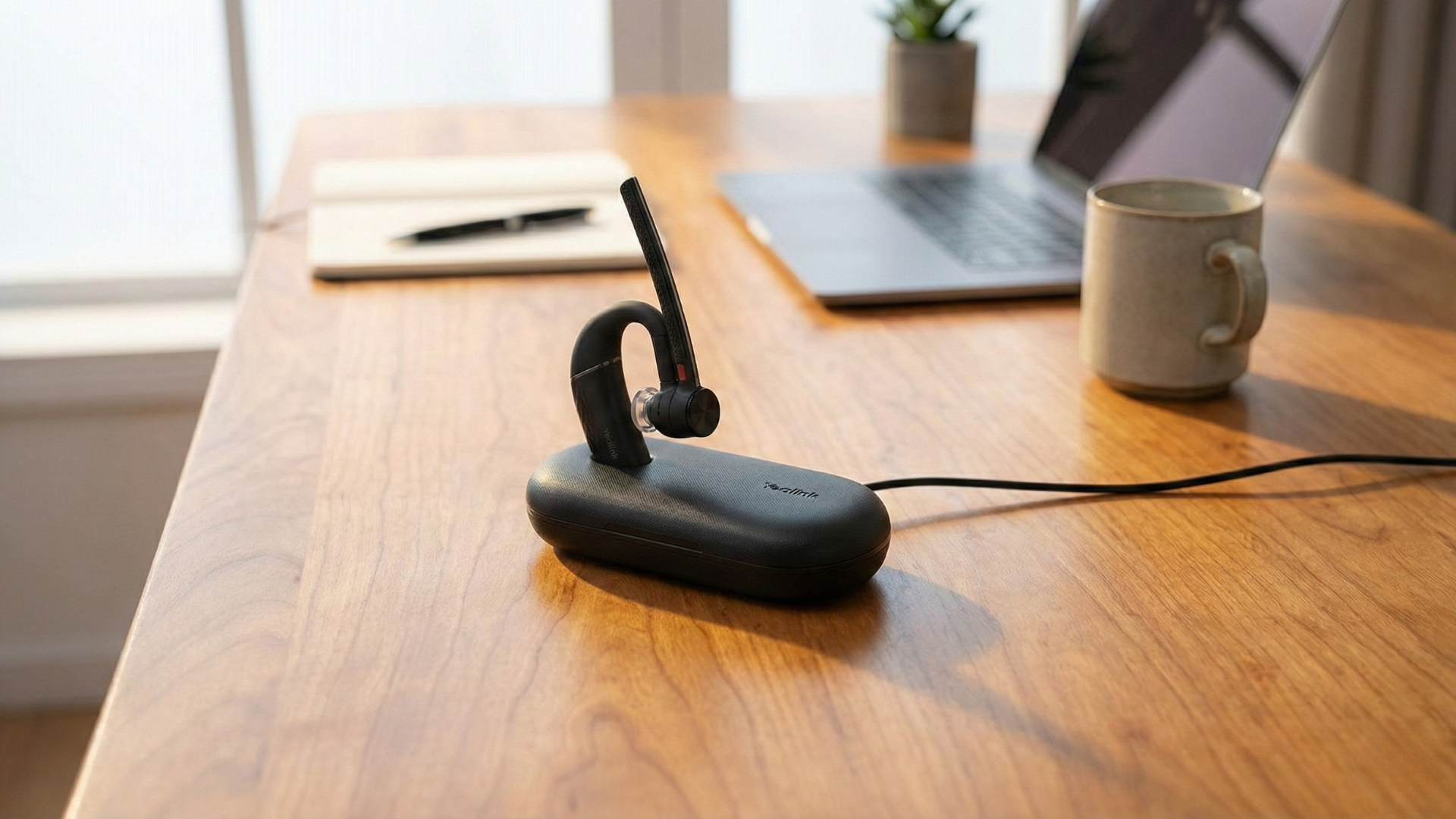
Forget wrestling with Windows settings every other day. The real, reliable game-changer for banishing audio clipping and lag? A professional headset that comes with its own dedicated USB dongle. This isn't just a random USB stick; it’s a custom-engineered sidekick for your headset.
- Instant Wake-Up Calls: A quality dongle maintains a "live" and optimized connection with your headset. This means your headset is always ready to transmit and receive audio, instantly, with zero clipped words. Goodbye, "...lo?"!
- Bypass PC Bluetooth Woes: Your computer’s built-in Bluetooth? The dongle sidesteps it entirely. You get a direct, robust, and optimized connection that’s less prone to interference and system-level power-saving hiccups.
- Optimized Audio Performance: These dongles are custom-tuned for specific headsets, ensuring the best possible audio codecs and lowest latency. This means not just no clipping, but clearer, crisper sound overall.
- Plug-and-Play Simplicity: No driver hunting, no deep-dive into system settings. Just plug the dongle into an available USB port, and your headset connects reliably, every single time.
Beyond the "Hello": Uninterrupted Audio for Crystal-Clear Calls
It’s not just about that first word. A professional headset with a dedicated dongle elevates your entire communication experience, making every call feel smoother and more effective.
- Advanced Bluetooth 5.0+ Technology: Many professional headsets with dongles leverage newer standards like Bluetooth 5.0 or even 5.4. This translates to better range, stronger connections, and increased efficiency – so you can grab a coffee without dropping your crucial client call. (And yes, Bluetooth 5.4 transmitters are indeed fantastic for lag-free audio!)
- Superior Microphone Technology: You’re not just getting clearer *incoming* audio. Features like advanced noise-canceling microphones mean your voice comes through loud and clear, not the kids arguing, the dog losing its mind, or the coffee grinder whirring in the background. Your callers will thank you.
- Reliable Multi-Platform Compatibility: Many of these headsets are "Certified for Microsoft Teams" or "Optimized for Zoom." This isn't just a fancy sticker; it guarantees seamless integration, dedicated controls, and a consistent, high-quality experience across your preferred communication platforms.
- Extended Battery Life: With optimized connections and efficient power management, these professional headsets offer talk times often exceeding 20 or even 30 hours. Less "low battery" panic, more productive work.
Proof & Specifics: Tech That Delivers Real-World Relief
Let's talk about the nitty-gritty that actually makes a difference in your daily grind:
- Bluetooth 5.4: The latest standard means an even stronger, more efficient connection. Translation: virtually lag-free audio, rock-solid stability, and the freedom to move without audio dropouts.
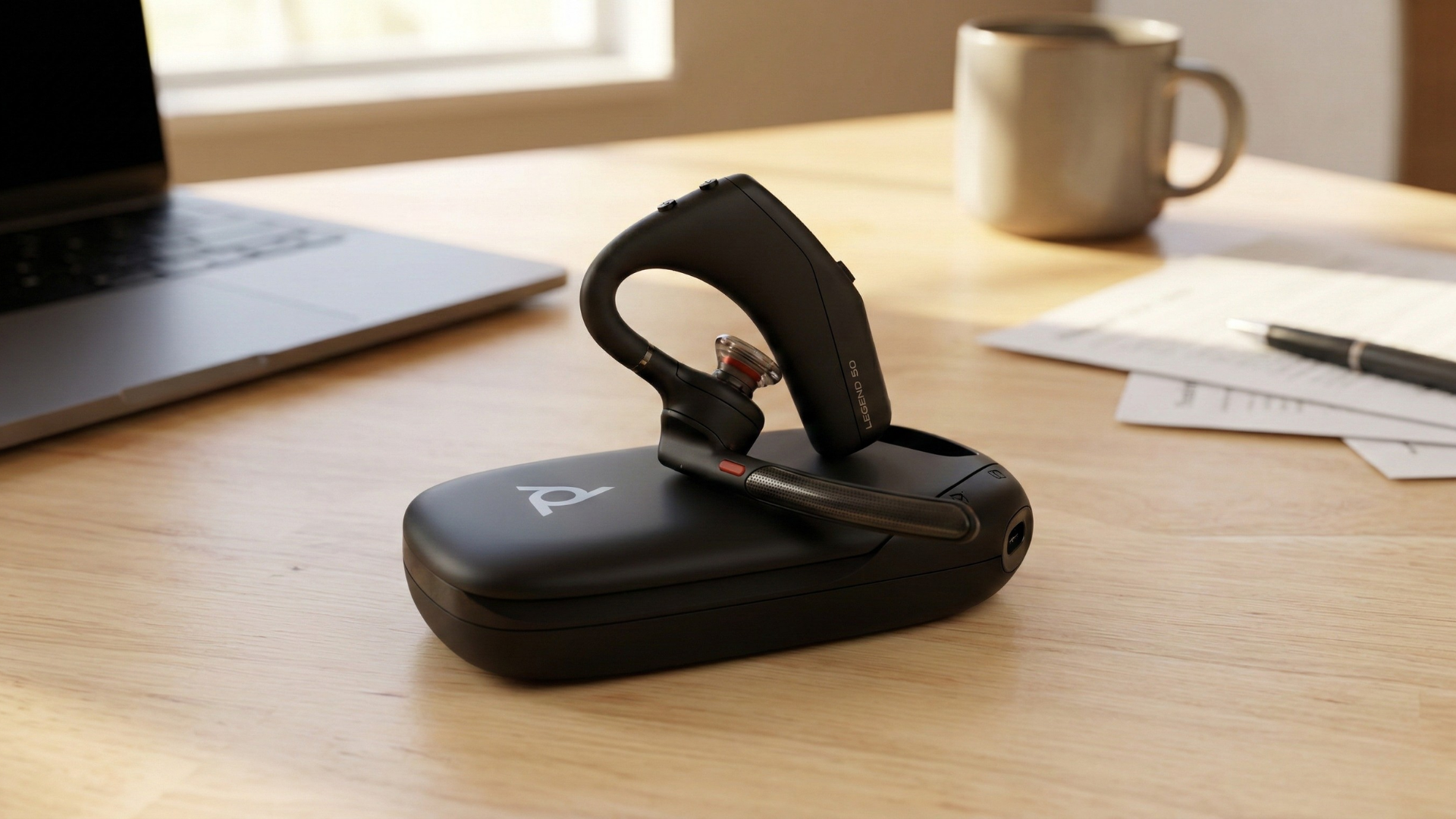
- Dedicated USB-A or USB-C Dongle: This isn't optional; it's the game-changer. It creates a direct, optimized link between your headset and computer, entirely bypassing your PC's potentially wonky internal Bluetooth.
- Advanced Microphone Noise-Canceling (ENC/ANC): What this means for you: Your clients hear *your* voice, not the lawnmower outside or the cacophony of an open office.
- "Certified for Microsoft Teams" / "Optimized for Zoom": Your guarantee that your headset plays nice with your communication apps, offering integrated call controls and a consistent, high-quality audio experience right out of the box.
- Up to 30+ Hours Talk Time: Translation: Your headset won't die halfway through a packed workday, meaning less stress and more uninterrupted productivity.
Why It Matters
Okay, so we've talked tech and features. But why should you *really* care about solving this "hello" lag and upgrading your headset? Because it translates directly into:
- You sounding professional and confident, every single time. No more awkward pauses or repeated greetings.
- Keeping clients and colleagues happy and focused, without annoying audio glitches or distractions.
- Saving yourself from those frustrating "Can you repeat that?" moments, which eat into your time and energy.
- Reclaiming your mental bandwidth from battling tech, allowing you to put it towards your actual work and priorities.
It’s about more than just a headset; it’s about investing in clearer communication, greater efficiency, and a lot less daily frustration.
Shop the Gear / What to Do Next
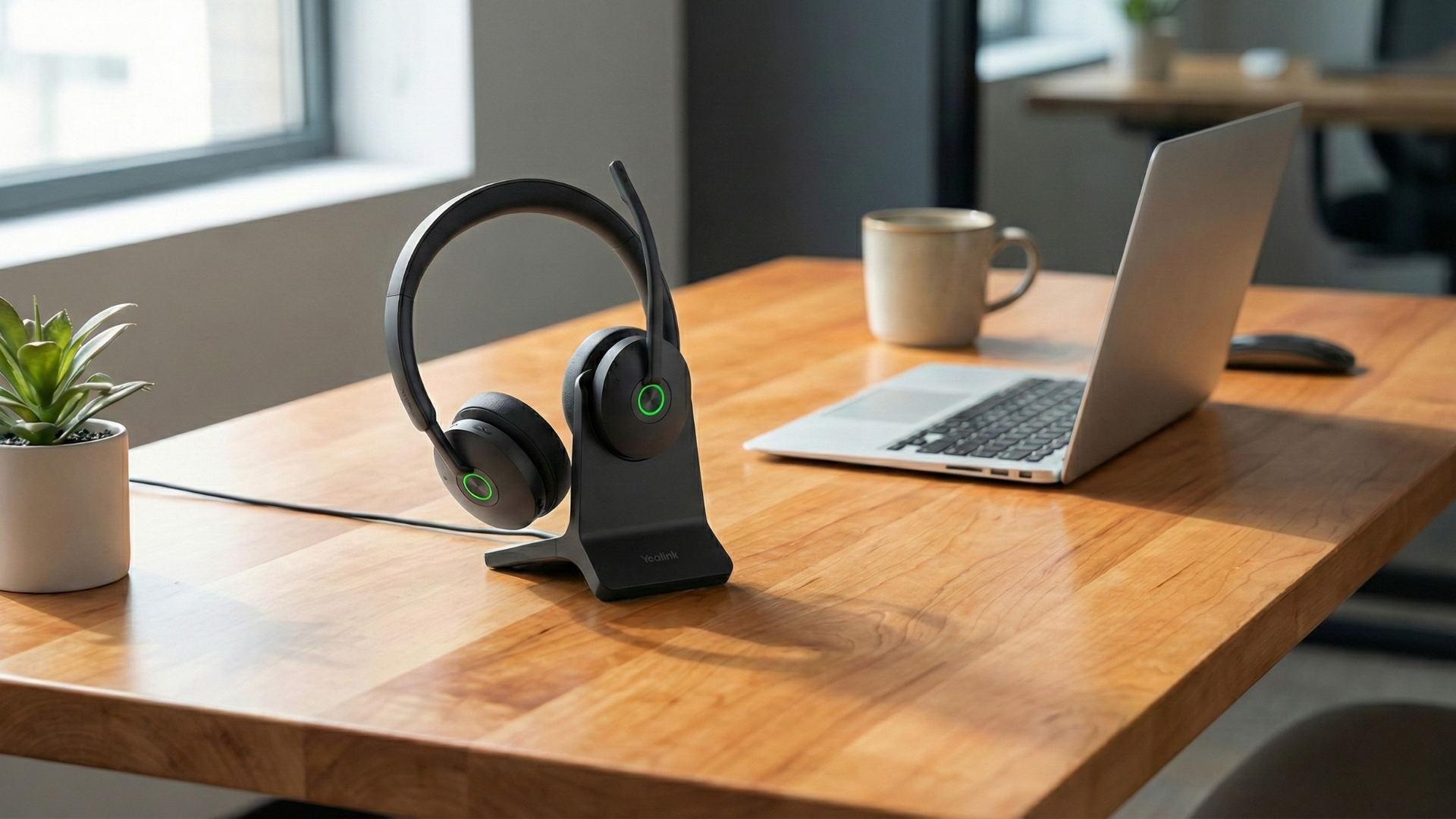
Ready to ditch the clipped calls and embrace seamless, professional communication? The right headset with a dedicated dongle is waiting to transform your workday. No more guessing games, just crystal-clear sound, every word, every time.
Check out our Global Teck Worldwide Store on Amazon to shop for headsets with dongles.
Need a Hand? Let Our Experts Help!
Choosing the right headset can feel like navigating a maze, especially with all the tech specs and compatibility questions. Don't go it alone! Our Global Teck Worldwide experts are here to help you cut through the noise (pun absolutely intended) and find the perfect fit for your specific needs and setup. Reach out today for personalized advice and ensure your next "Hello" is heard loud and clear.
Video
If the embedded video doesn't load, watch it here.
Need help picking the right headset or speakerphone?
Contact Global Teck Worldwide